
Order, product and stock sync
Synchronisation with online store - error ''Product name...''
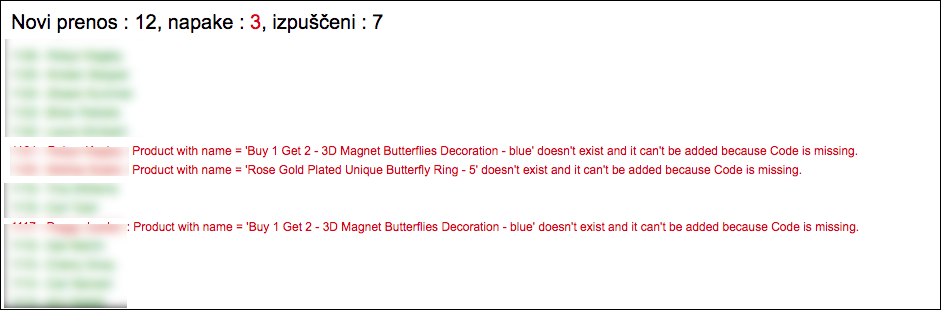
Error : Product with name = 'Blue' doesn't exist and it can't be added because Code is missing.
The error below implies that a product with such a name does not exist. Unfortunately, it cannot be added automatically, since the SKU code is missing in the online store and is mandatory data. Possible solutions :
- Solution 1 : enter SKU in the online store and attempt synchronization again,
Attention : Shopify remembers the SKU code of the order (in such a case, the code is missing). Therefore, even if you enter SKU for products in Shopify, orders without SKU will expire and the error will appear. Hence, we suggest trying the next solution. - Solution 2 : in MK enter the product with the same name as you have it in the online store. In such a case, defining certain product code is needed.
Was this article helpful?
That’s Great!
Thank you for your feedback
Sorry! We couldn't be helpful
Thank you for your feedback
Feedback sent
We appreciate your effort and will try to fix the article