
Bank and cash register
Adding compensation - preparing compensation proposal
1. Bank - select Compensations
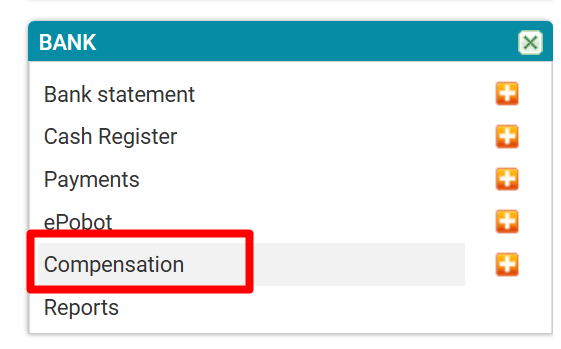
Select compensations
2. Compensations list - select adding a new compensation

Click on (+) to add a new compensation proposal.
3. Entering compensation data
1. Select a partner with whom you have agreed on compensation. (Partner must be marked as a Customer and Supplier)
After selecting a partner, both tables with invoices - received and issued - will be filled in.
2. and 3. Select which invoices will be offset with compensation.
4. Save the prepared proposal and 5. print it
When the compensation is confirmed, tick (6) and save. The selected invoices will marked as paid with compensation.
Was this article helpful?
That’s Great!
Thank you for your feedback
Sorry! We couldn't be helpful
Thank you for your feedback
Feedback sent
We appreciate your effort and will try to fix the article