In the Order Management module select ''Delivery - Issuing credit notes''.
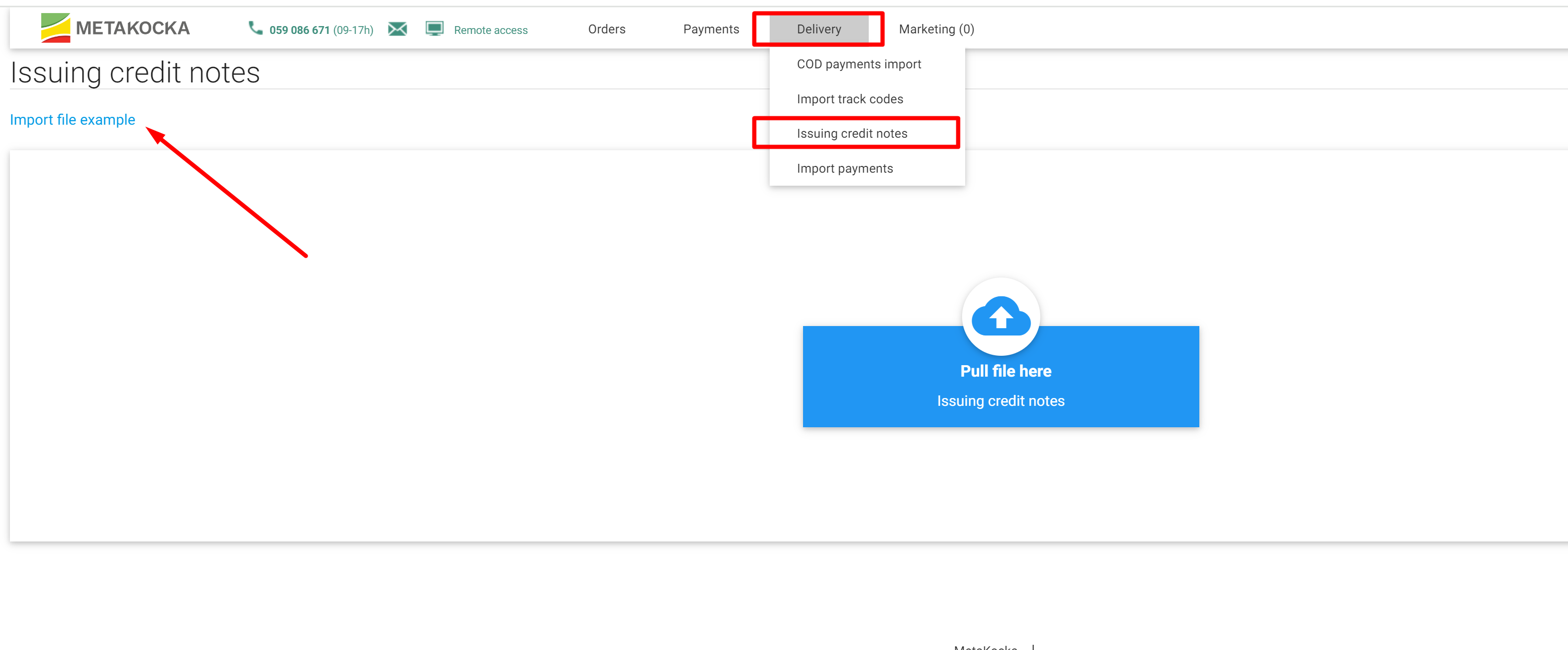
and click on ''Import file example'' in the upper left angle.
In the prepared table enter/copy data into one of the columns - tracking number or/and order number in MetaKocka or/and order number in the online store. Save the file and drag it to the form.
For the recognized data (tracking numbers, order numbers), credit notes will be automatically created, while in case of a problem, an error will be displayed accordingly.
Was this article helpful?
That’s Great!
Thank you for your feedback
Sorry! We couldn't be helpful
Thank you for your feedback
Feedback sent
We appreciate your effort and will try to fix the article