
Mobile scanner
Mobile scanner - Picking list
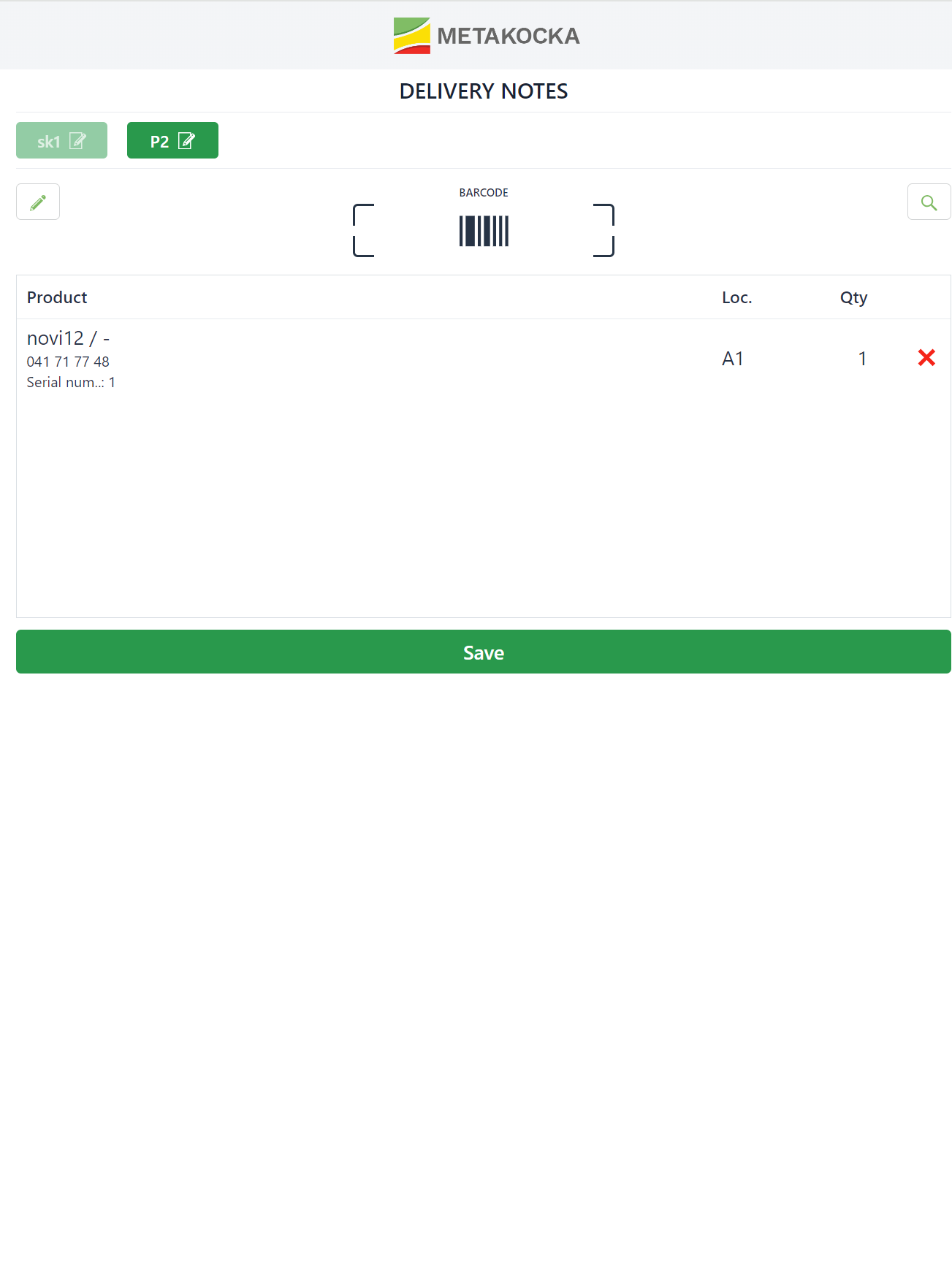
Select a List, that you want to deliver
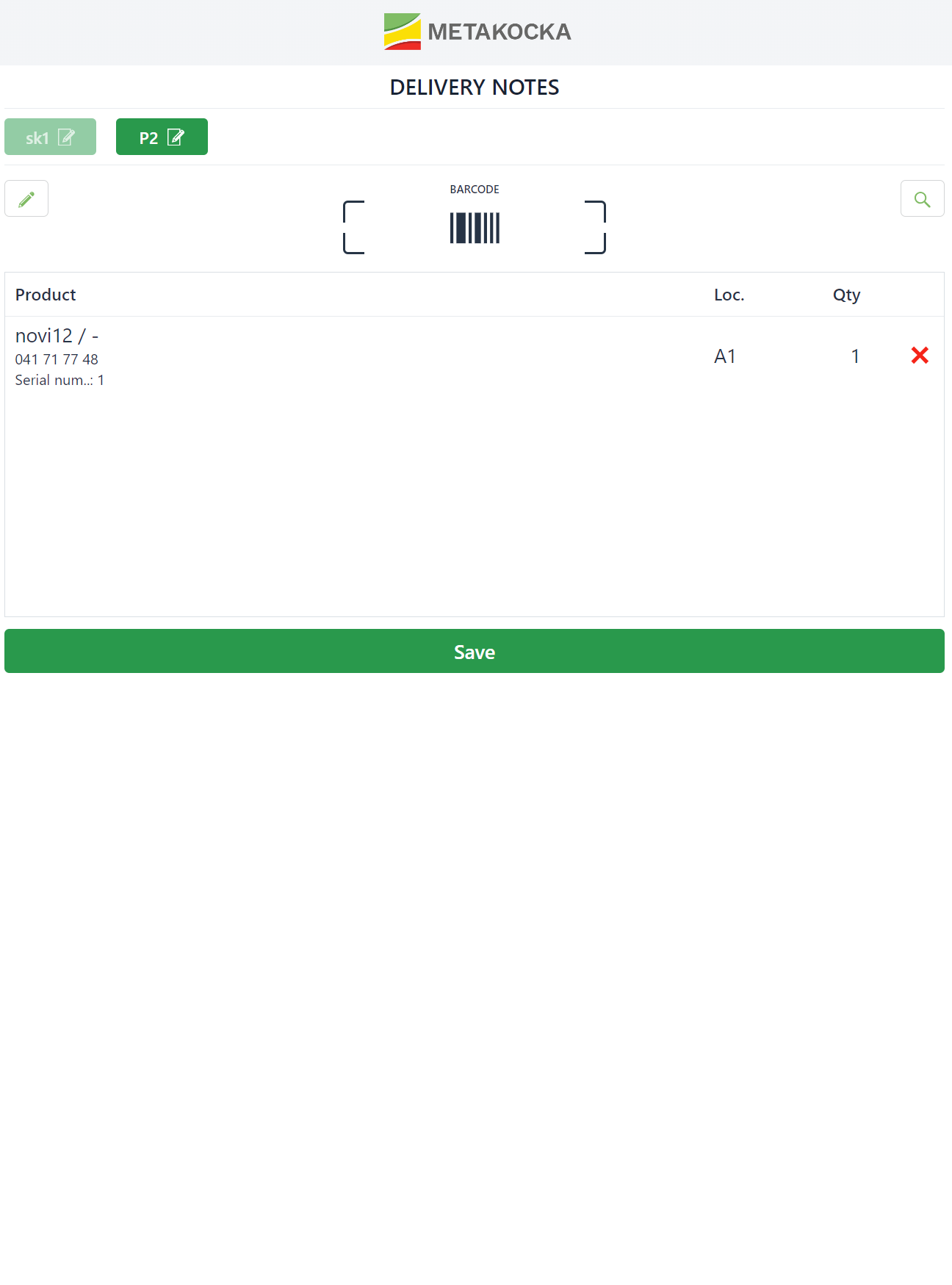
The products which are ready to be shipped will be displayed
once you scan them, a certain quantity intended for shipping will be displayed, please confirm it (if the quantity is not equal then correct it accordingly and confirm changes) 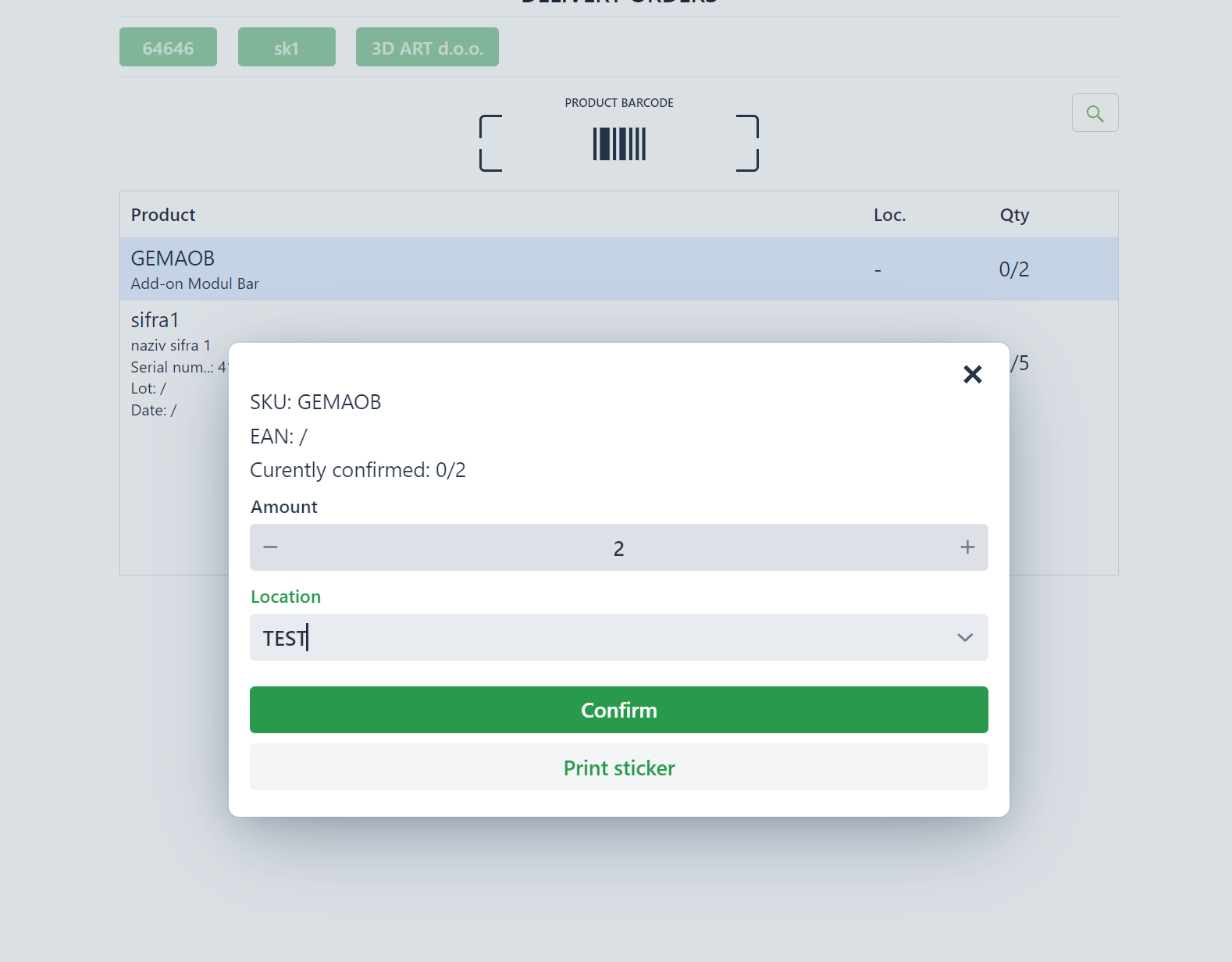
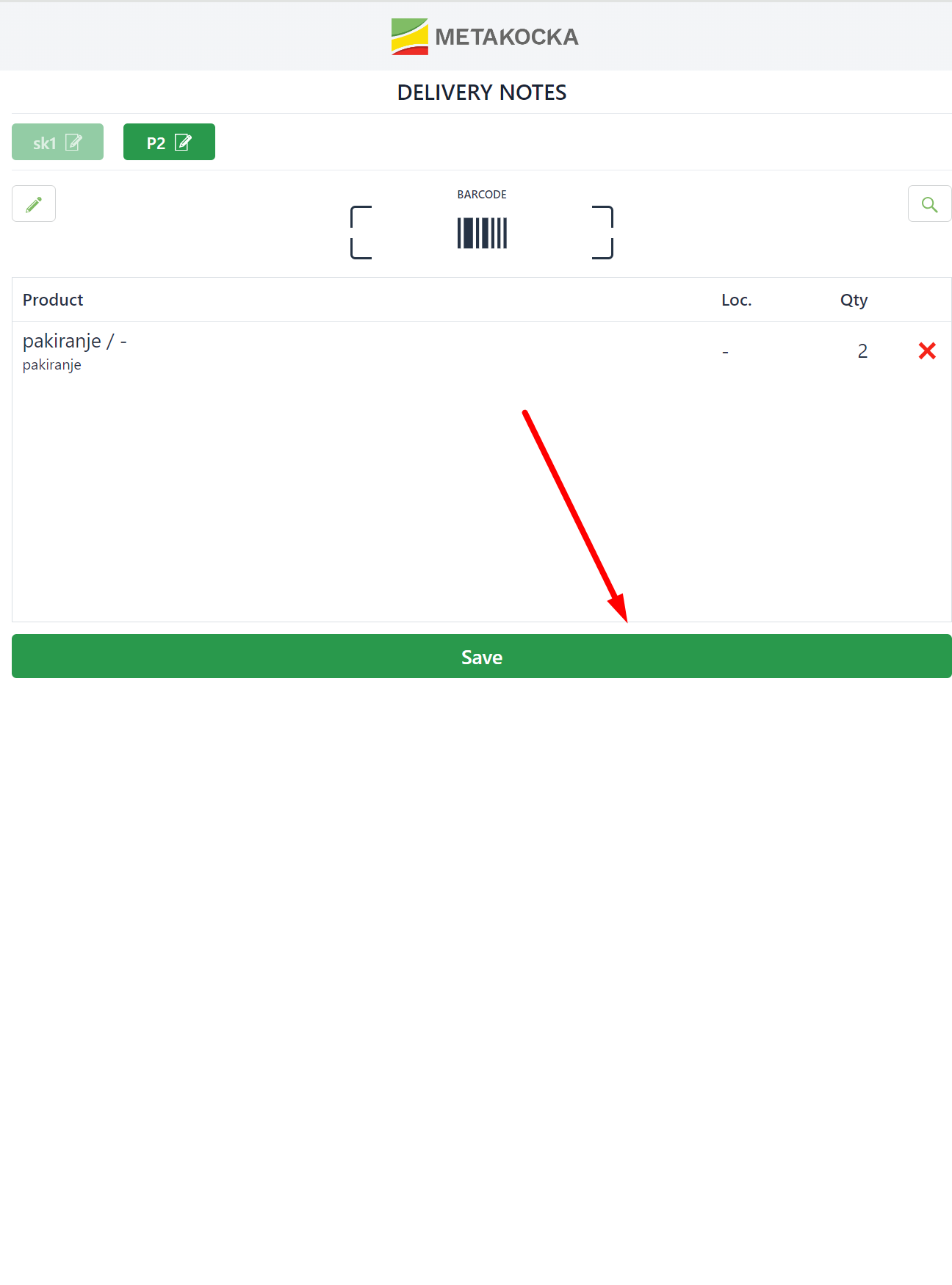
quantity and products are confirmed and you may create a delivery note
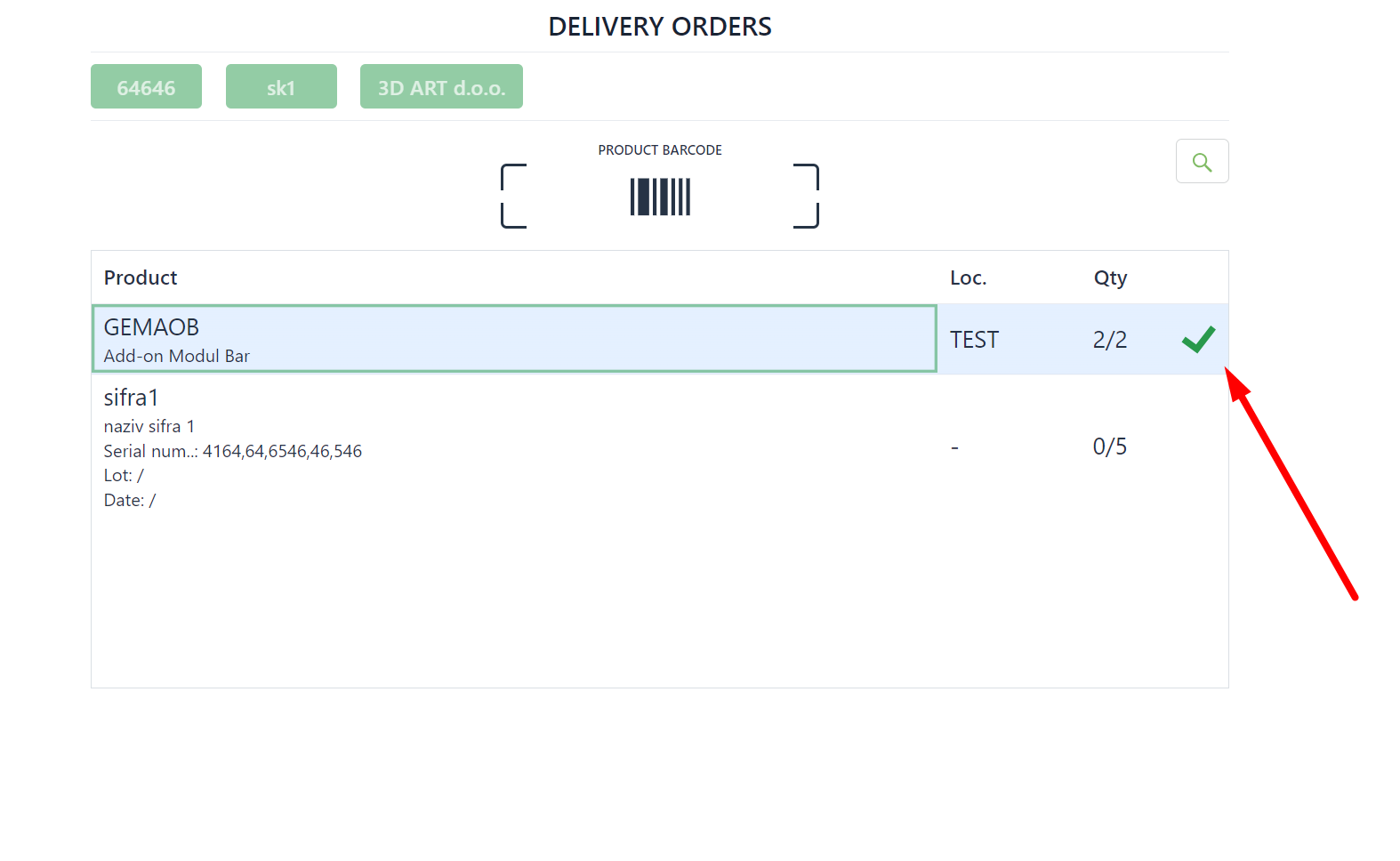
If certain products listed on the order are out of stock, you may scan only those that are available, and create a delivery note for products that are scanned by confirming the dialog above.
Was this article helpful?
That’s Great!
Thank you for your feedback
Sorry! We couldn't be helpful
Thank you for your feedback
Feedback sent
We appreciate your effort and will try to fix the article