
Mobile scanner
Mobile scanner - commissioning
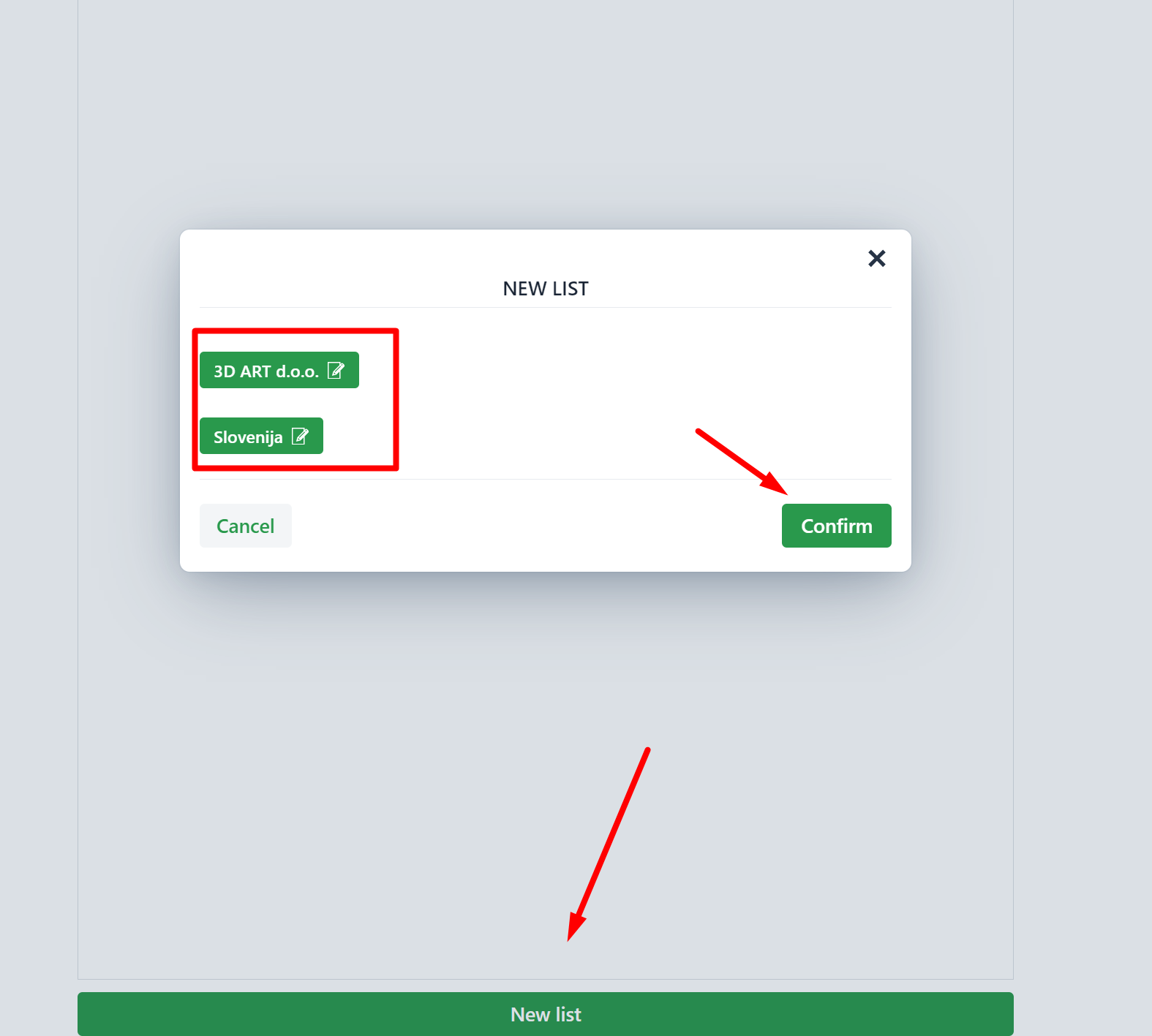
When you are willing to start collecting goods for prepared shipments (orders that received ''Ready to be shipped'' status) click on New list.
List preparation may be limited to a warehouse and/or country.
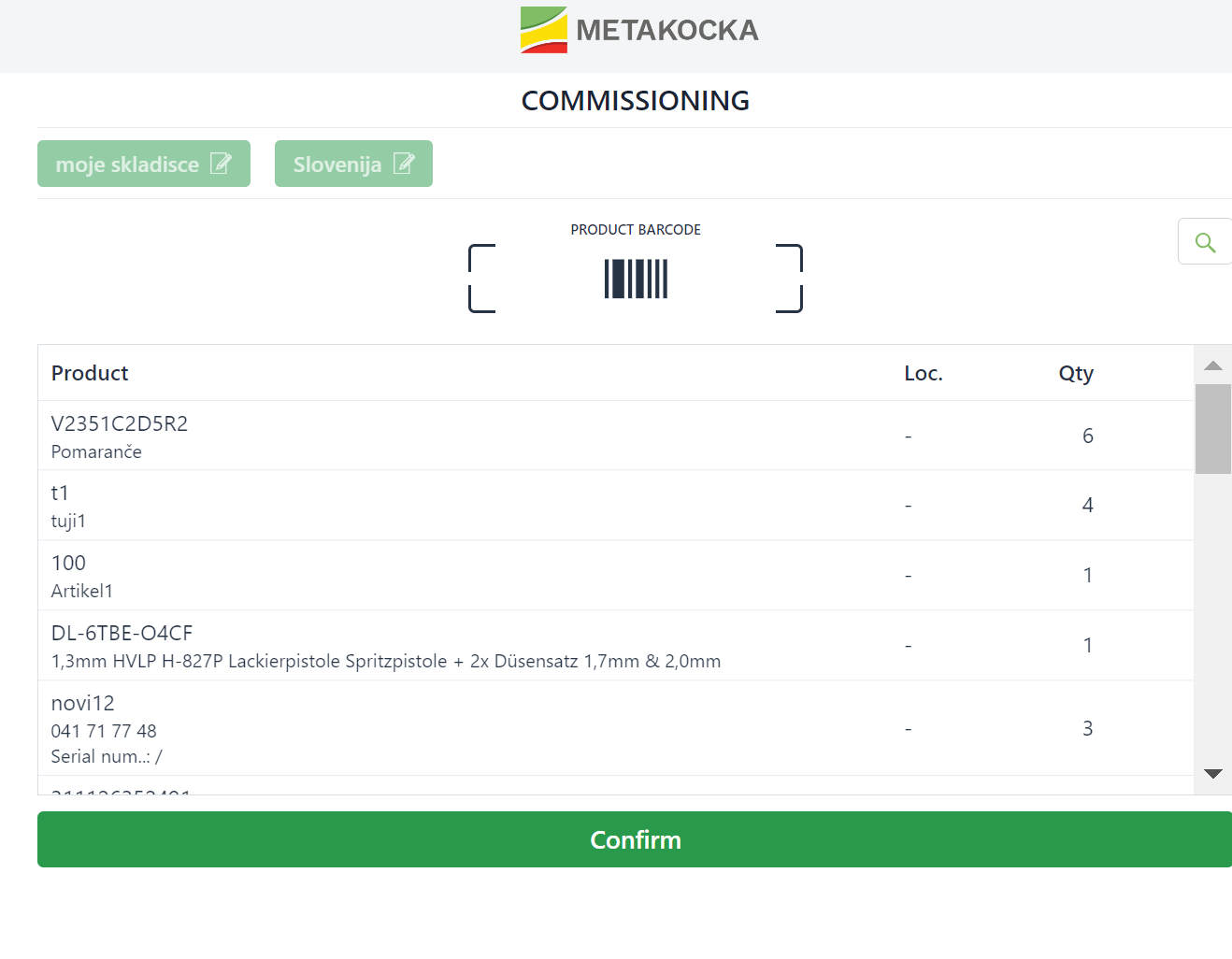
You may begin with scanning them, confirming that you received them in the warehouse
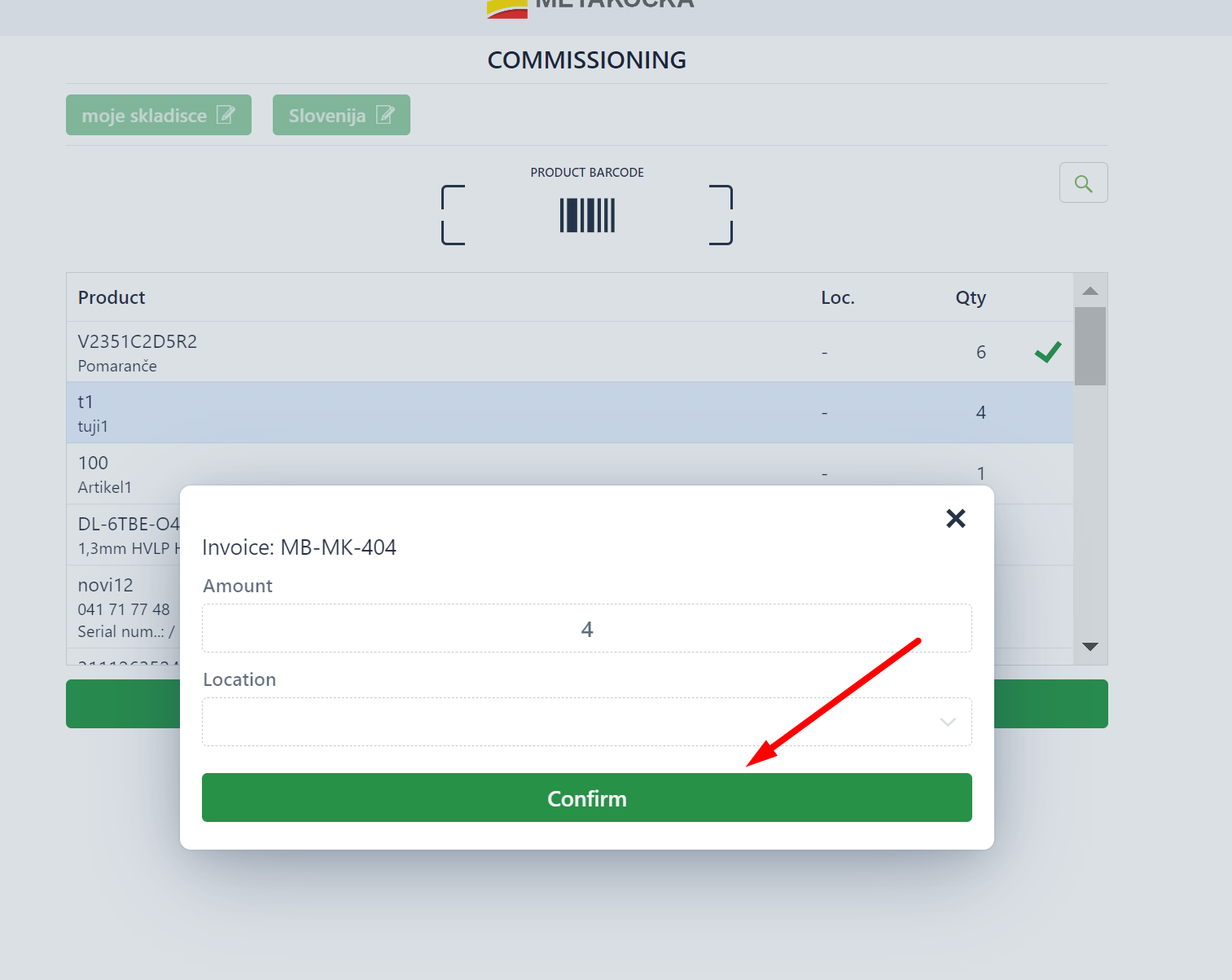
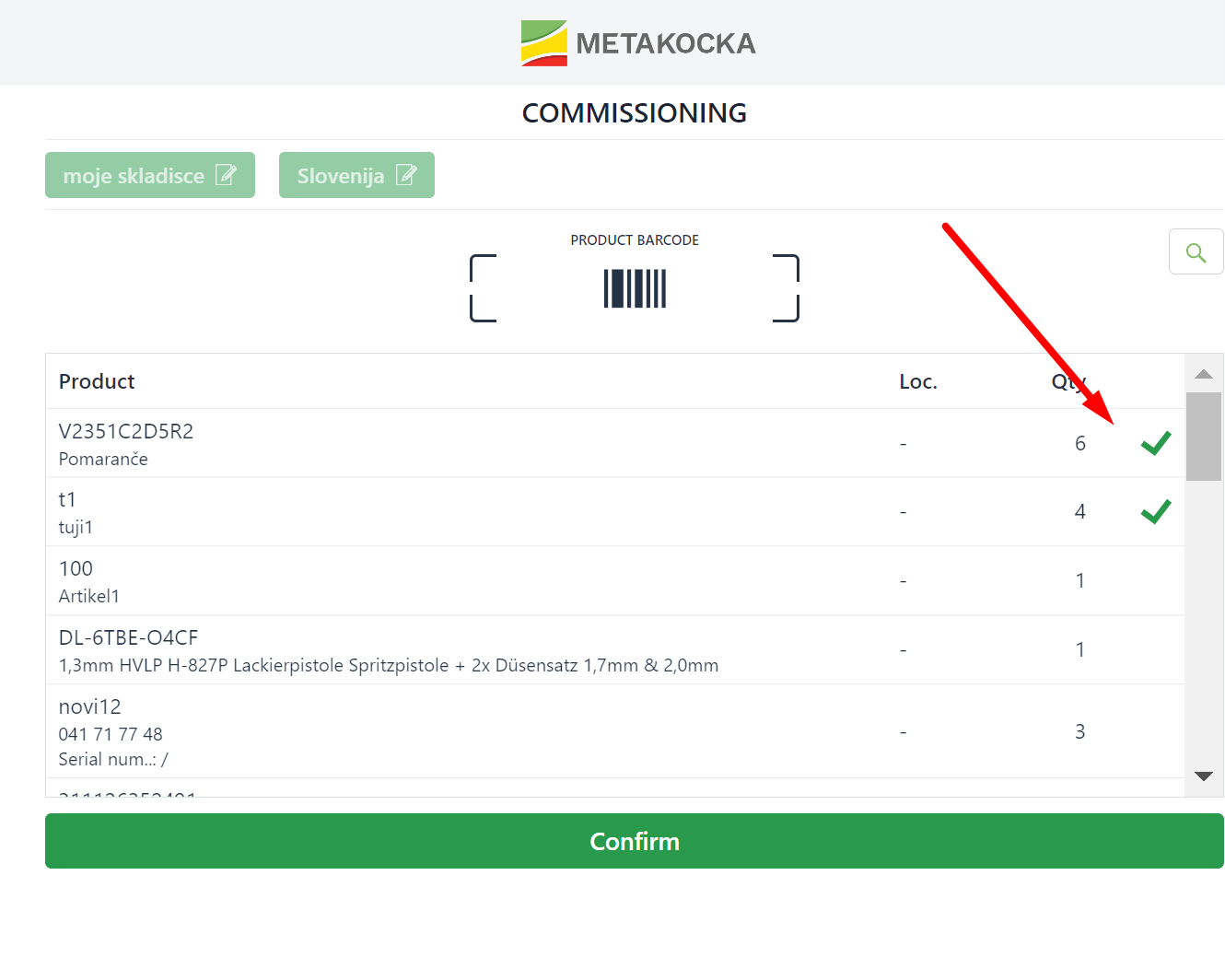
once you are done, the order for commissioning will be closed and will disappear accordingly.
Was this article helpful?
That’s Great!
Thank you for your feedback
Sorry! We couldn't be helpful
Thank you for your feedback
Feedback sent
We appreciate your effort and will try to fix the article