
Graph - Delivery success
The graph displays the number and % of successfully delivered packages based on the selected period. This period also includes the package shipping date.
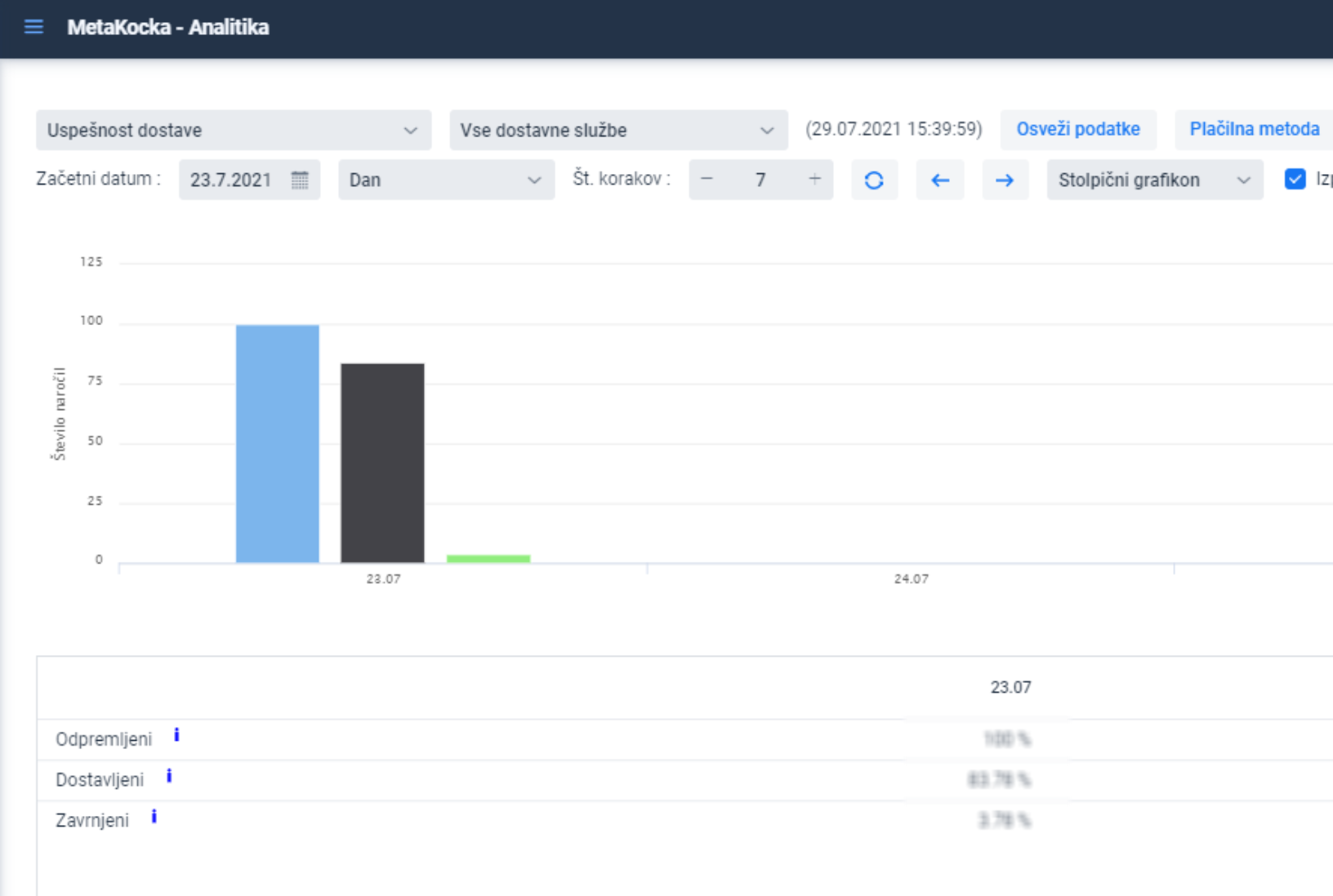
Filtering by delivery service, payment method, and profit center is enabled if such data is used.
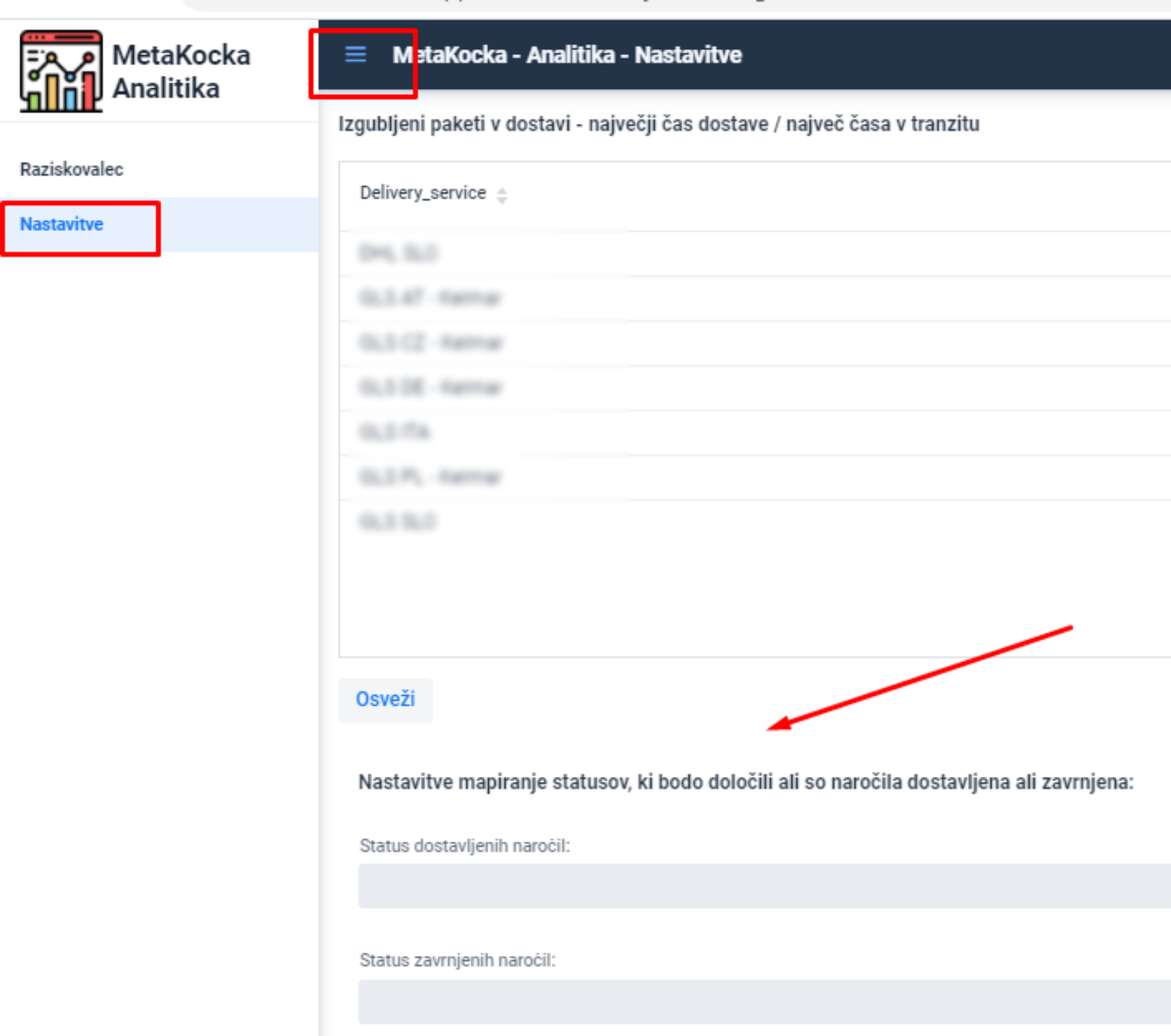
For optimal graph overview in additional settings, set statuses that are used for delivered and undelivered packages, so that on the last day of the month, for the previous month, we can verify whether the package received final status, no matter whether the orders received delivery status.
Furthermore, orders can be sorted into delivered or rejected packages.
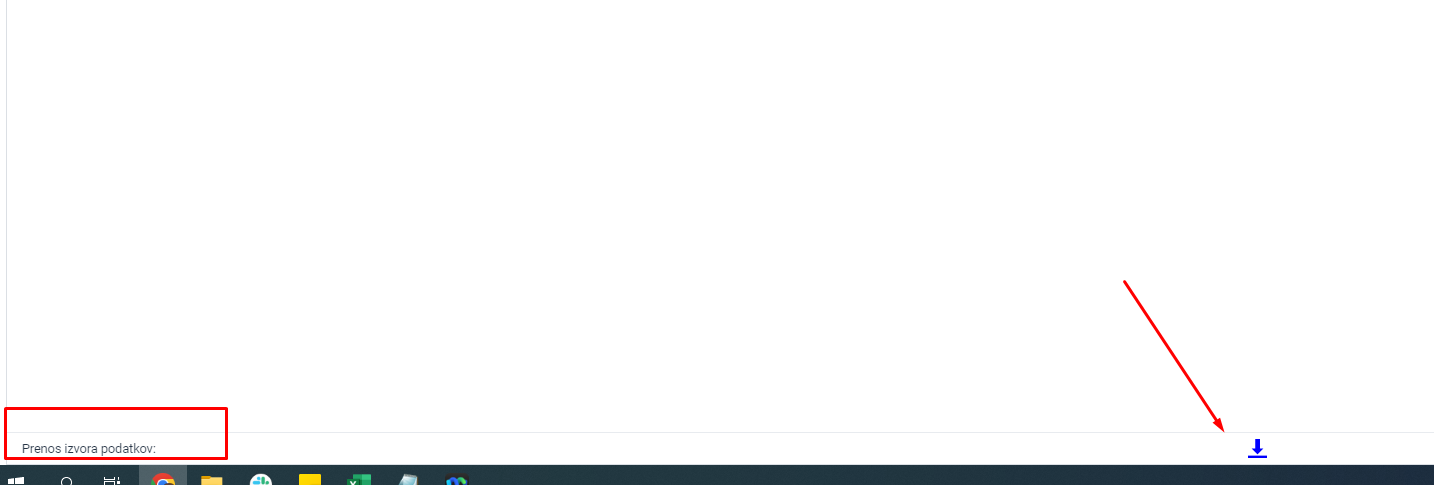
The data source can be checked with a printout:
Was this article helpful?
That’s Great!
Thank you for your feedback
Sorry! We couldn't be helpful
Thank you for your feedback
Feedback sent
We appreciate your effort and will try to fix the article