
Documents and email
Clauses - selection in the order
Dieser Artikel ist auf German nicht verfügbar. Sehen Sie ihn sich auf Slovenian an
Functionality can be activated in additional settings/Order Management/Settings: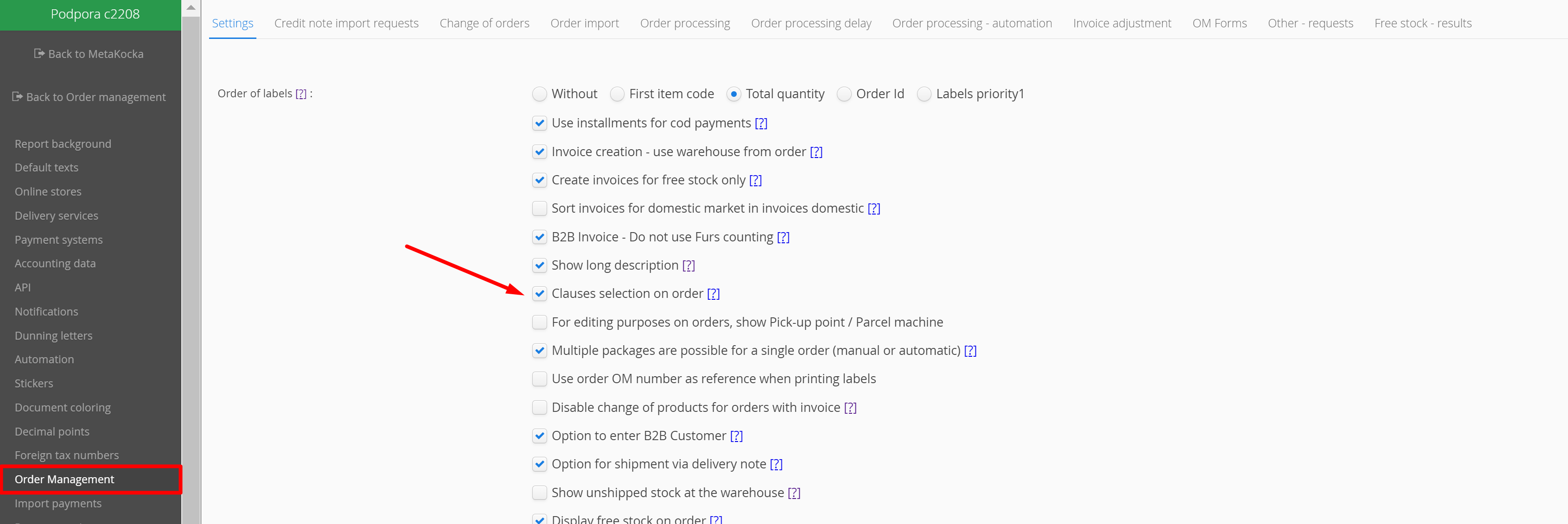 After selecting the functionality, a new option will be available in the sales order for selecting and adding the clause that is displayed on the invoice.
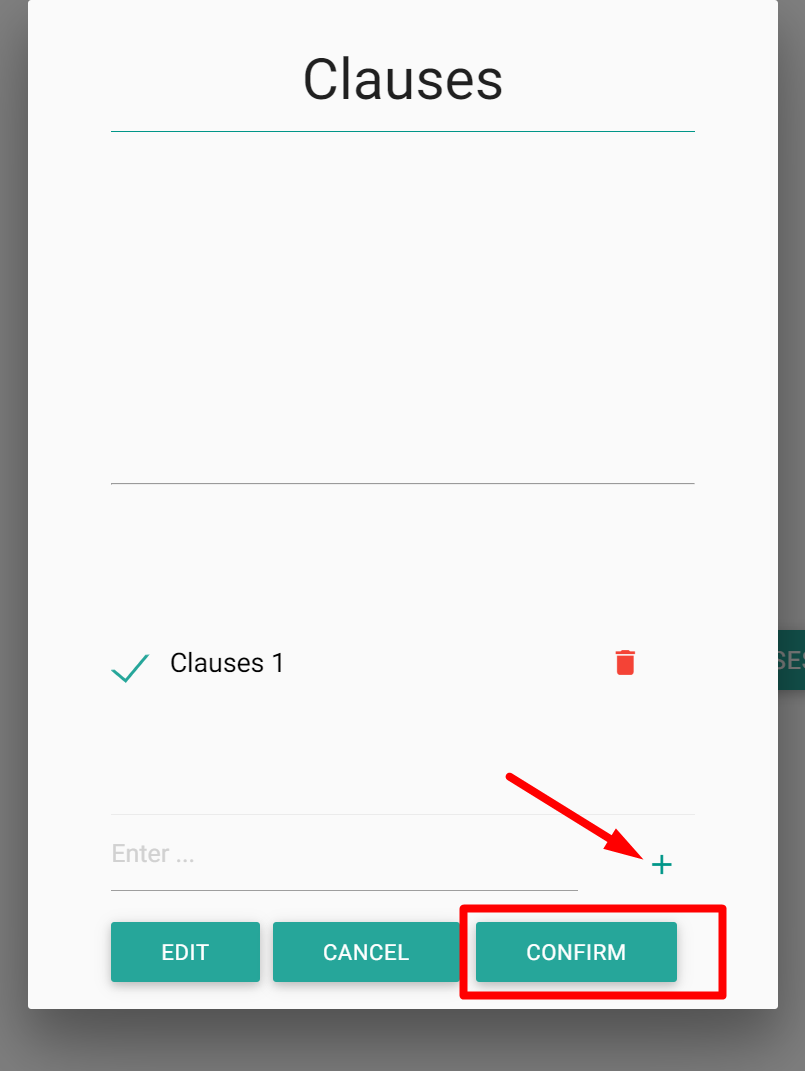
After selecting the functionality, a new option will be available in the sales order for selecting and adding the clause that is displayed on the invoice.By clicking on the button, a dialog will open where clauses can be added and selected arbitrarily to record them on the invoice.

Was this article helpful?
That’s Great!
Thank you for your feedback
Sorry! We couldn't be helpful
Thank you for your feedback
Feedback sent
We appreciate your effort and will try to fix the article