The functionality enables verifying and confirming stock of products issued with Inter-warehouse.
Activate it in settings/Your Company
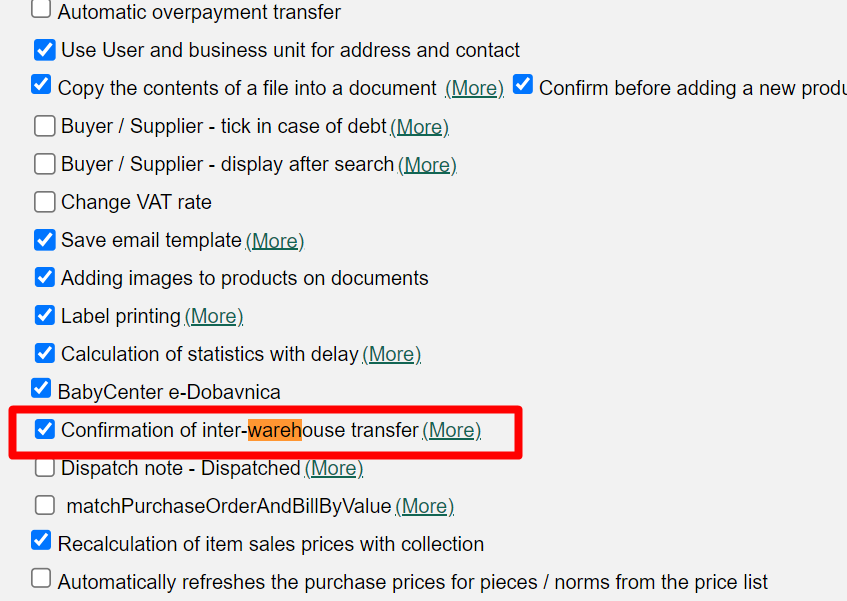
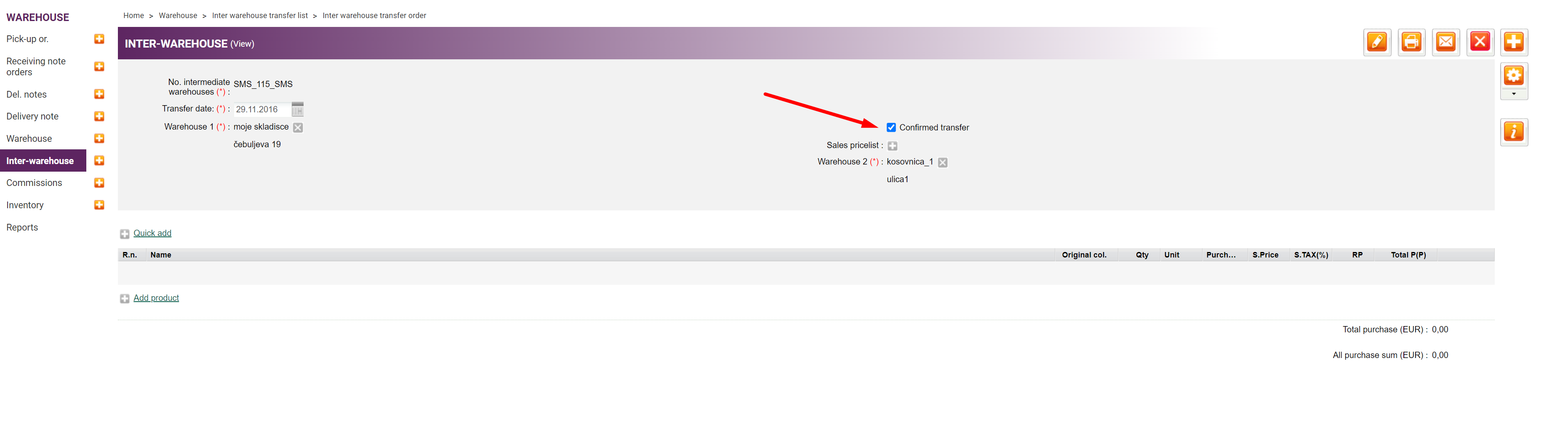
Confirm the stock in full/adjust and confirm the quantity received. Upon completed product confirmation, confirm the entire inter-warehouse as well. The stock transfer among warehouses will only be made for the stock you confirm.
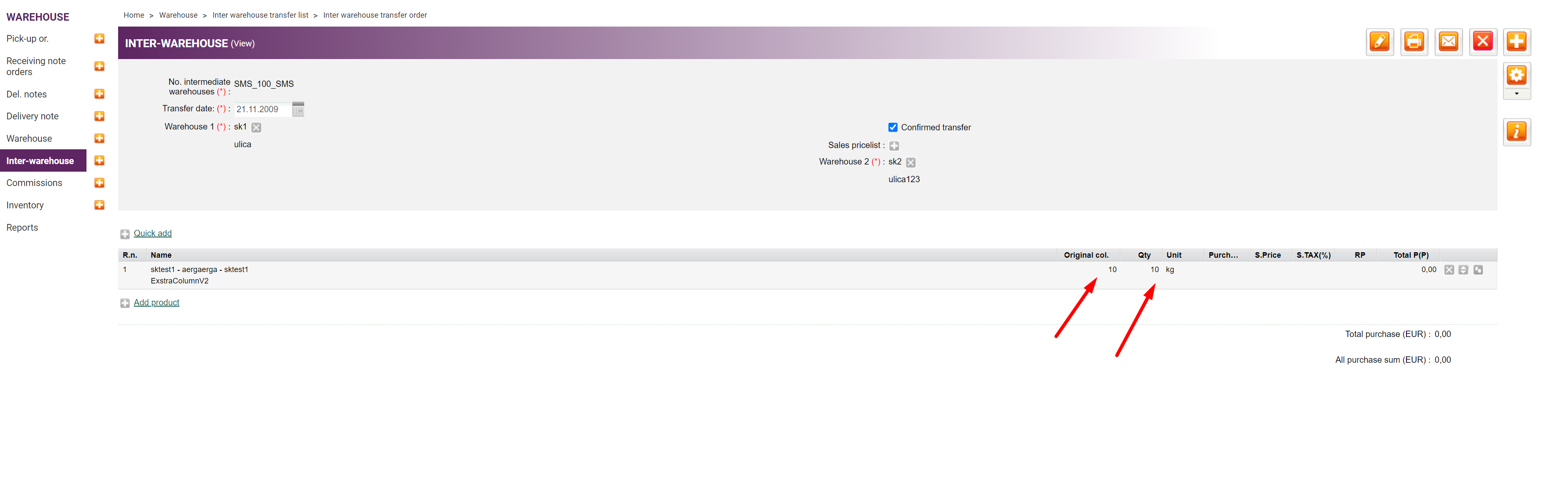
 In Inter-warehouse you may compare the original quantity (entered) with the quantity confirmed.
Confirming Inter-warehouse is also supported with the use of the mobile scanner -https://metakocka.freshdesk.com/a/solutions/articles/3000117661?lang=sl
Calculation of Margin (RVC) and prices during internal transfer confirmation.
We have inventory with the following purchase values:
10 units €10
10 units €20
10 units €30
We create a draft inter-warehouse transfer that reserves 10 units (€10).
Next, we create a delivery Note for 15 units. Since the inter-warehouse transfer is not yet confirmed, the system will attempt to take the purchase price: 10 units (€10) + 5 units (€20), calculating an average purchase price of €13.3.
We then confirm the inter-warehouse transfer, which writes off the 10 units (€10) and triggers a warehouse recalculation.
The purchase value on the delivery note changes to comply with FIFO; it is now 10 units (€20) + 5 units (€30), resulting in an average of €23.3.
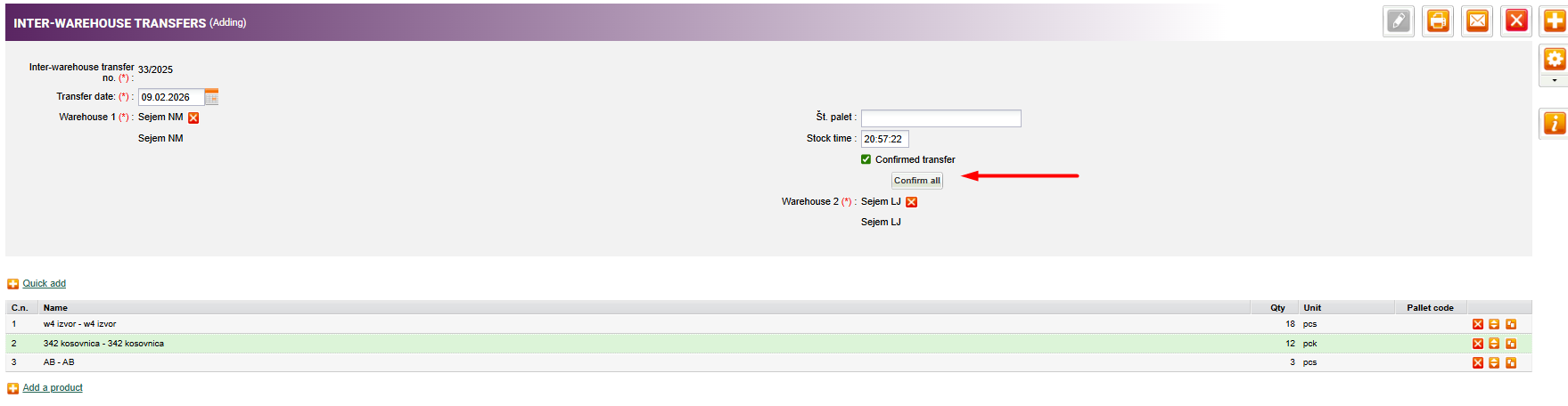
The confirmation of products within internal transfers can also be performed in bulk.
Was this article helpful?
That’s Great!
Thank you for your feedback
Sorry! We couldn't be helpful
Thank you for your feedback
Feedback sent
We appreciate your effort and will try to fix the article