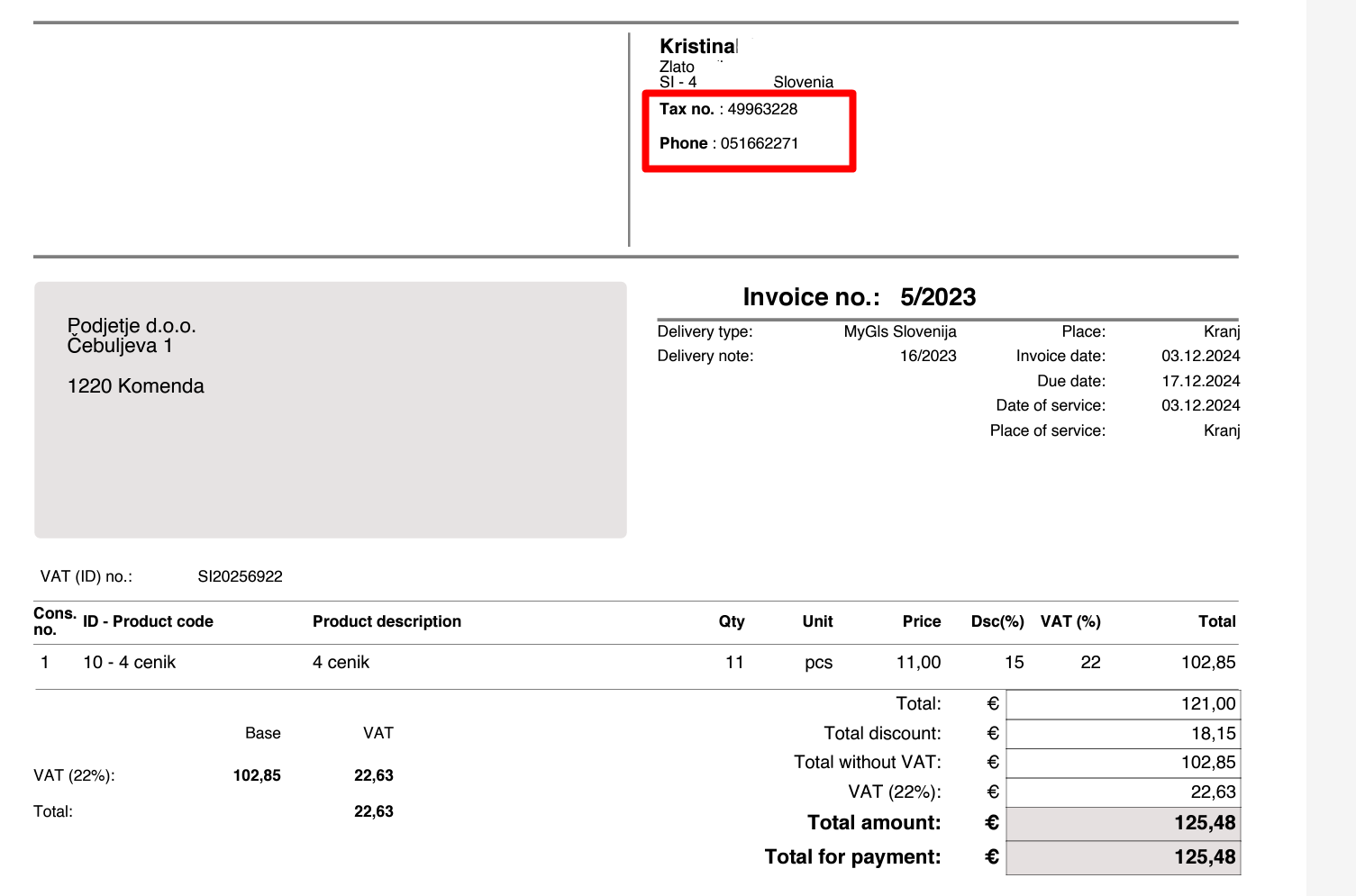
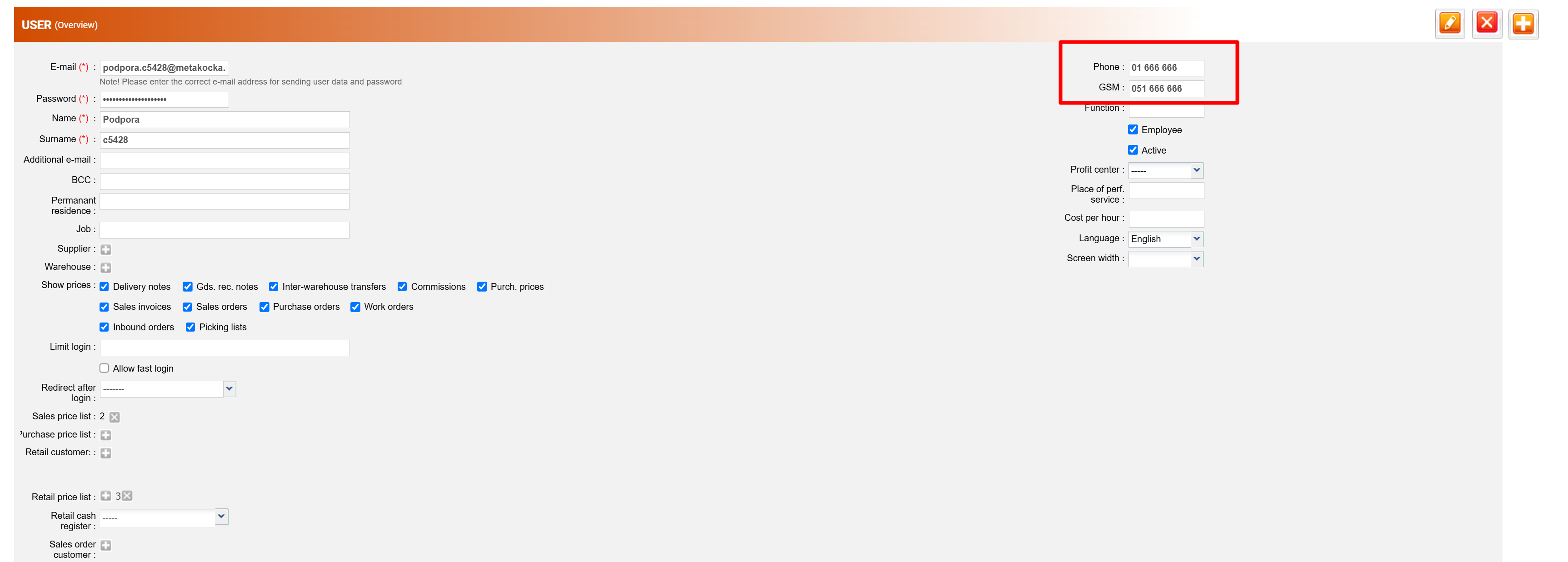
If in the header of the document, the phone number of the user who issued the invoice should be displayed, the following should be done:
- enter the user's phone number and/or GSM
- select ''Publish on document''
Functionality captures all documents for which contact data is displayed in the header - invoices (of all types), POS 80, POS 56, offers, purchase orders, sales orders, delivery notes, etc.
Was this article helpful?
That’s Great!
Thank you for your feedback
Sorry! We couldn't be helpful
Thank you for your feedback
Feedback sent
We appreciate your effort and will try to fix the article