
Displaying partner information on a document
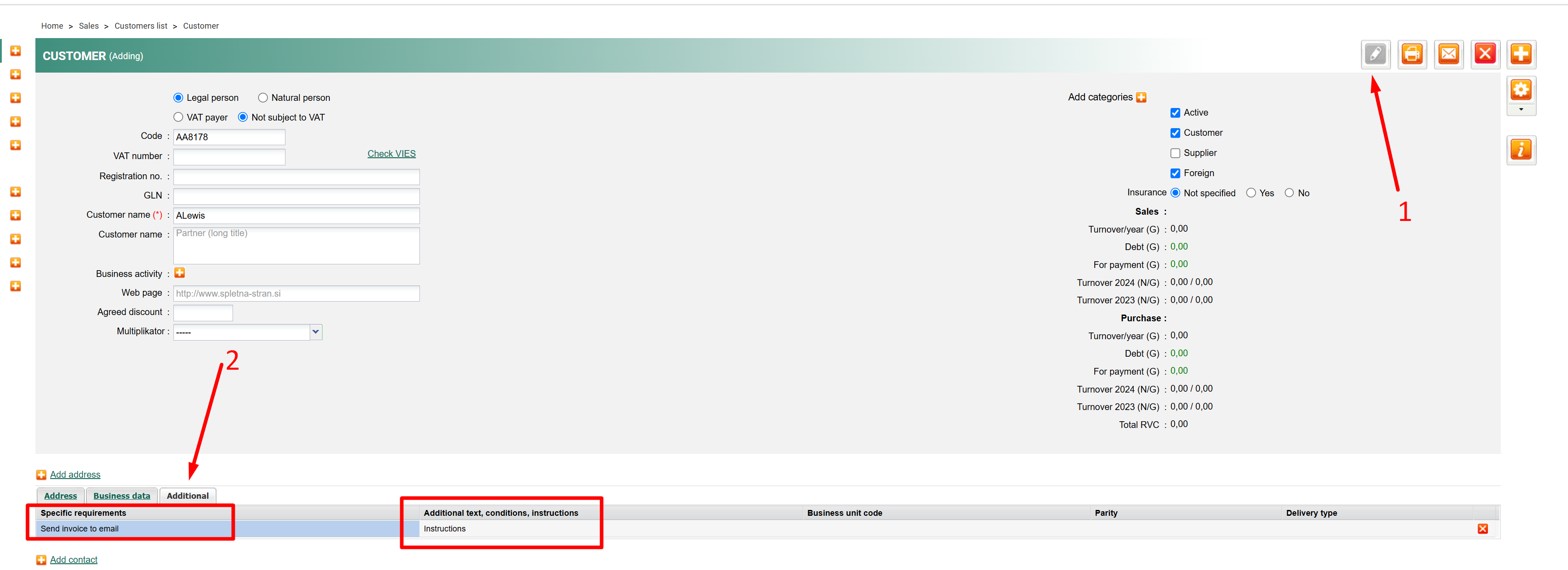
If there are particular specifics about a customer, such can be written in Special requests, while Additional text, conditions, and instructions should be added in the ''Additional'' tab of that partner.
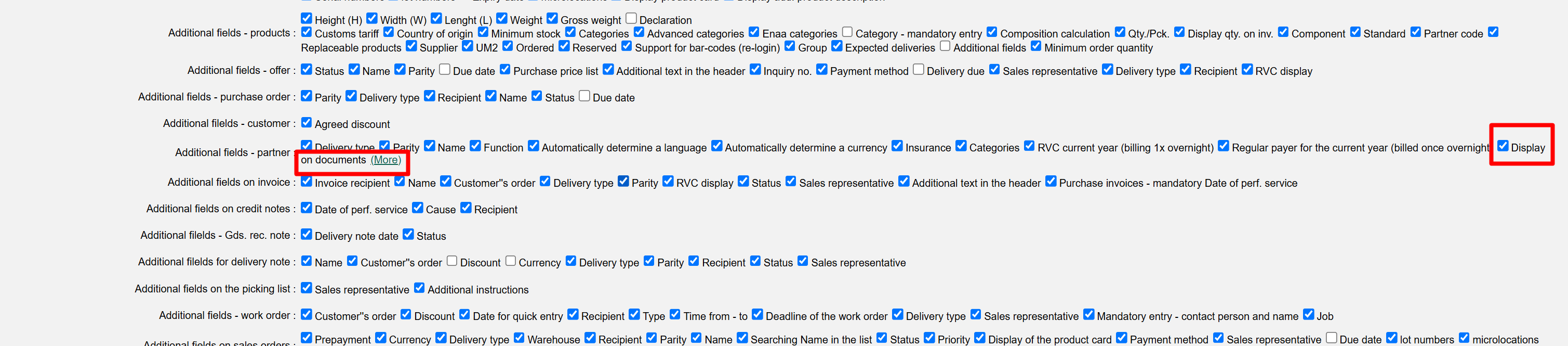
In settings/Your company for Additional fields - partners, tick the ''Display on documents'' feature, and save changes.
When the selected partner is added to the invoice, the ''i'' icon will be displayed next to the partner, and by clicking on it, all previously entered requests will be displayed.
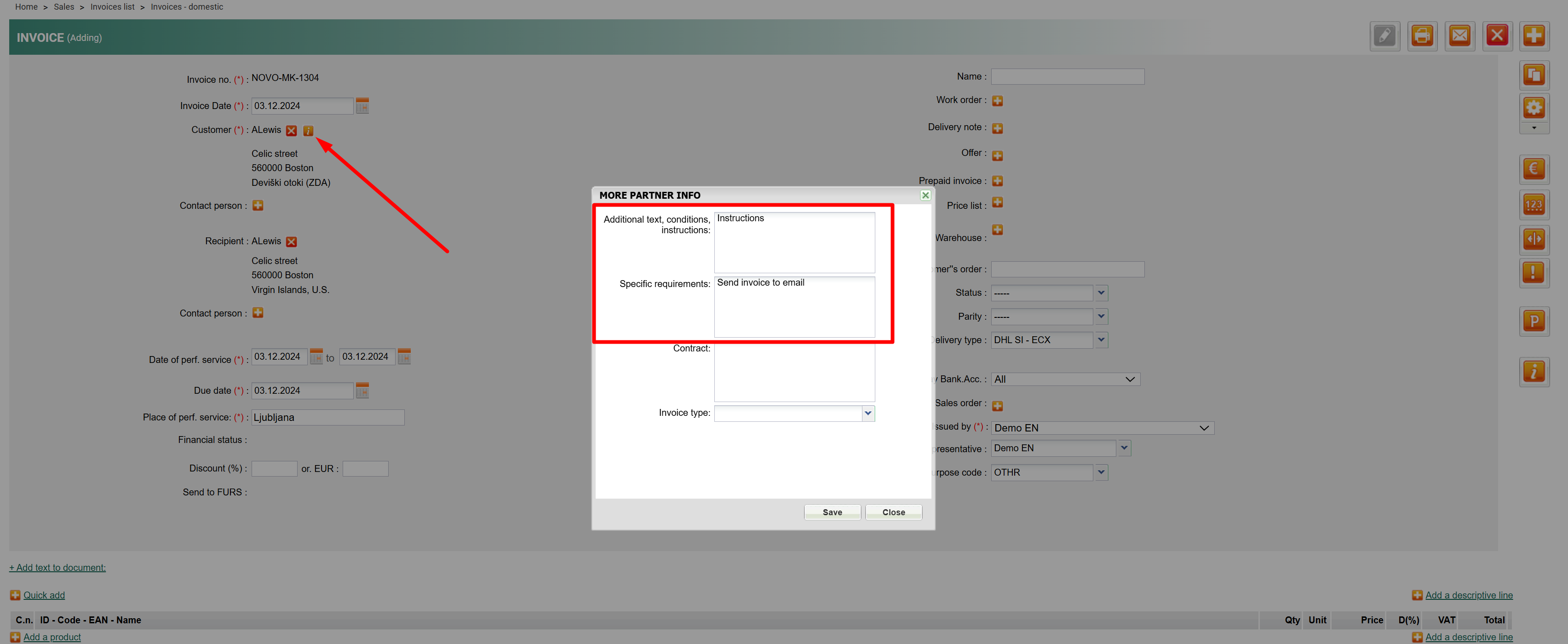
This way, specific data about the requests of your frequent customers can be obtained much faster
Was this article helpful?
That’s Great!
Thank you for your feedback
Sorry! We couldn't be helpful
Thank you for your feedback
Feedback sent
We appreciate your effort and will try to fix the article