
Products and price lists
Hiding prices
This article is not available in Polish, view it in Slovenian
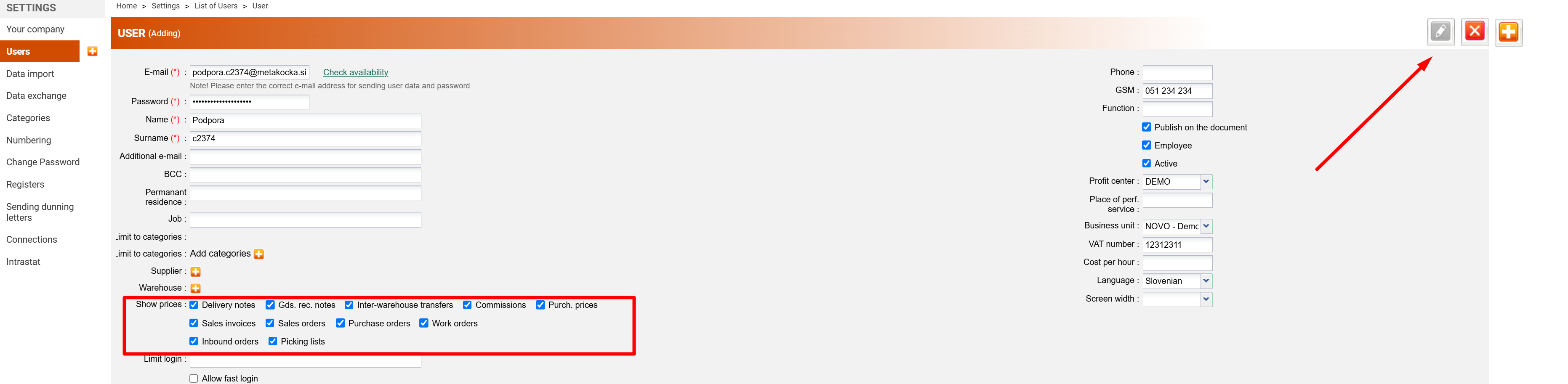
Prices can be hidden from users for: Sales invoices, sales orders, purchase orders, work orders, pick-up orders.
1. Find the user in the settings:

2. Remove the mark for documents on which you do not want prices to be displayed:
Example: Sales orders
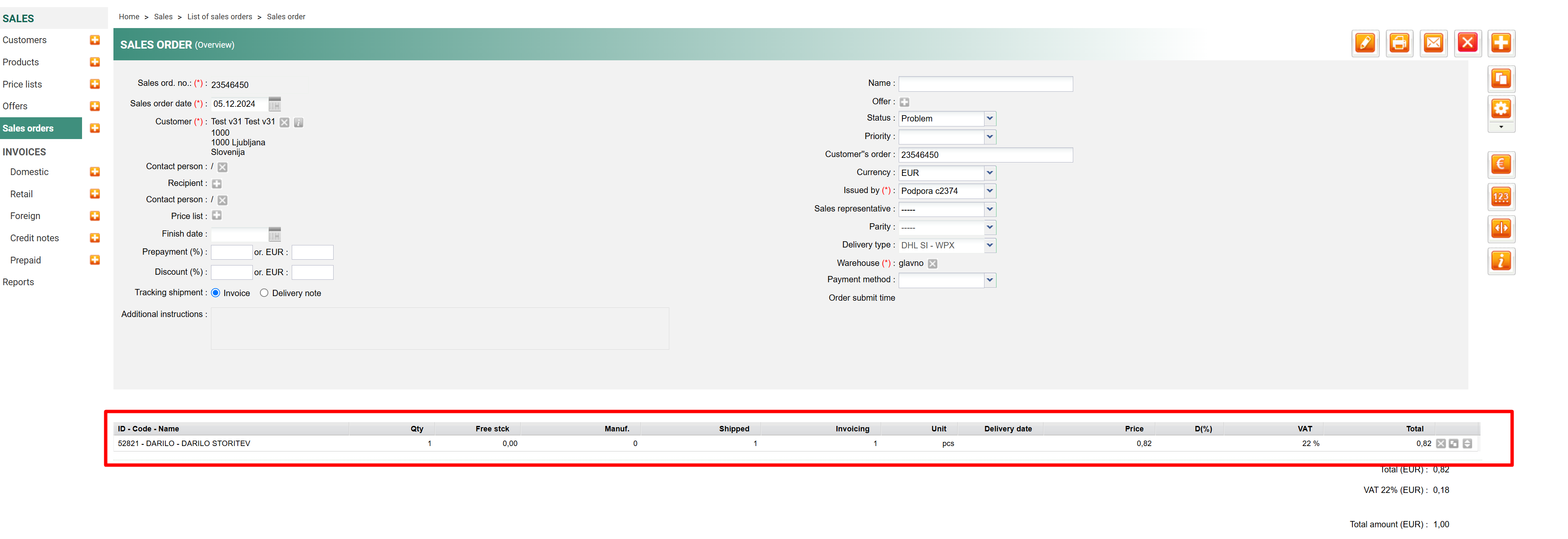
3. Now there will be no visible prices on the sales order.
Was this article helpful?
That’s Great!
Thank you for your feedback
Sorry! We couldn't be helpful
Thank you for your feedback
Feedback sent
We appreciate your effort and will try to fix the article