First step - data exchange should be configured for accounting. Instructions are available below.
For data exchange select Adjusted; when the profile is created select the accounting program used by your accounting department:
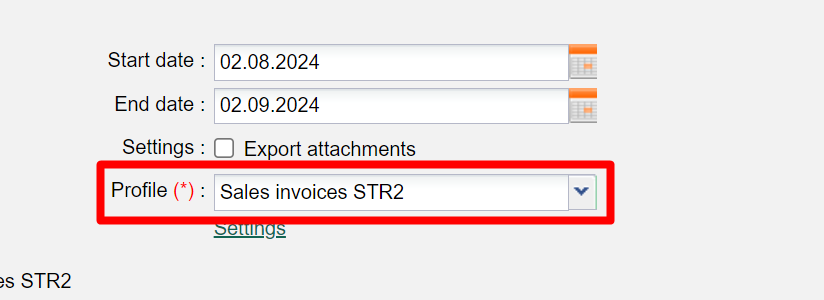
Second step - for each country, providing your profile and entering the type of numbering that should be used is required
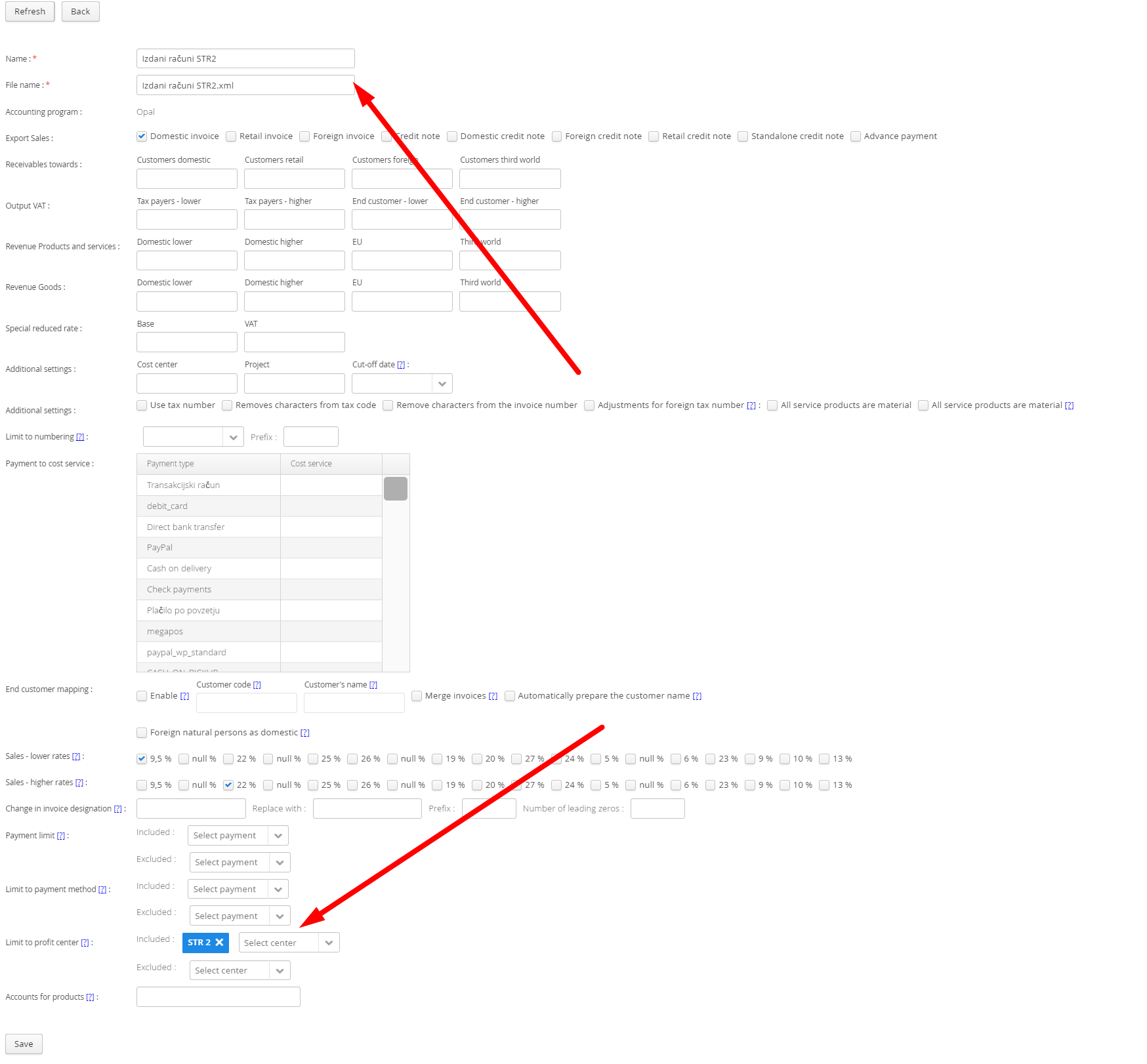
and tick the tax rate of the respective country

Only then, data can be displayed based on the numbering or country
Was this article helpful?
That’s Great!
Thank you for your feedback
Sorry! We couldn't be helpful
Thank you for your feedback
Feedback sent
We appreciate your effort and will try to fix the article