
Report – Sales by items
1. Report generation
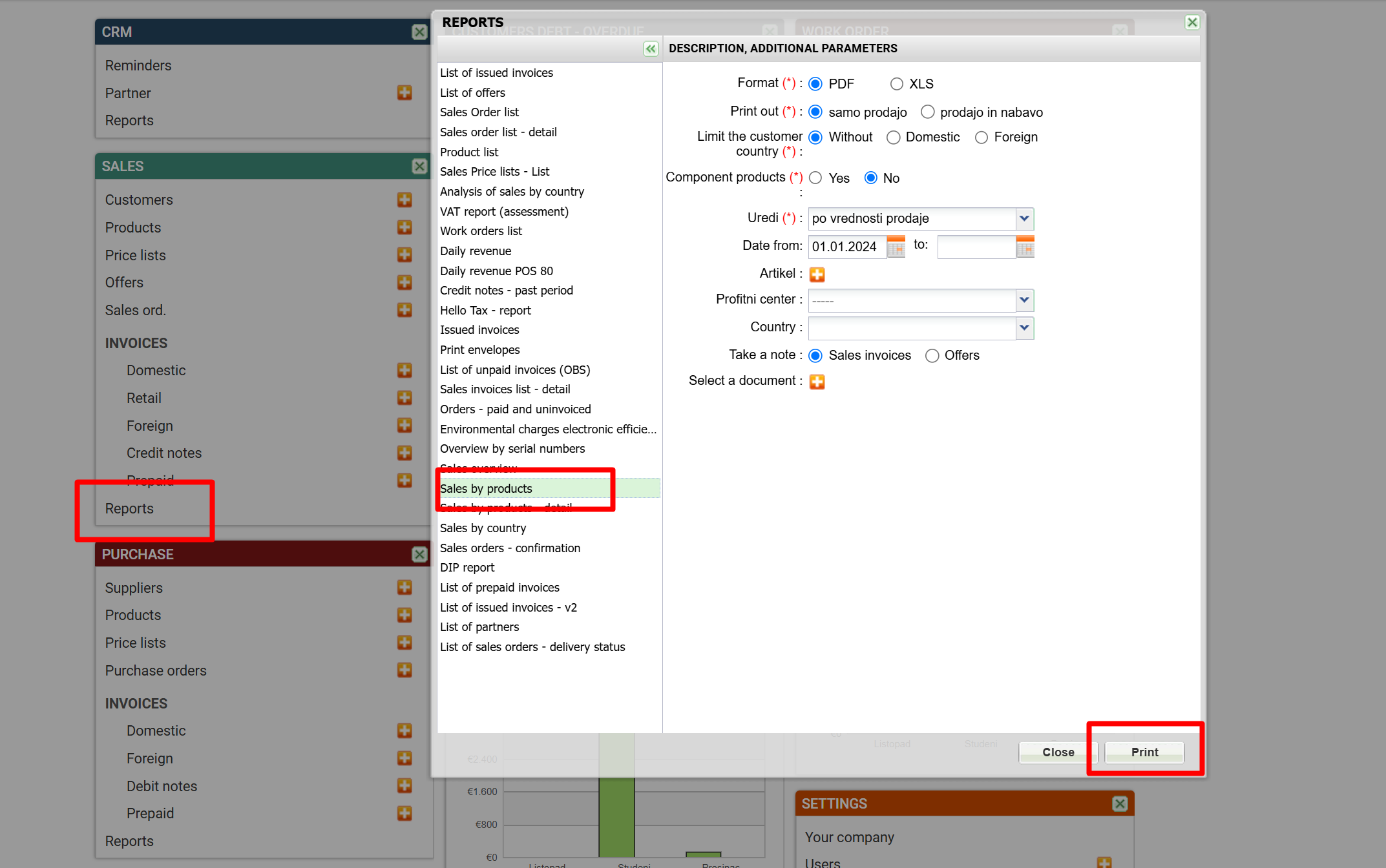
1. In Sales / Report, select Sales by items
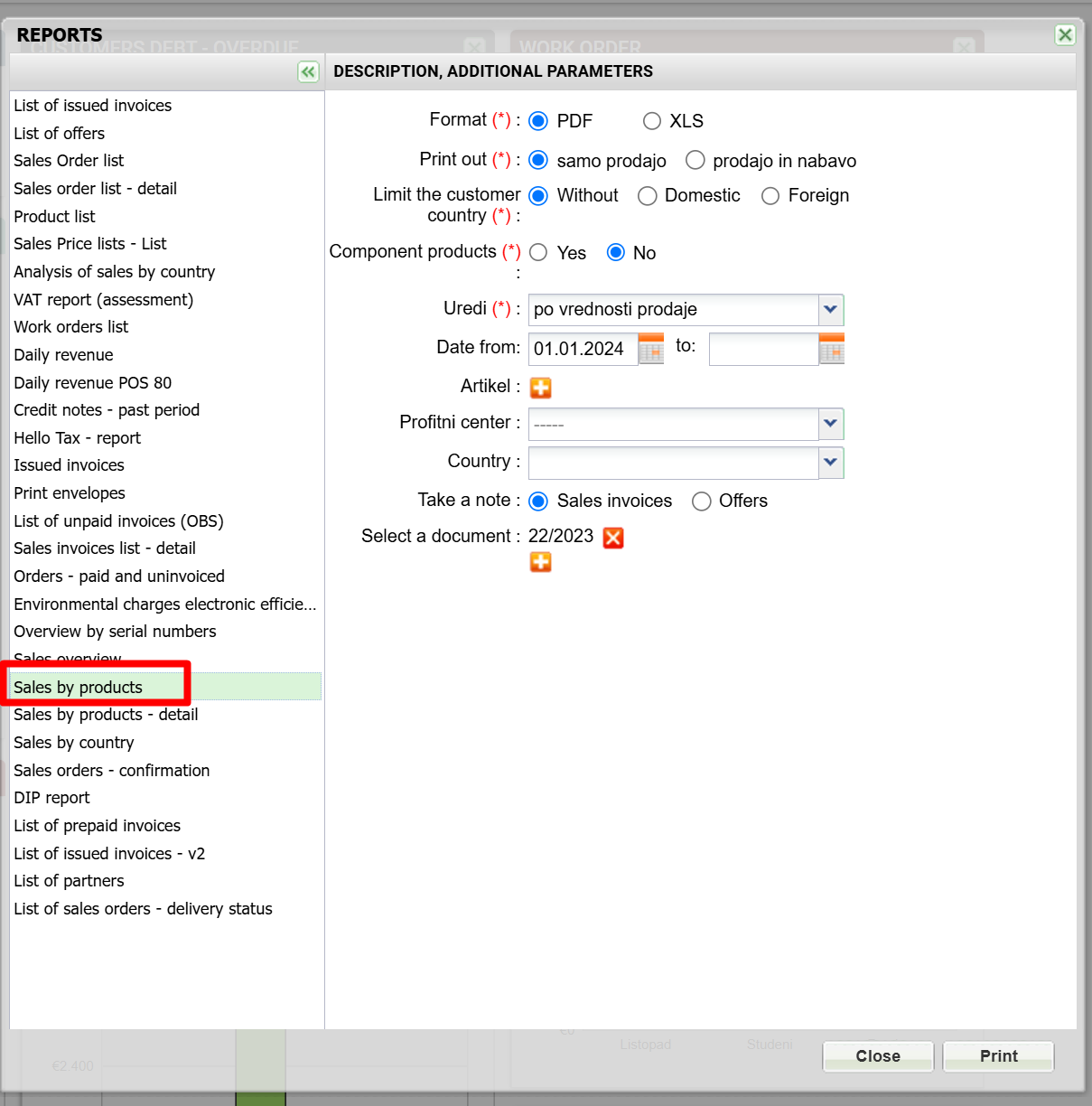
2. Fill in the search parameters
3. Print the report
2. Report functionality
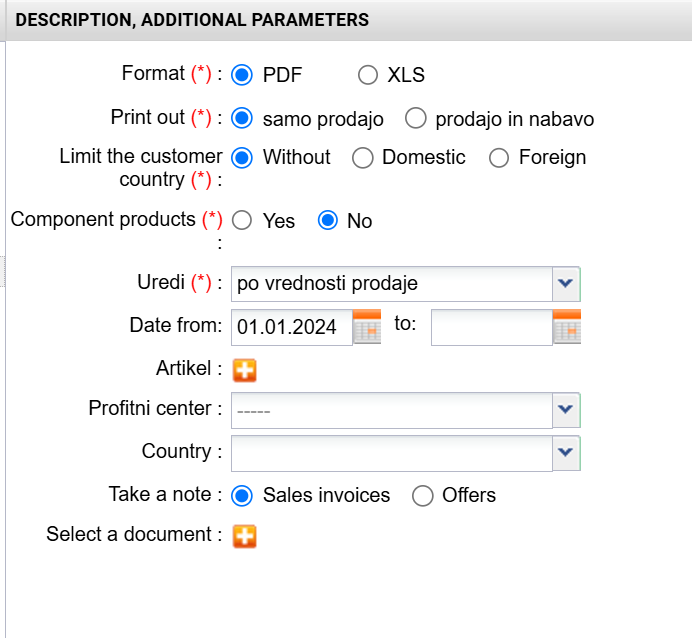
The report can be used for an overview of sales by item, but it can also be limited to:
Customer country (domestic or foreign)
Display of items in a bill of materials or only individual components. * Note: When displaying only individual components, the price may be partially altered, as the prices of items differ between standalone sales and sales as part of a bill of materials.
Date
Selected item
Profit center
Country
Whether it accounts for sales invoices or quotes
Document selection
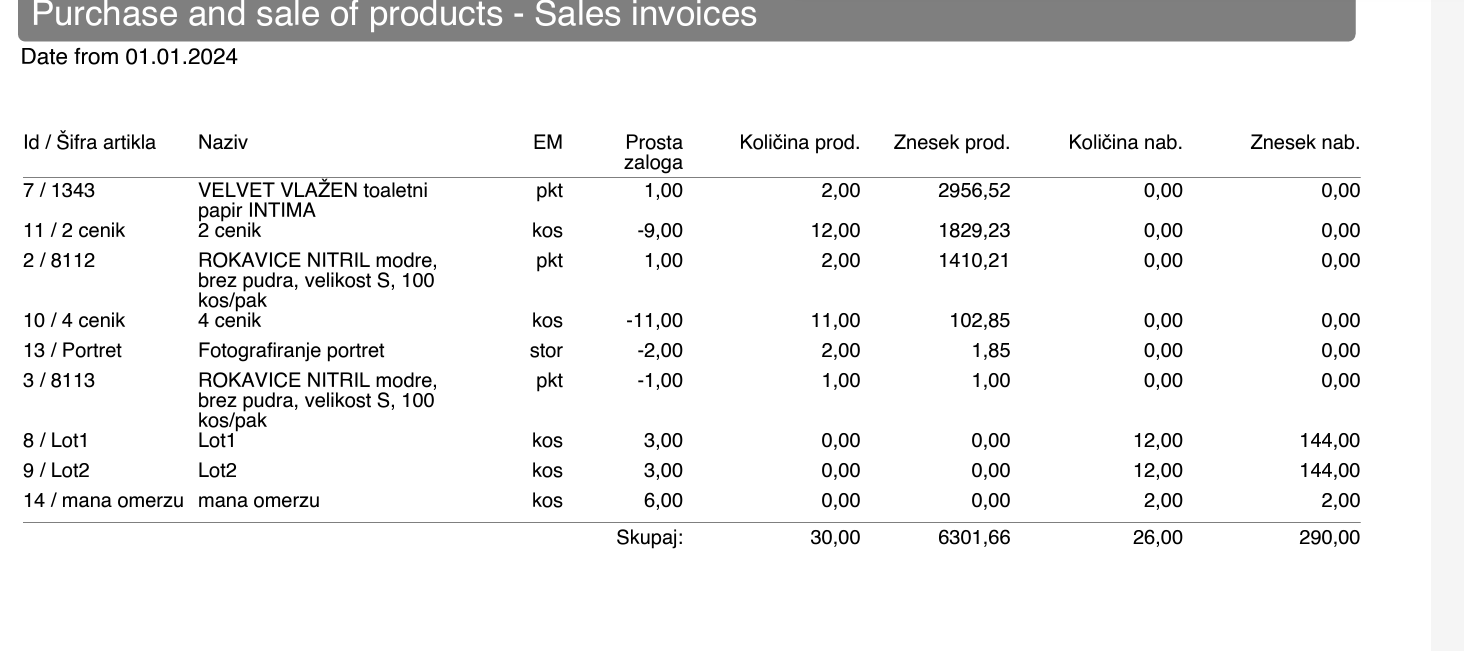
3. Example of the report
Example 1:
Search criteria: Sales, domestic customer, display items within the bill of materials, from 01.01.2024 onwards, only for item Test 4553 - ART 1, only for profit center 5443 (domestic), sales invoice no. 4/2024.
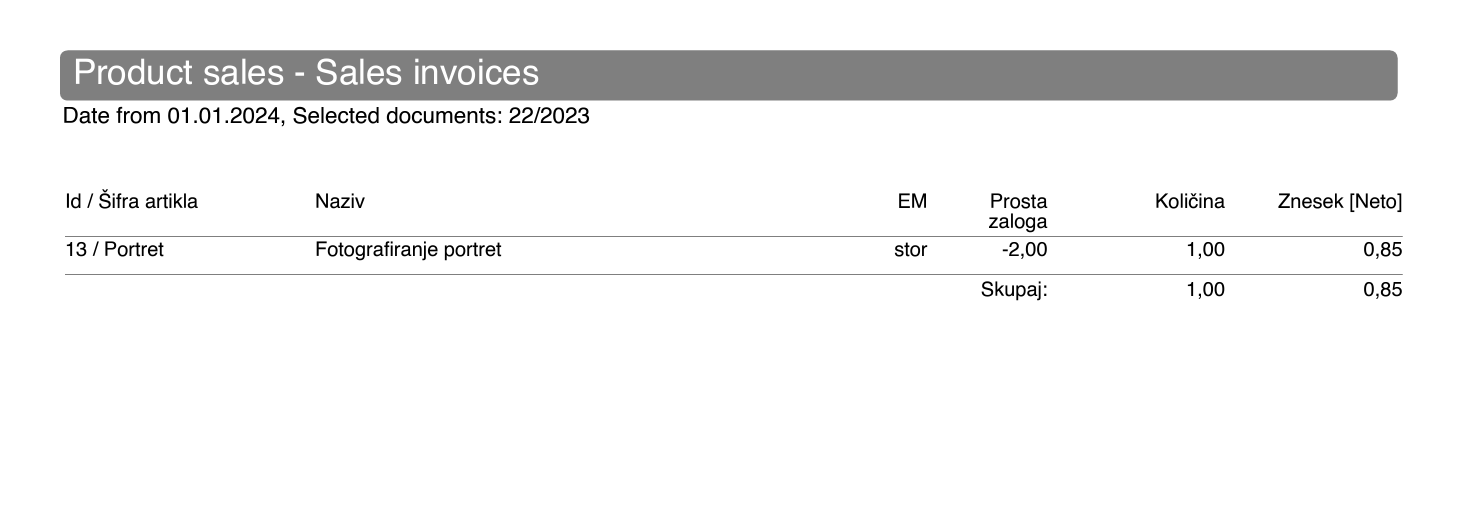
Example 2: Sales and purchases, quotations, displaying standalone items + bills of materials.
Was this article helpful?
That’s Great!
Thank you for your feedback
Sorry! We couldn't be helpful
Thank you for your feedback
Feedback sent
We appreciate your effort and will try to fix the article