
Intrastat, taxes and reporting
Reverse charge VAT (Article 76.a)
1. Settings/Your company
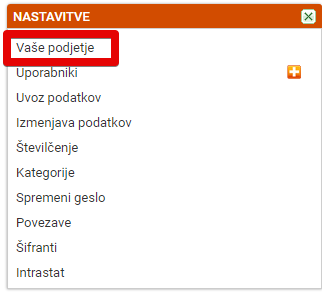
In the settings, click Your company
2. Enable "Support for reverse charge VAT

Tick "Support for reverse charge VAT" and save the changes
3. Selecting the tax for reverse charge VAT
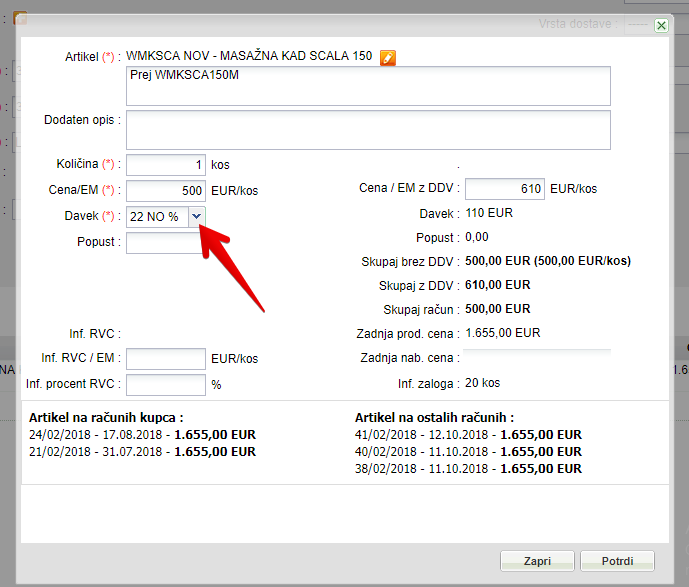
When you add a product to the invoice, select the tax marked NO
Article 76 is then also shown under the products
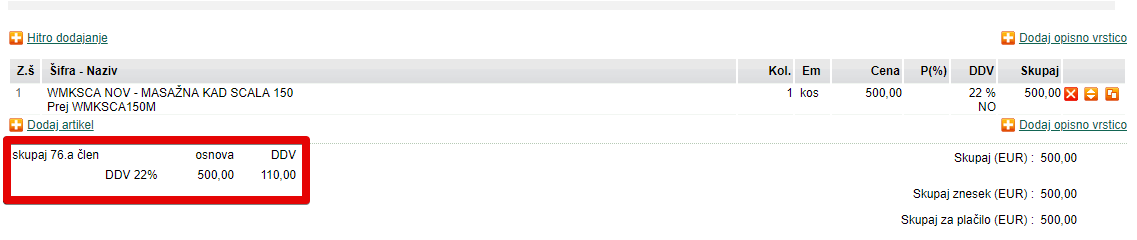
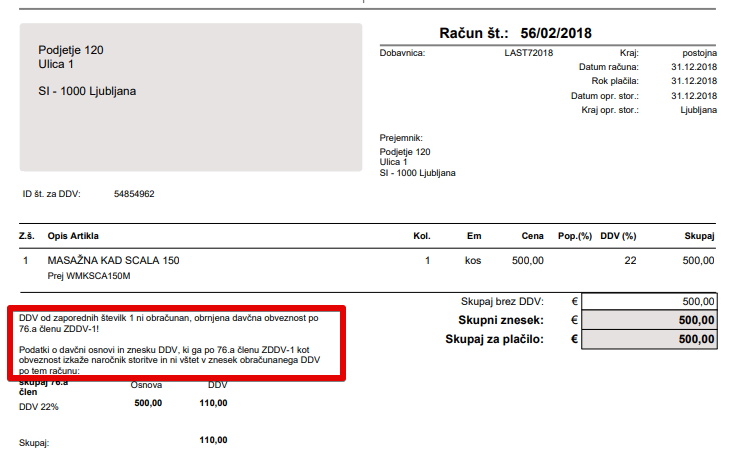
4. Article 76 printed on the invoice
When you print the invoice, Article 76 is printed on it.
Was this article helpful?
That’s Great!
Thank you for your feedback
Sorry! We couldn't be helpful
Thank you for your feedback
Feedback sent
We appreciate your effort and will try to fix the article