
Order Management - OLD
Problem
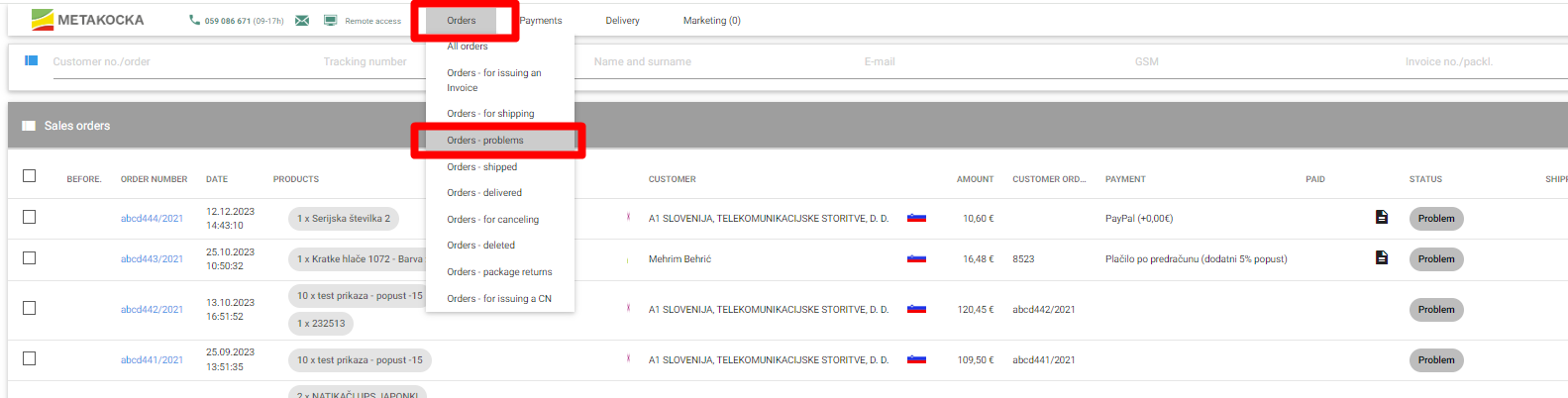
If orders contain errors, such are automatically moved to Problems. Orders can be there analyzed to determine the cause of the error. Customer data (such as address, city, and ZIP code) is known for its high probability of errors.
When labels are printed and the delivery service replies with an error the order is moved to Orders - problems.
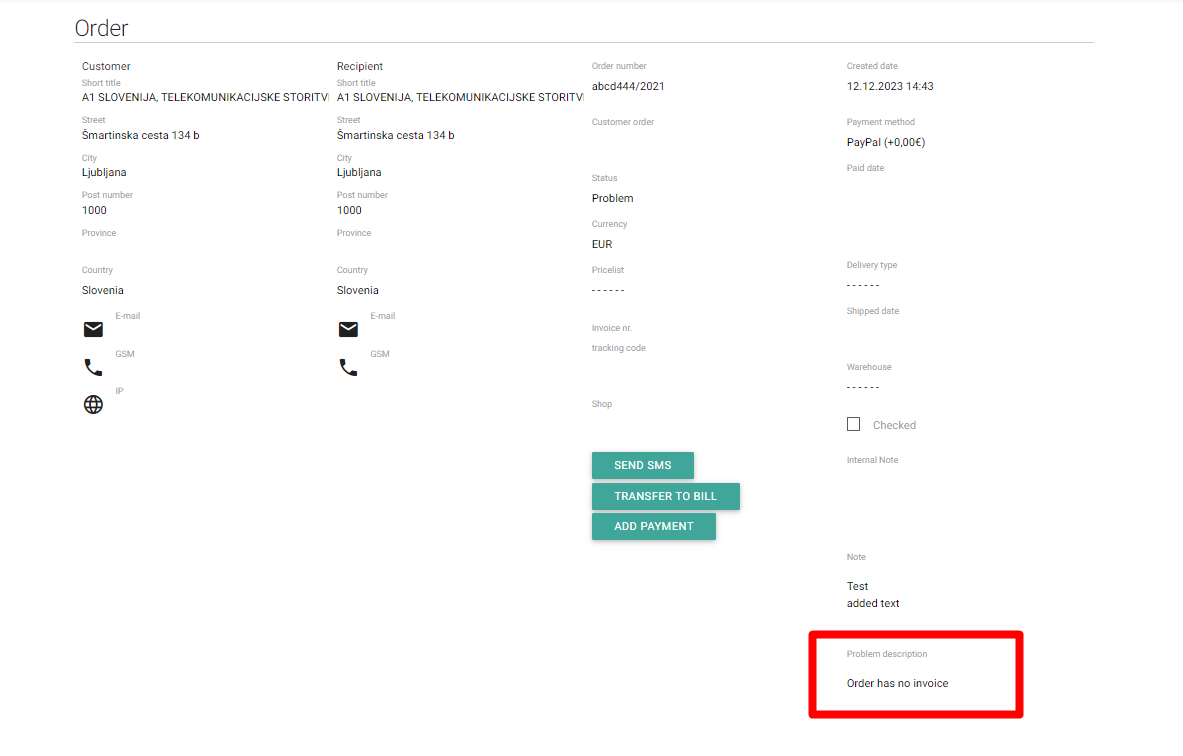
When an order that was moved to Problems is opened, on the right-hand side, the description of the error is shown.
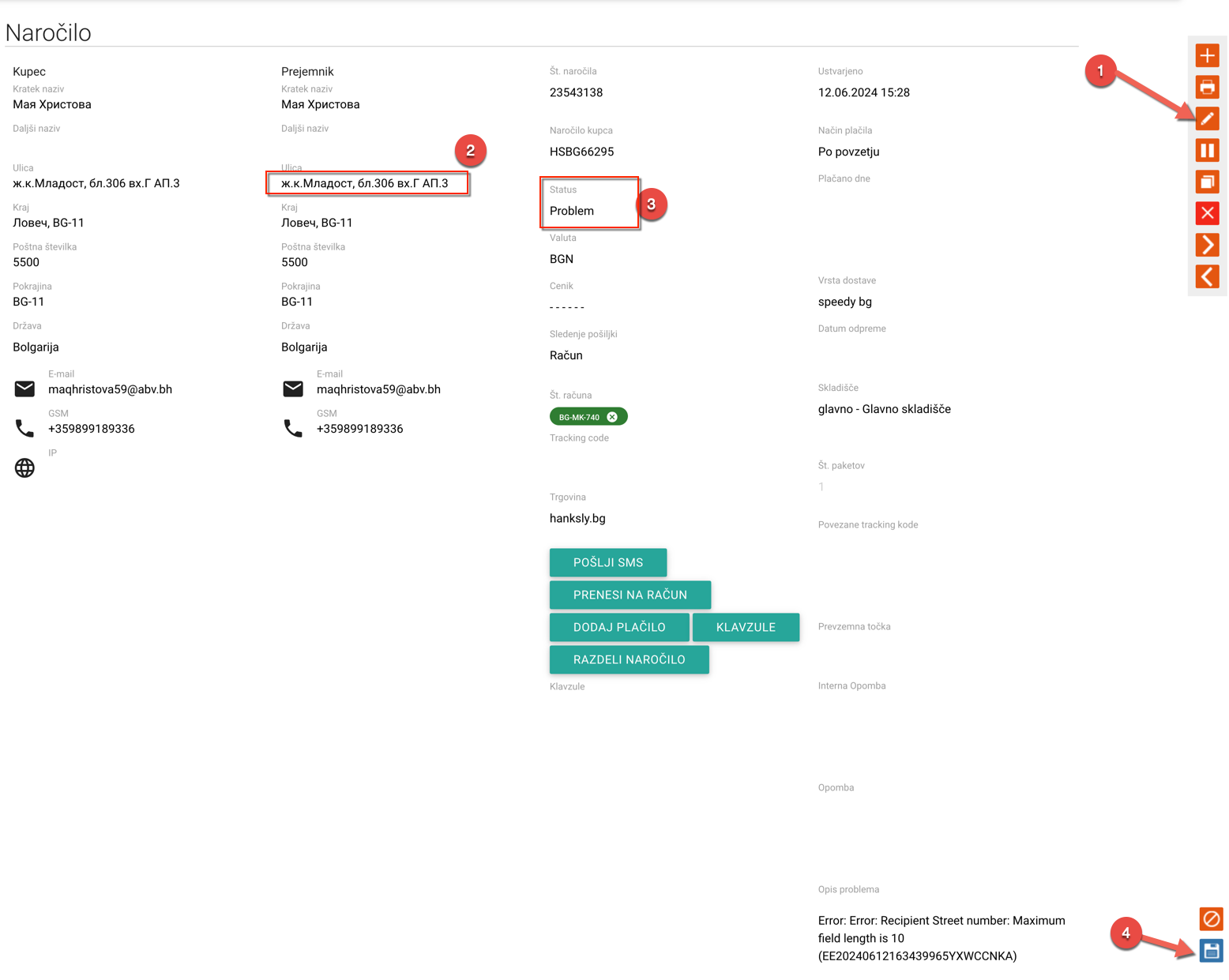
To correct the order based on what error is shown you have to open order for editing, correct data, change the status of order and save it.
Was this article helpful?
That’s Great!
Thank you for your feedback
Sorry! We couldn't be helpful
Thank you for your feedback
Feedback sent
We appreciate your effort and will try to fix the article