
Mobile scanner - returns
Returns are intended for processing complaints/replacements and product returns in the consumer complaint procedure
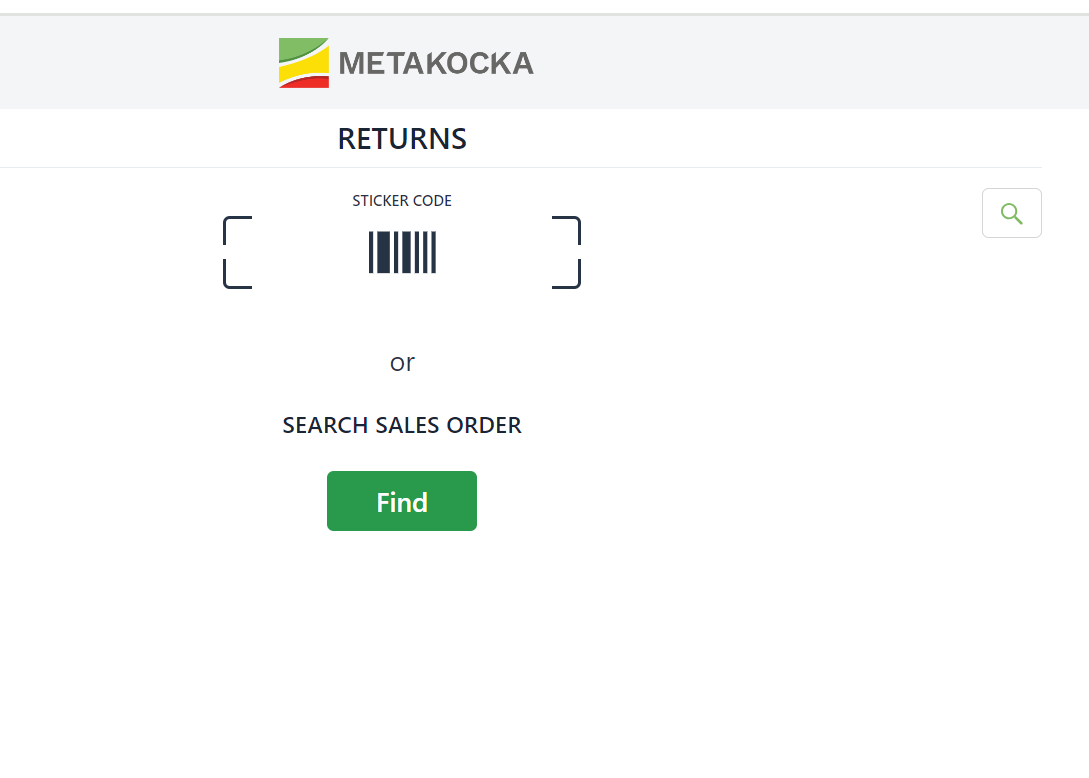
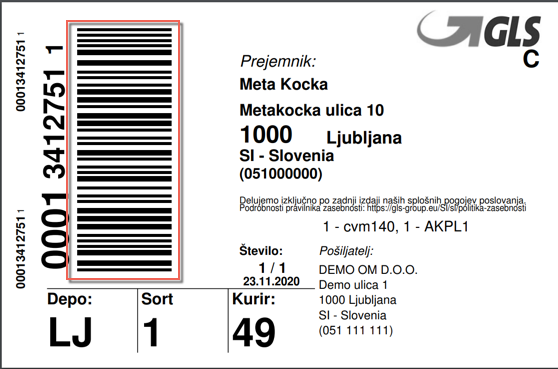
Read the label with the mobile scanner (or search for the order by clicking on Search)
The content of the order for which you are willing to make the return/consumer complaint/replacement will be displayed.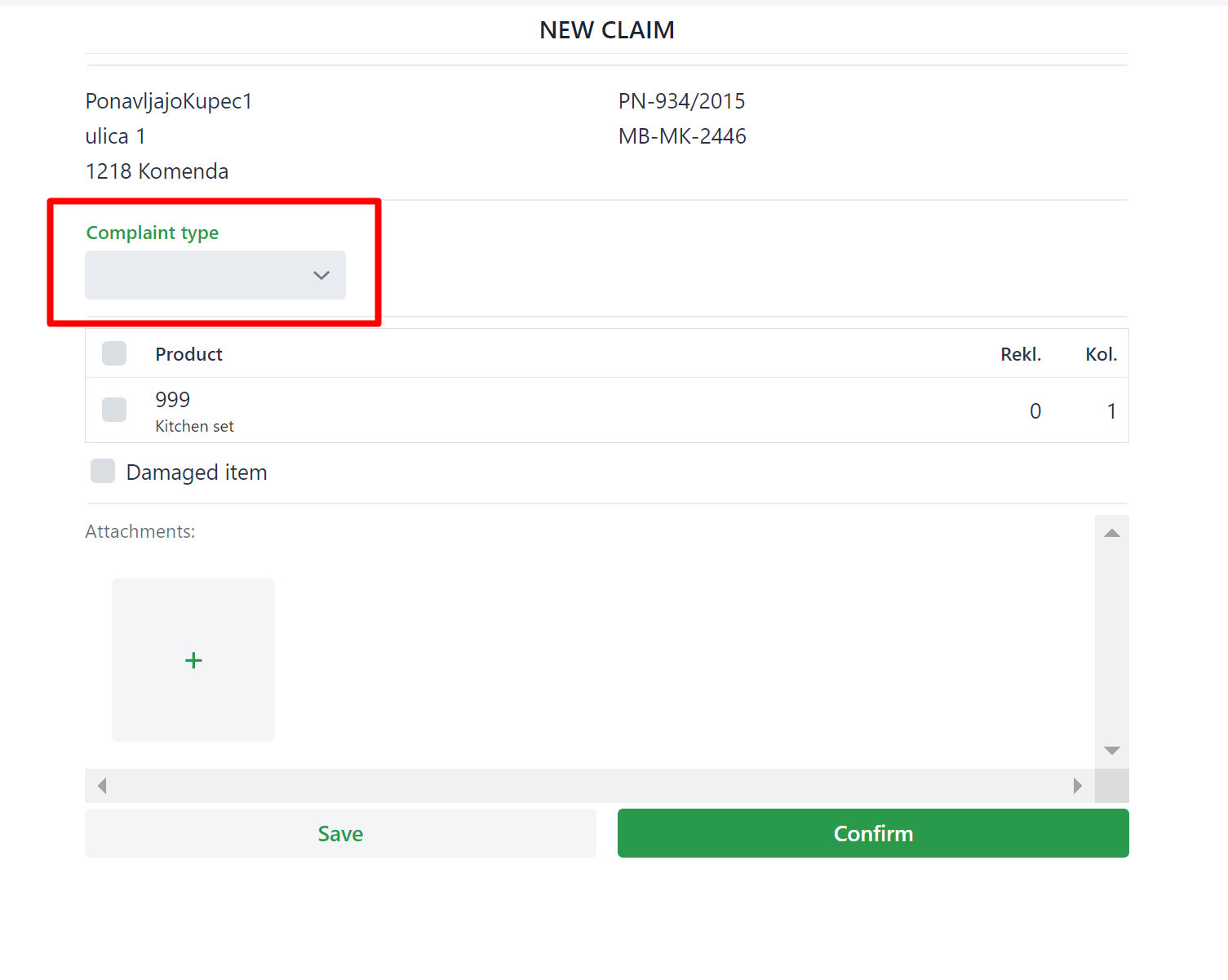
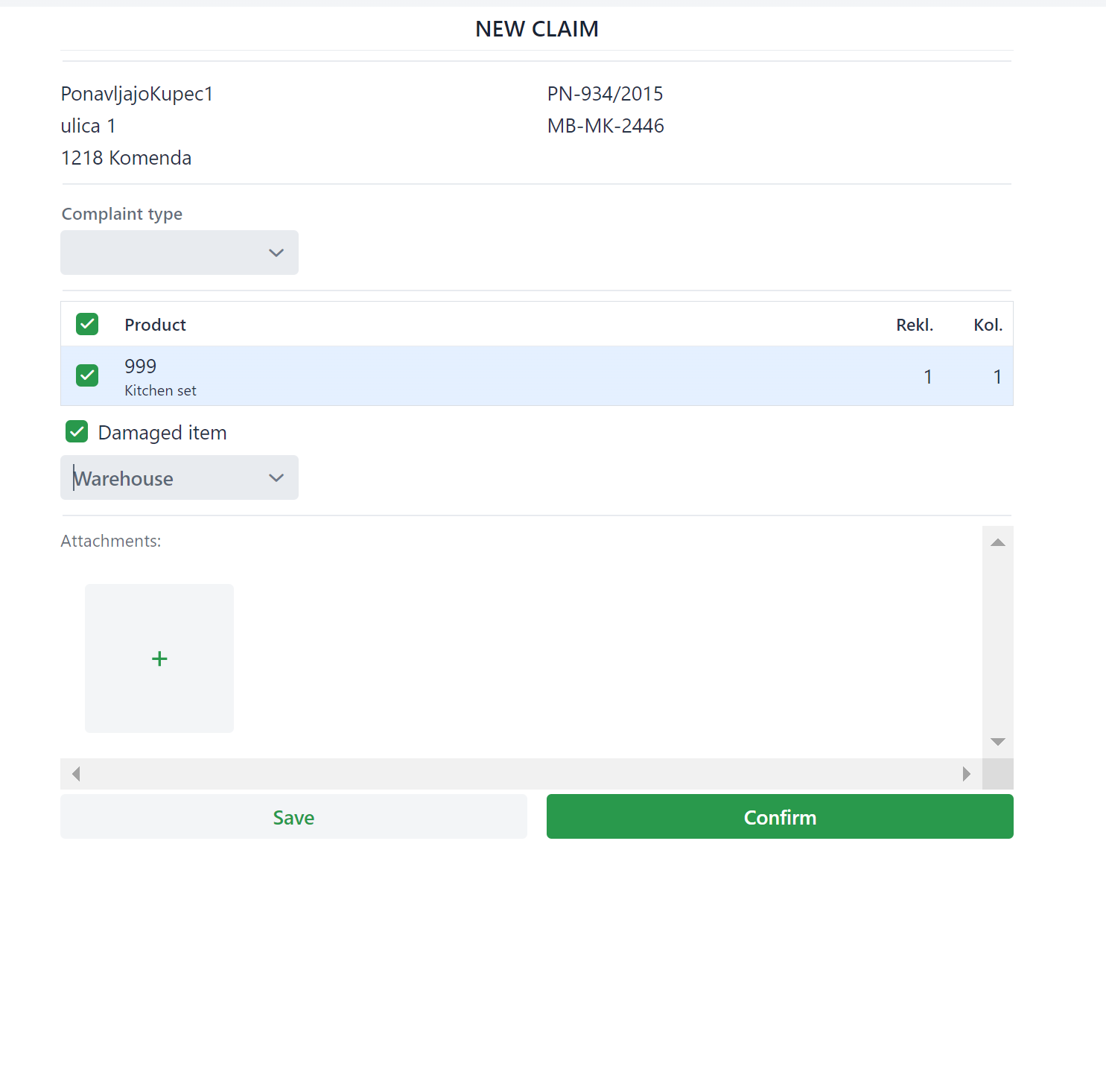
select the product returned by the customer and correct the quantity in the dialog accordingly.
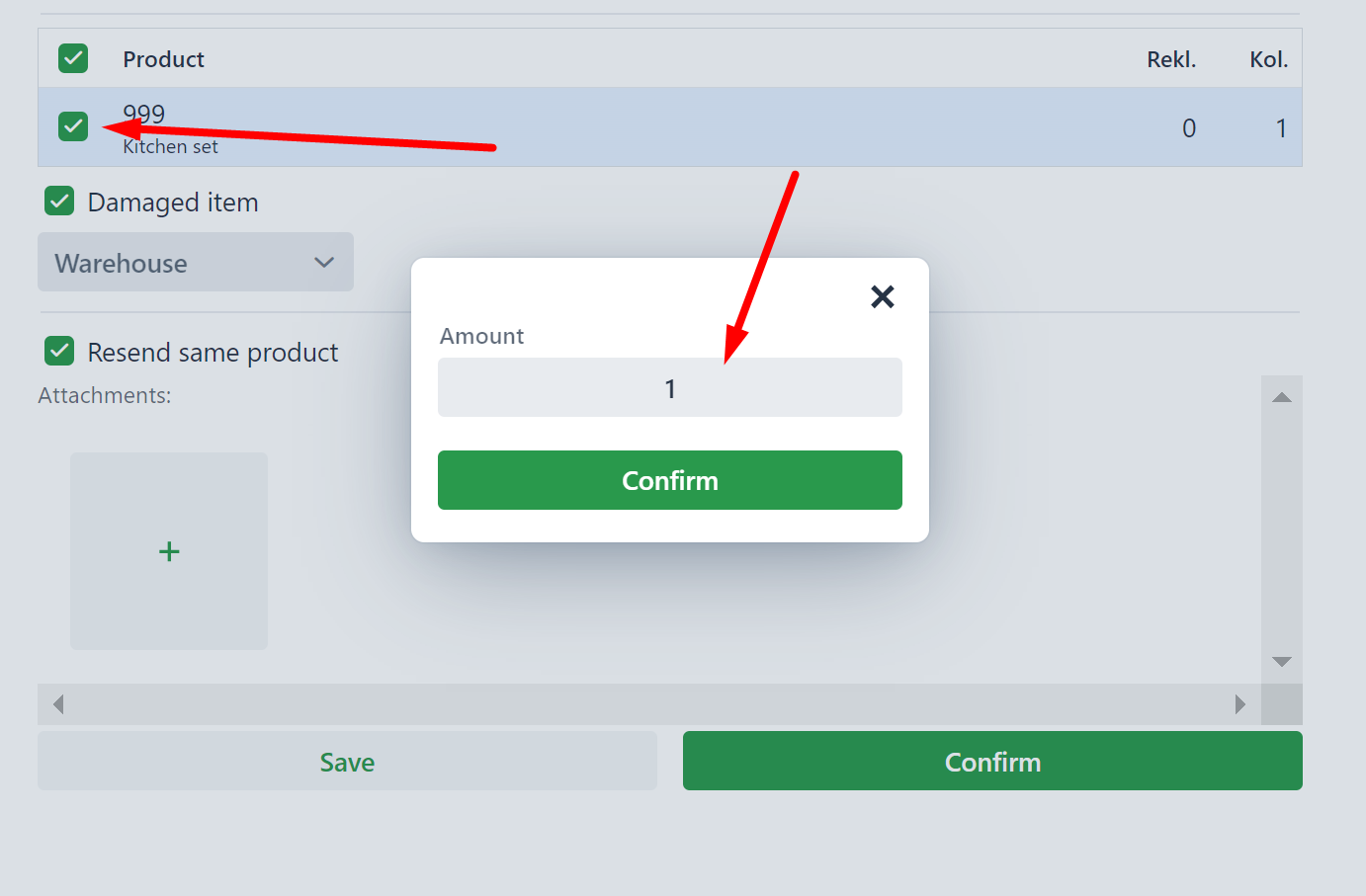
indicate if the product is damaged and how the "Status" of the order, whose product is being returned, changes
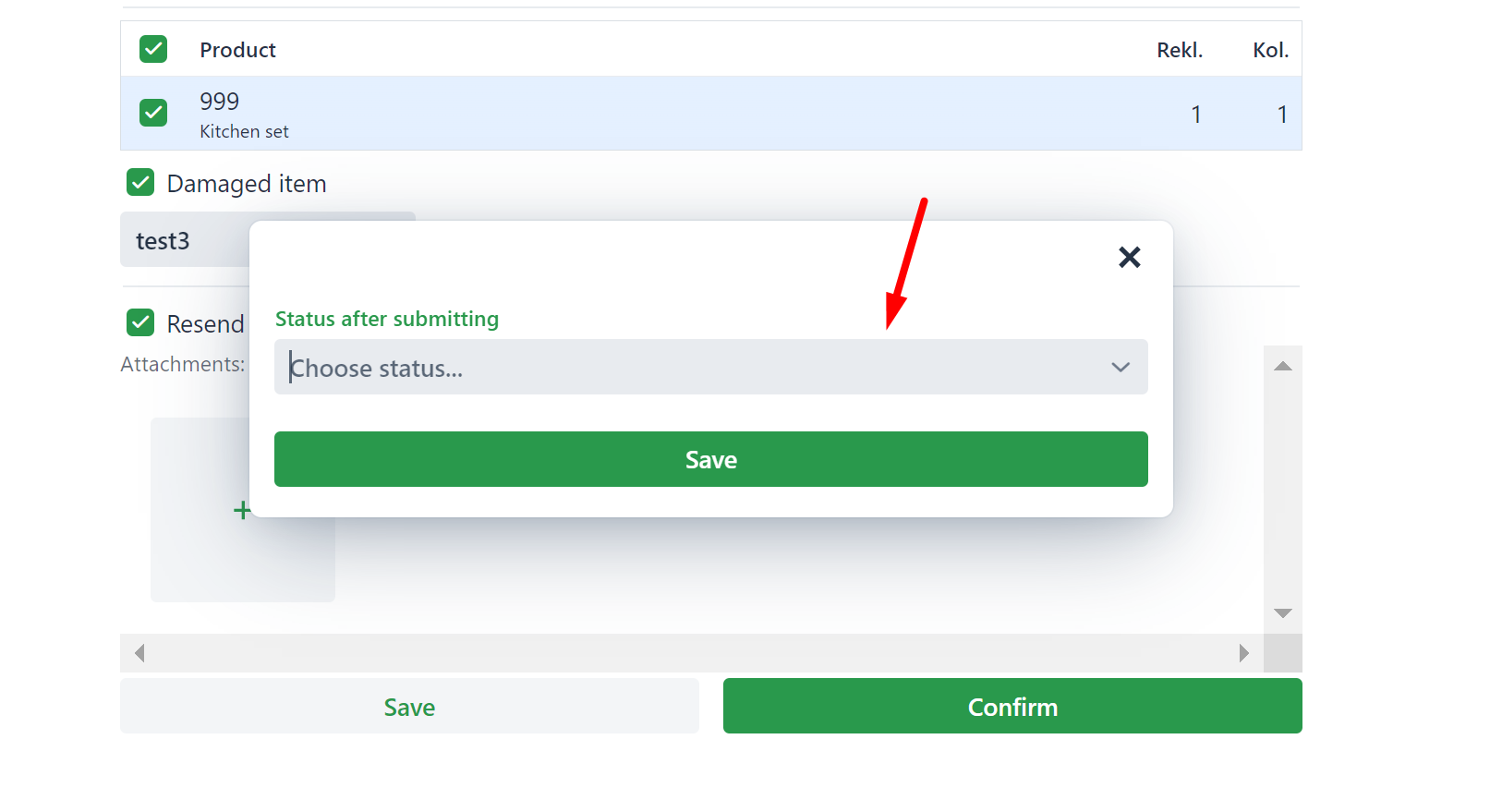
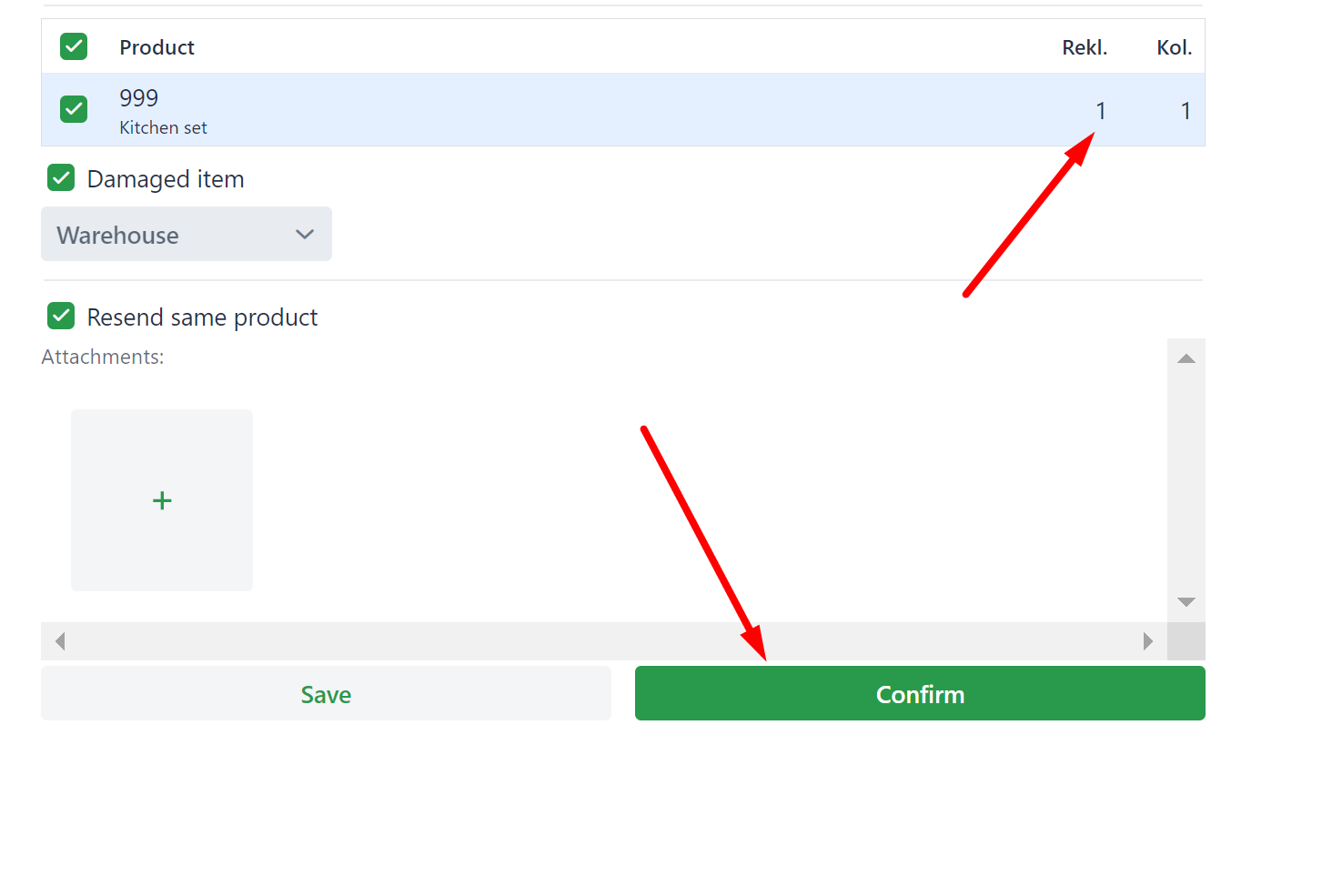 At the end click on Confirm.
A credit note for the product returned by the customer will be created and the order status will be changed to the selected one.
Clicking on the ''Save button'' will save the request for consumer complaint/return/replacement in the module for further consideration
Instructions for the consumer complaint module can be found at the LINK
Was this article helpful?
That’s Great!
Thank you for your feedback
Sorry! We couldn't be helpful
Thank you for your feedback
Feedback sent
We appreciate your effort and will try to fix the article