
Integration - Lithuanian Post (REST API)
MetaKocka - setting up the connection
1. go to Additional settings/Delivery services/New
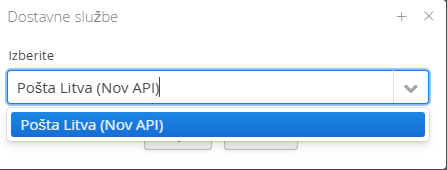
2. Select the delivery service Pošta Litva (Nov API)
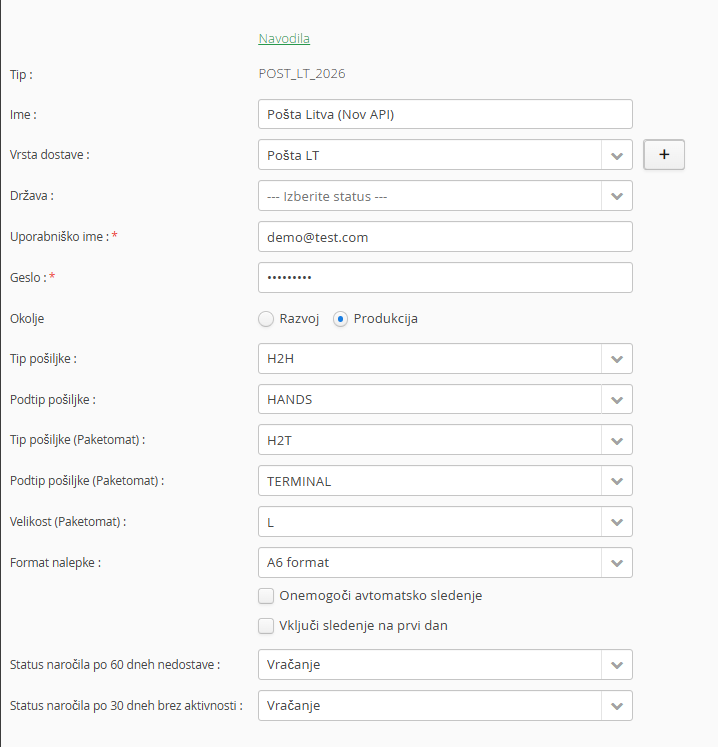
3. enter the data you received from Lithuanian Post (new API)
4. enable any additional services
5. save
6. Test the connection
. Adding the delivery service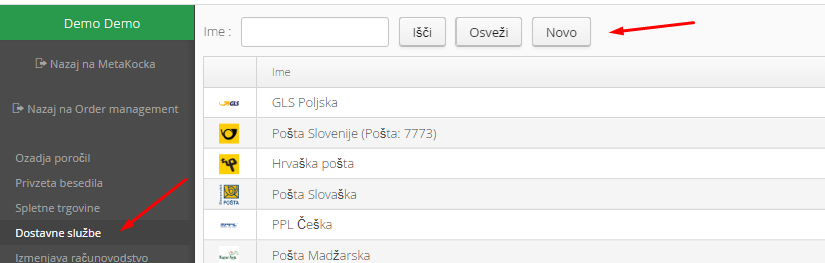
2. Select the delivery servicePošta Litva(Nov API)and confirm:
3. Enter the data you received from Lithuanian Post,
Set up a new delivery type that you will use for the Lithuanian Post delivery service; you can add a new one (+)
5. Save and test: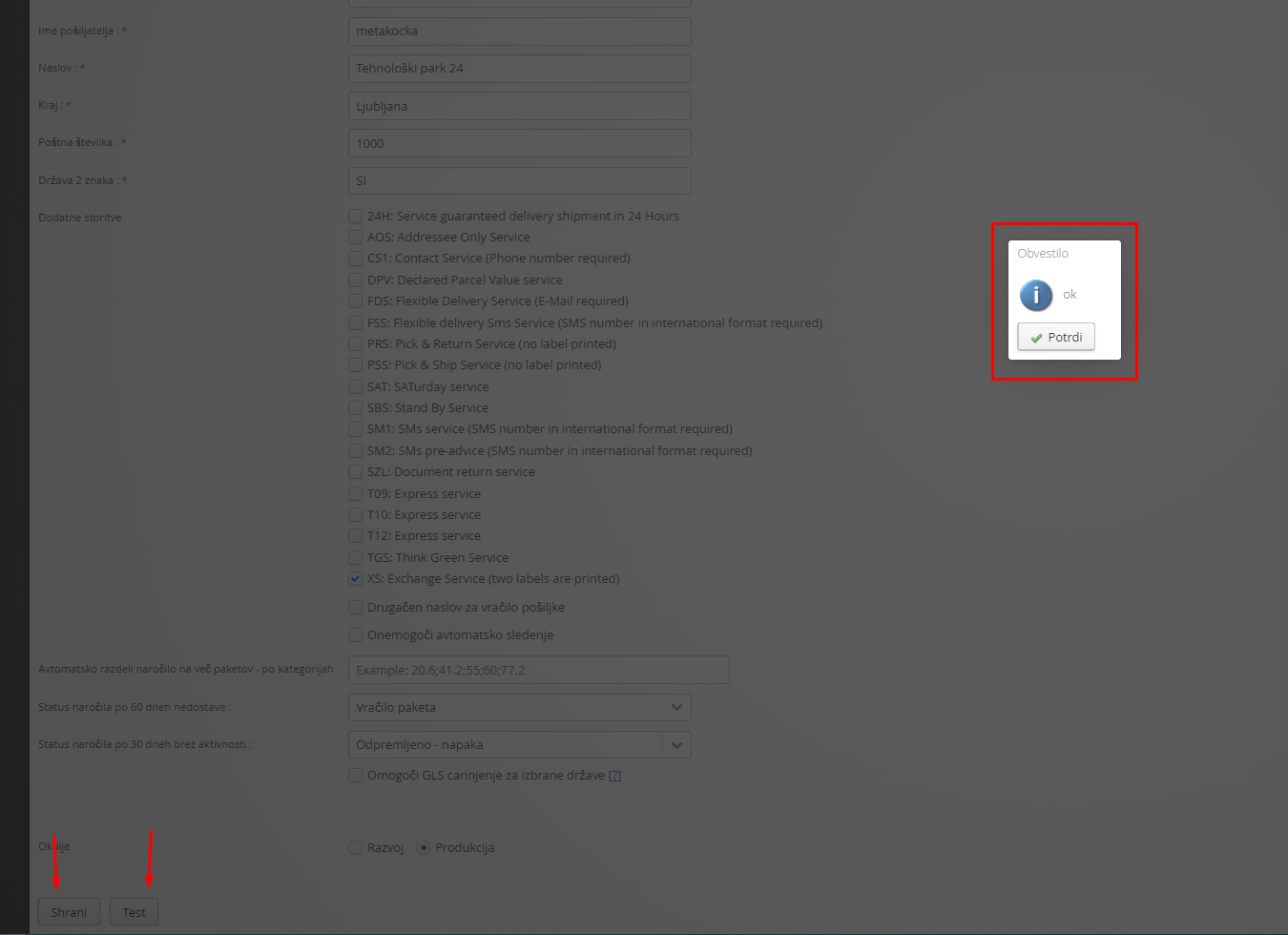
6. Delivery to a parcel locker:
For delivery to a parcel locker/pickup point, you need to provide the pickup point ID.
Was this article helpful?
That’s Great!
Thank you for your feedback
Sorry! We couldn't be helpful
Thank you for your feedback
Feedback sent
We appreciate your effort and will try to fix the article