
Integration - BoxNow Slovenia
MetaKocka - setting up the connection
Set up a new delivery type that you will use for the Box Now Slovenia delivery service:
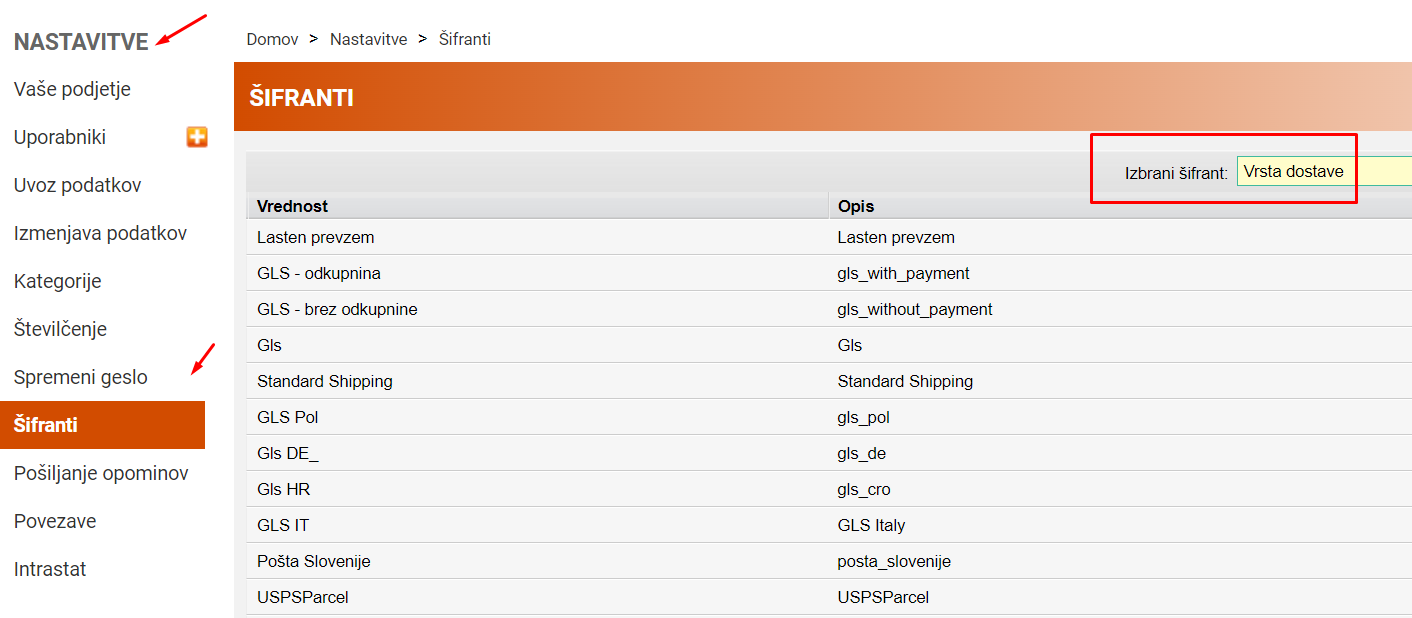
1. go to Additional settings/Delivery services/New
2. Select the Box Now delivery service
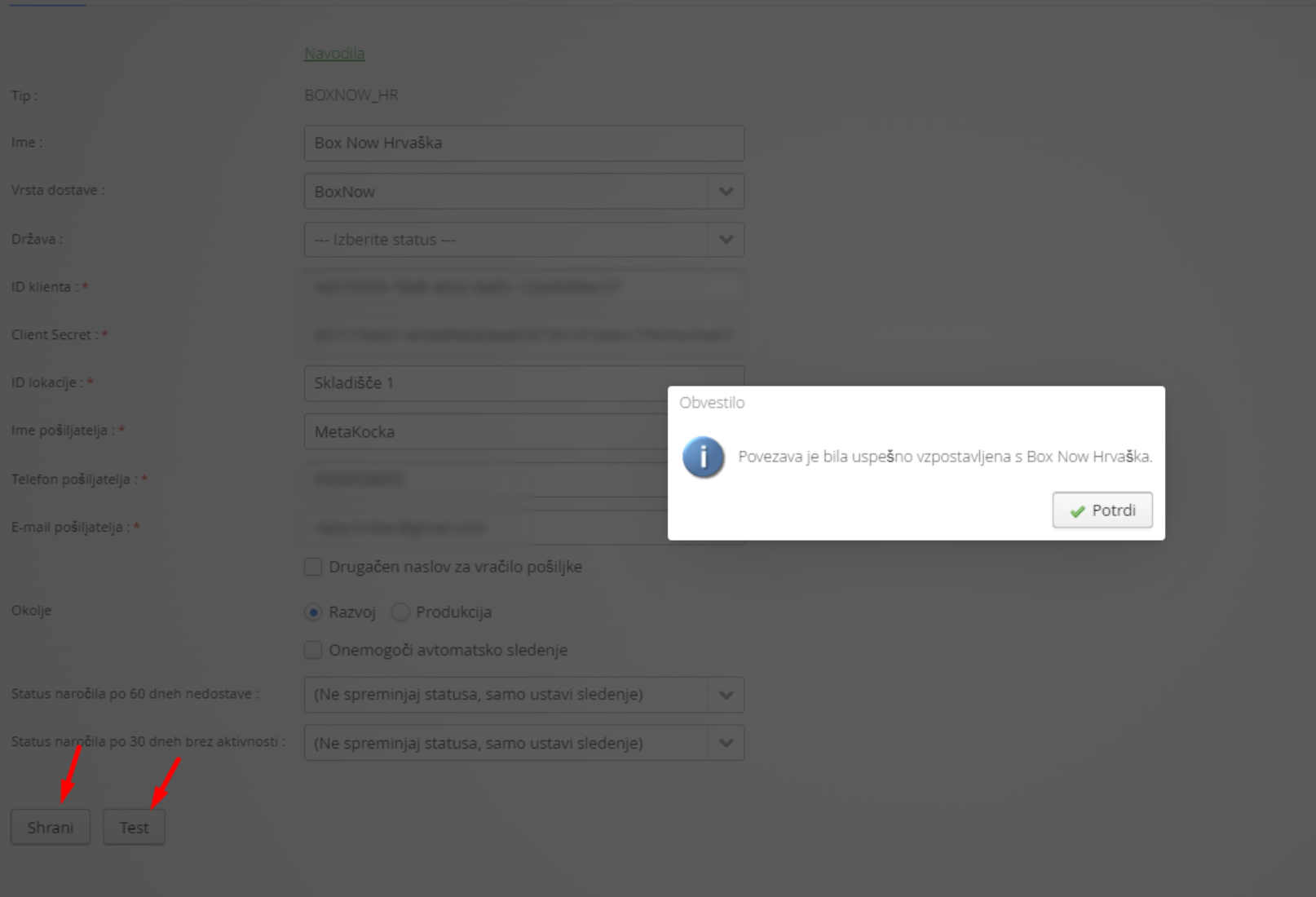
3. enter the data you received from Box Now
4. Select any additional services
5. Save and test
1. Adding the delivery service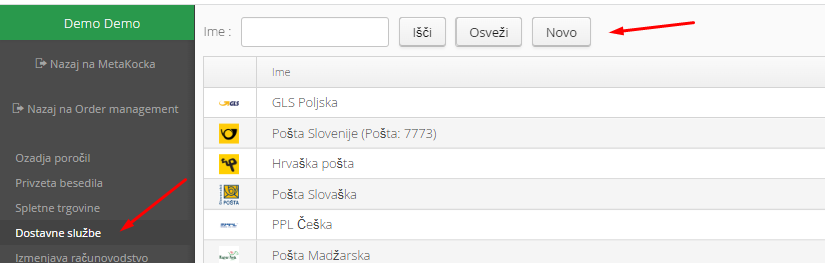
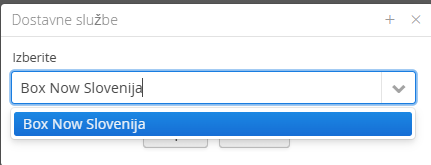
2. Select the Box Now Slovenia delivery service and confirm:
3. Enter the required data you received from the delivery service:
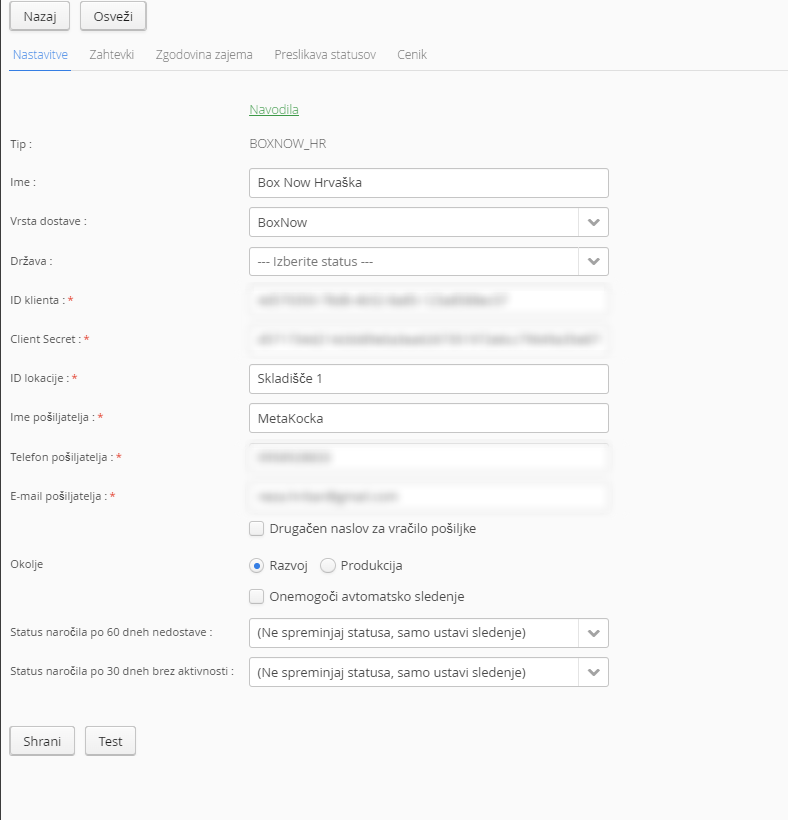
The client ID is from the contractWarehouse ID
5. Save and test
Special notes
The delivery service delivers only to parcel lockers. Integration for:
SHOPIFY
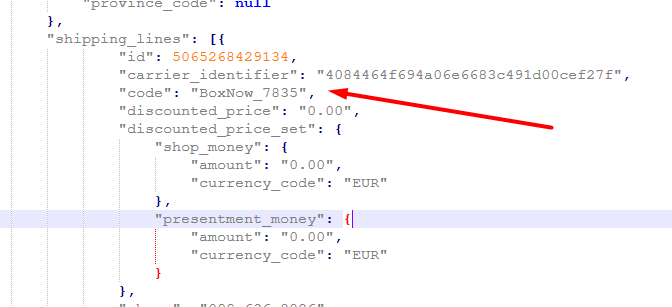
For the delivery service to be set correctly on the order, the order data must be written as in this example:
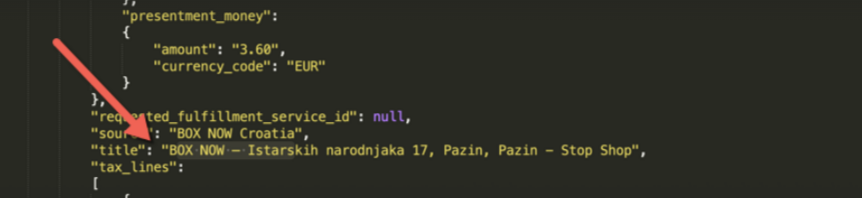
WOOCOMMERCE
The integration is prepared for the plugin:
BOX NOW WooCommerce plugin
If you want to track parcel statuses, you need to build a webhook listener. When you give Box Now the webhook URL, the system will send parcel statuses to your webhook (see the attachment).
The webhook is triggered by any parcel change on their side.
Was this article helpful?
That’s Great!
Thank you for your feedback
Sorry! We couldn't be helpful
Thank you for your feedback
Feedback sent
We appreciate your effort and will try to fix the article