
Labels, shipping and settings
Printing DPD 4 sticker
Printing DPD 4 sticker
Before printing it, in the printing program, click on more settings and then set 4 pages per sheet.
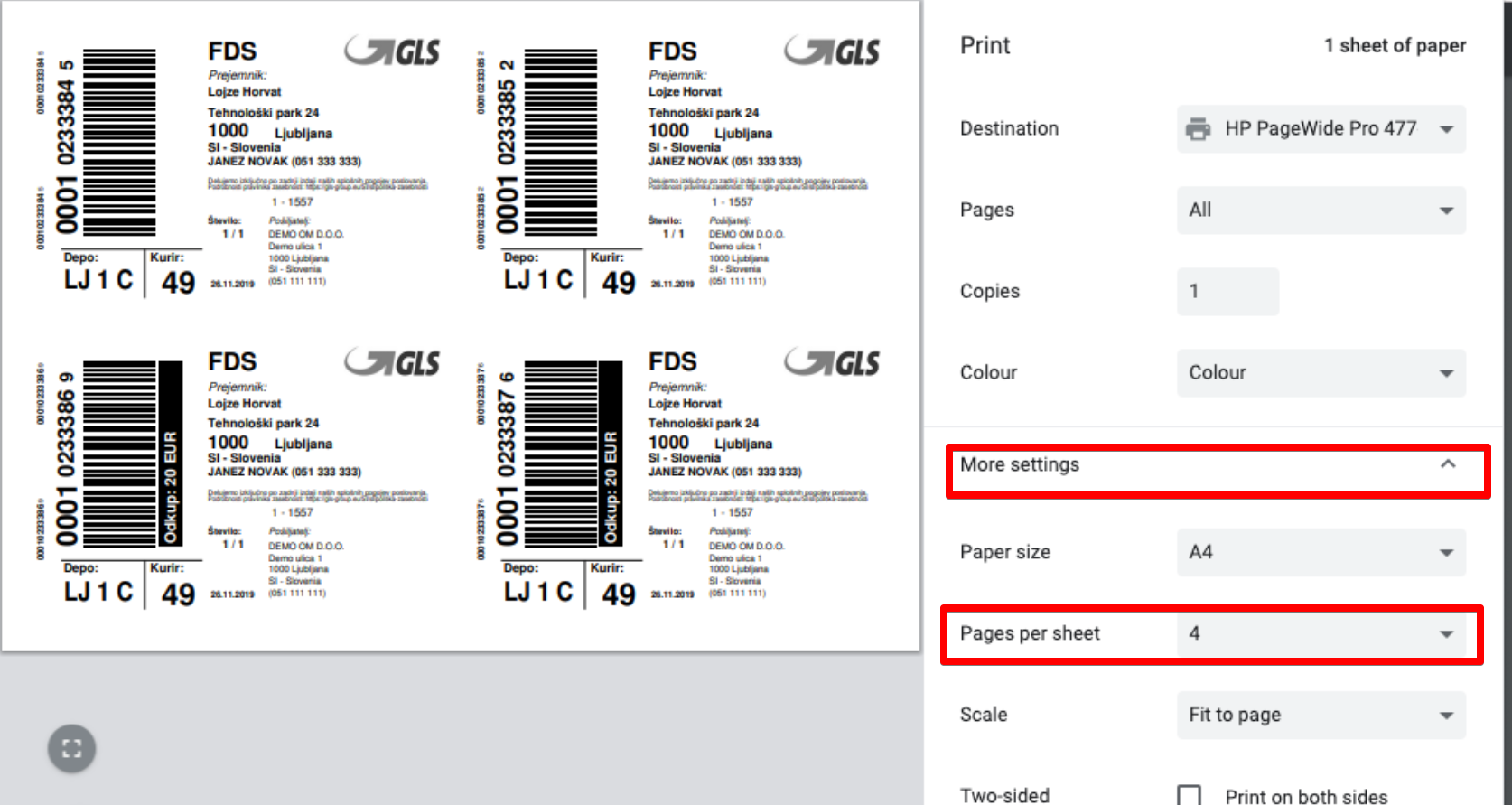
That way, all 4 stickers would be placed on one page.
Was this article helpful?
That’s Great!
Thank you for your feedback
Sorry! We couldn't be helpful
Thank you for your feedback
Feedback sent
We appreciate your effort and will try to fix the article