
Mobile scanner
Mobile scanner - Dispatch

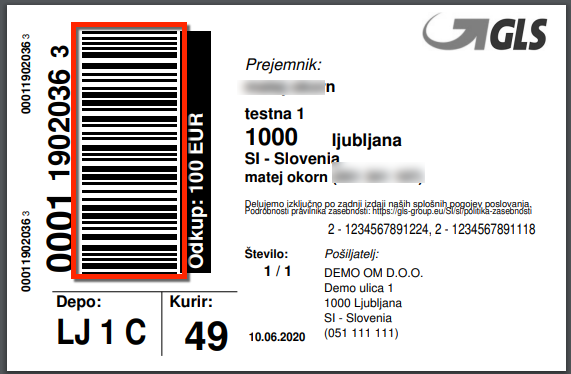
Scan the tracking number with the mobile scanner
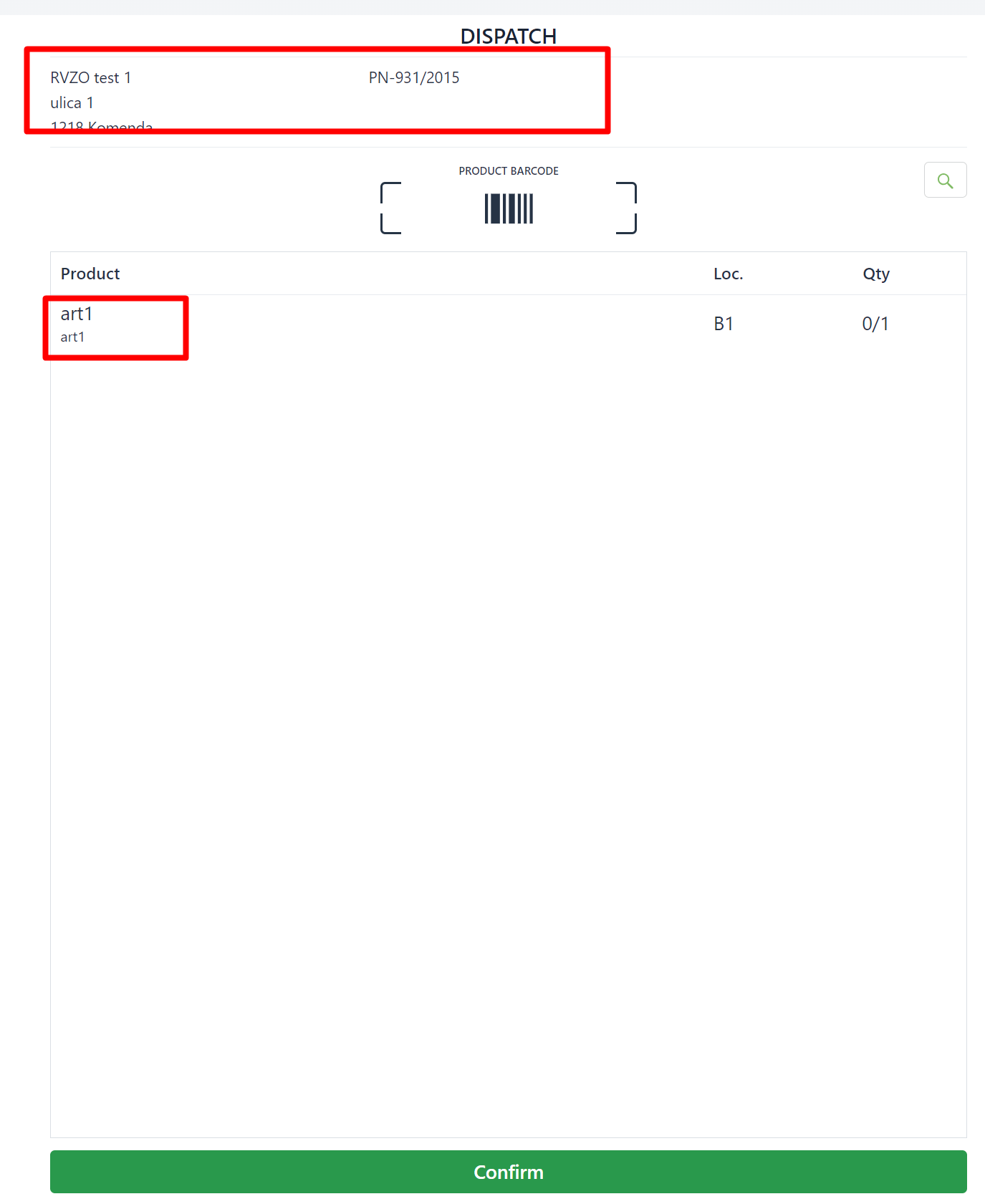
customer data, together with the appropriate quantity of products, will be displayed on the mobile scanner
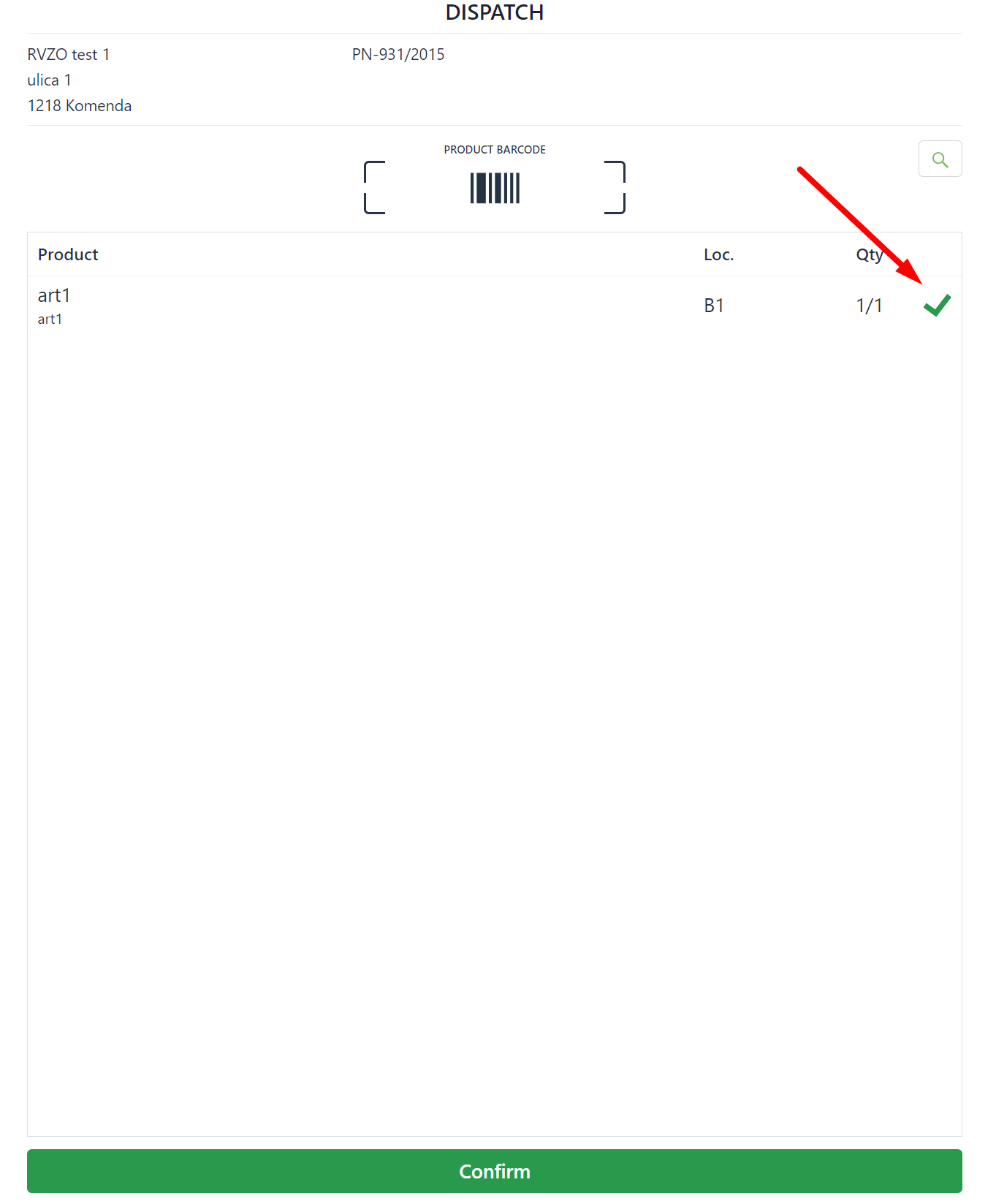
Read the EAN code with the mobile scanner and confirm that the correct product has been added to the package.
in case of selecting and scanning a wrong product, an error will appear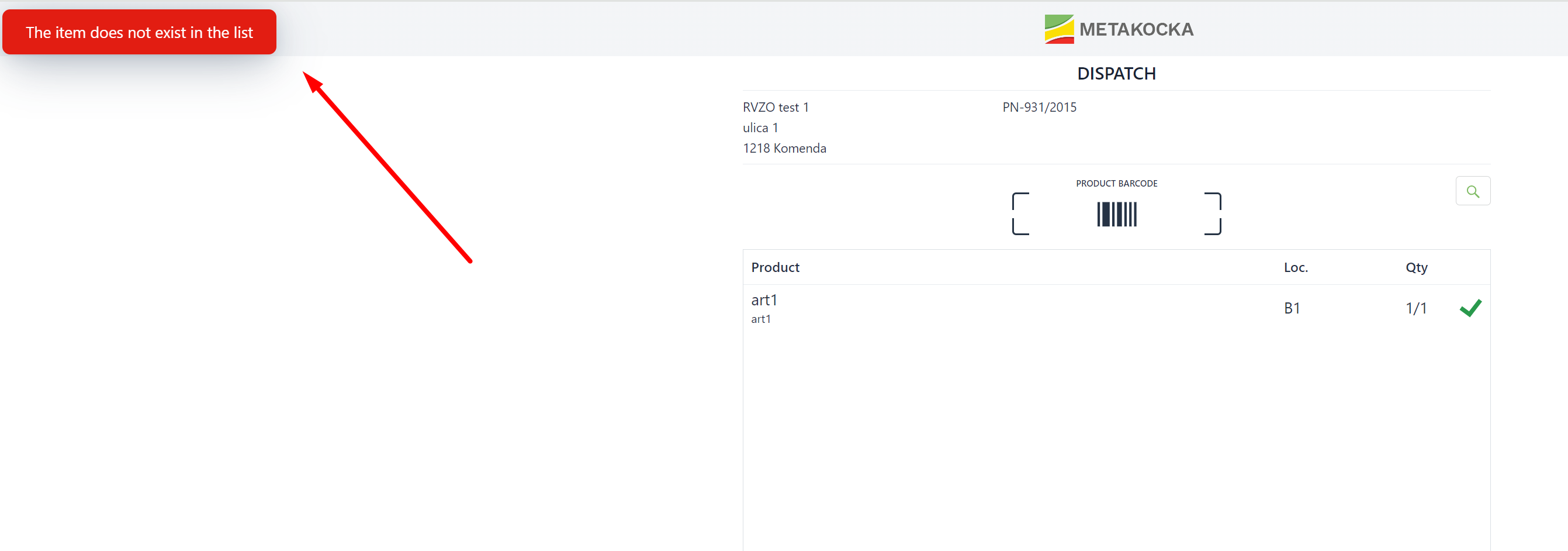
When you finish scanning all the products, click on confirm and the order will be marked as ''Dispatched''
Was this article helpful?
That’s Great!
Thank you for your feedback
Sorry! We couldn't be helpful
Thank you for your feedback
Feedback sent
We appreciate your effort and will try to fix the article