
Integration - Canguru Express
MetaKocka - setting up the connection
1. go to Additional settings/Delivery services/New
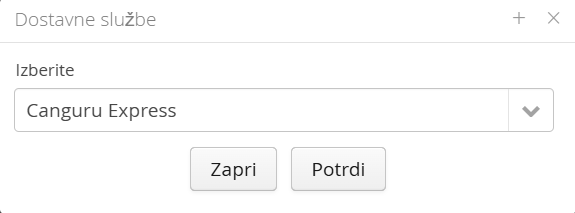
2. Select the Canguru Express delivery service
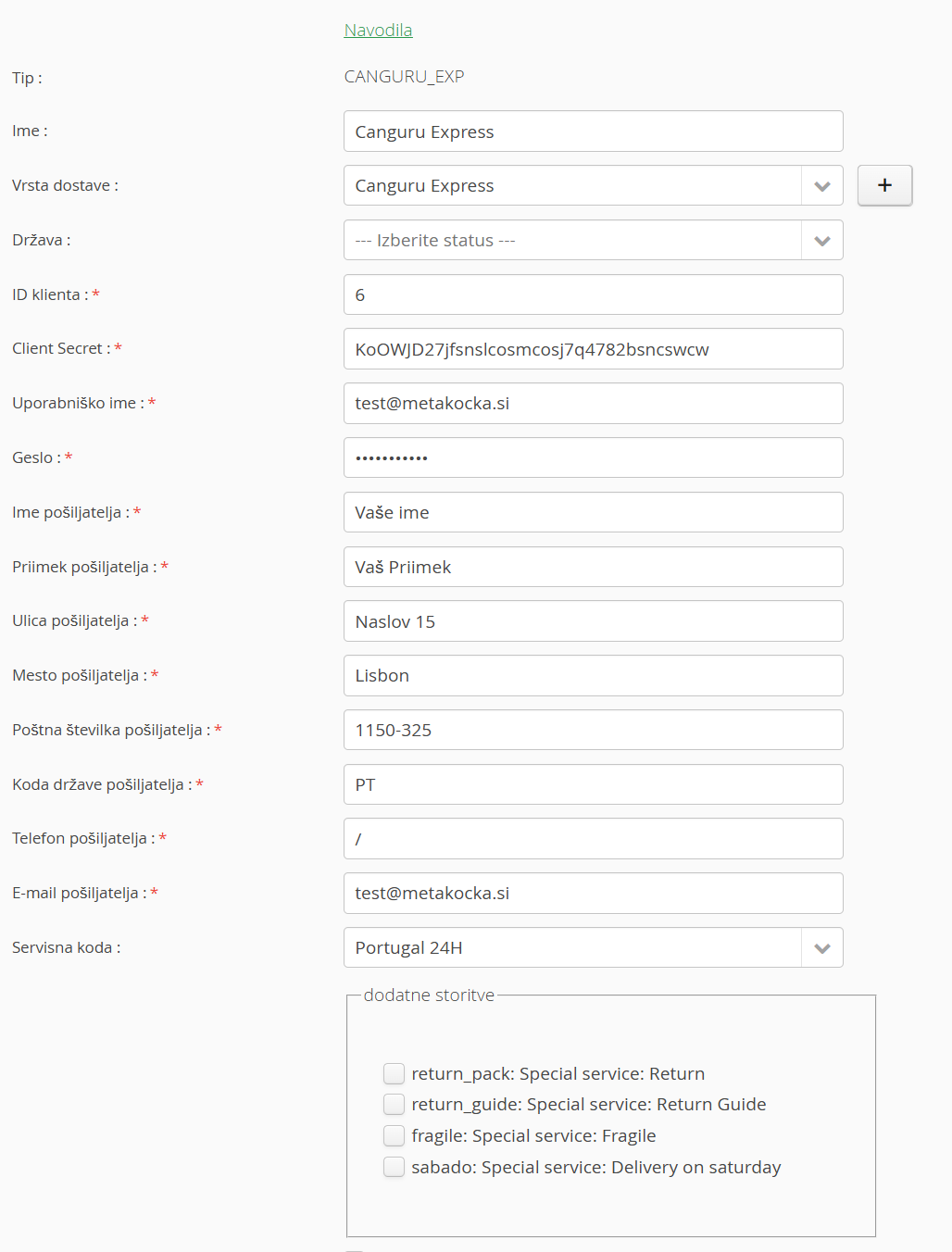
3. enter the data you received from Canguru Express
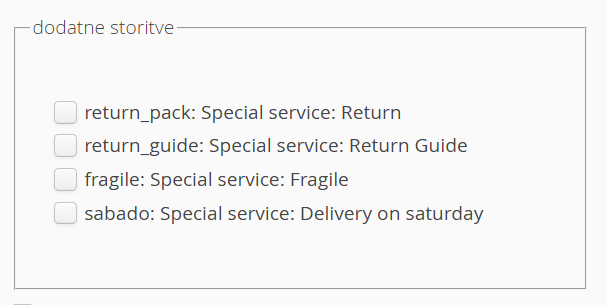
4. enable any additional services
5. save
6. Test the connection
1. Adding the delivery service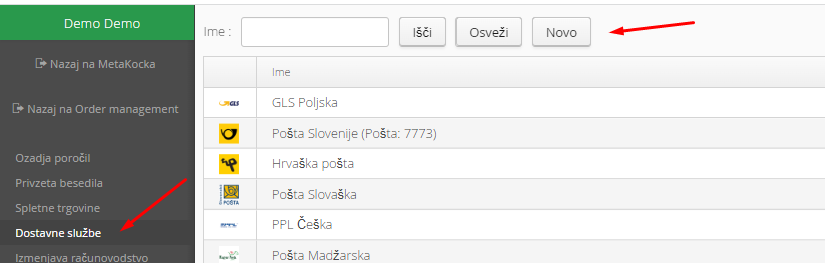
2. Select the Canguru Express delivery service and confirm:
3. Enter the data you received from Canguru Express
Set up a new delivery type that you will use for the delivery service Canguru Express ; you can add a new one (+)
4. Enable any additional services:
Special notes:
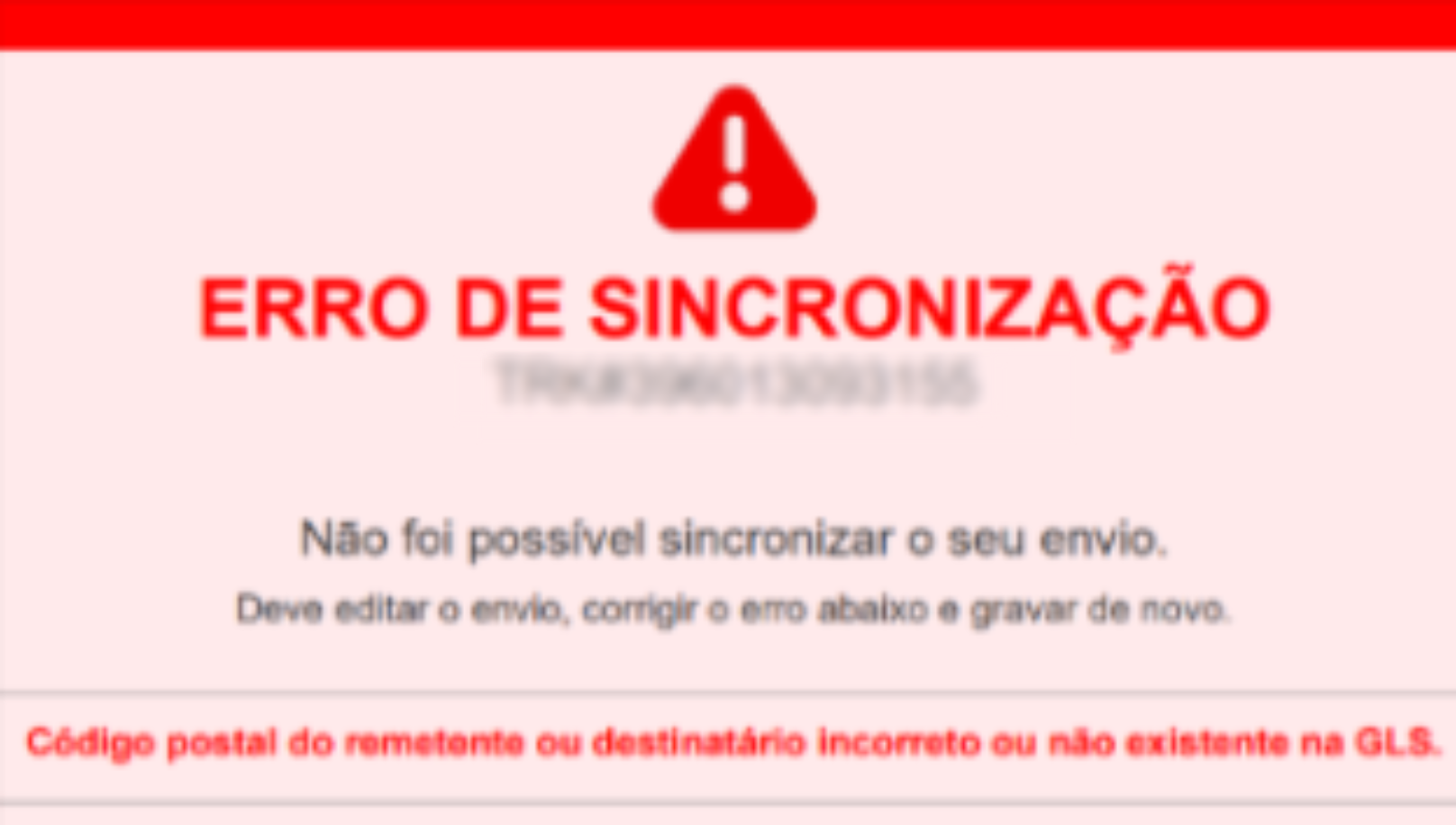
If the delivery service does not create the label and the order has errors, the order is not moved to the Problem status. Instead, a tracking number is saved on the order and you get a label with a warning. To solve it:
Delete the tracking code on the order, correct the order and print the label again.
Was this article helpful?
That’s Great!
Thank you for your feedback
Sorry! We couldn't be helpful
Thank you for your feedback
Feedback sent
We appreciate your effort and will try to fix the article