MetaKocka - establishing a connection
Specify the new type of delivery that will be used for delivery service Packeta
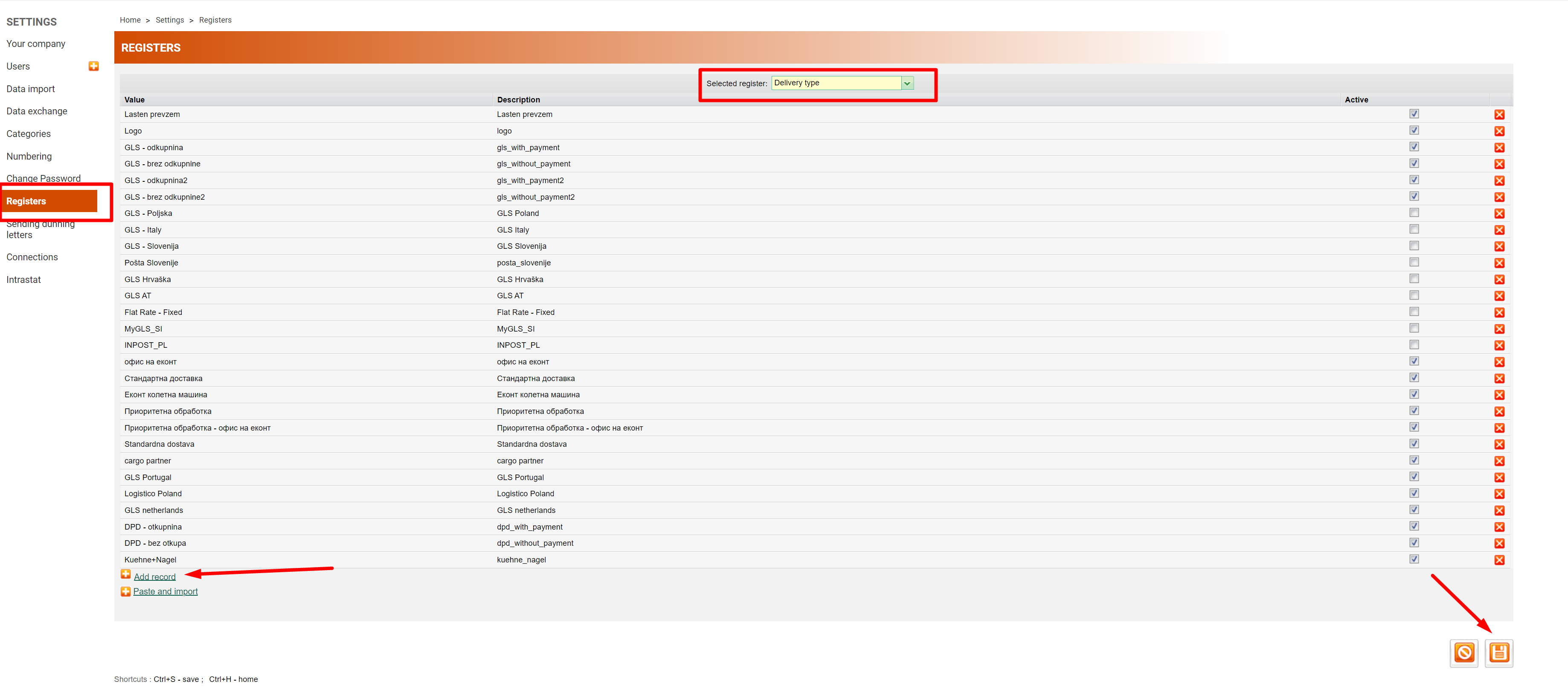
1. go to Additional settings/Delivery services/New
2. Select the delivery service Packeta
3. enter data that you received from Packeta
4. save and test the connection performance
1. Adding delivery service in Additional Settings: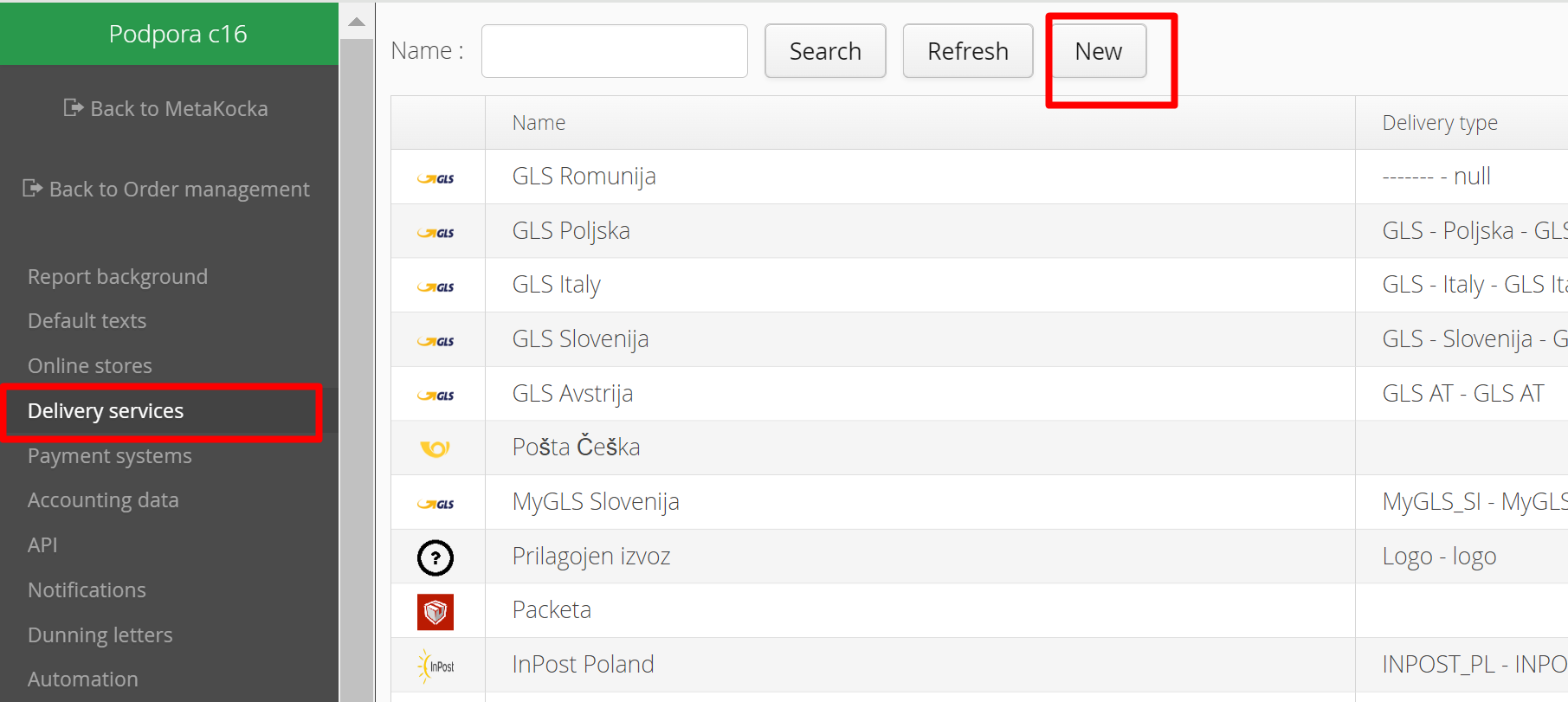
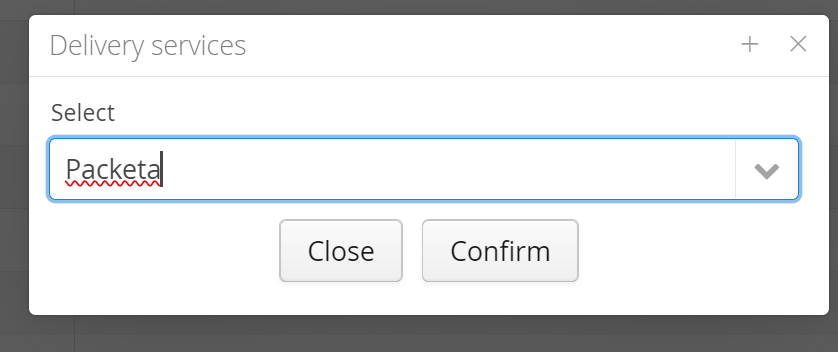
2. Select the delivery service Packeta and confirm it:
3. Enter the password and username that you received from Packeta
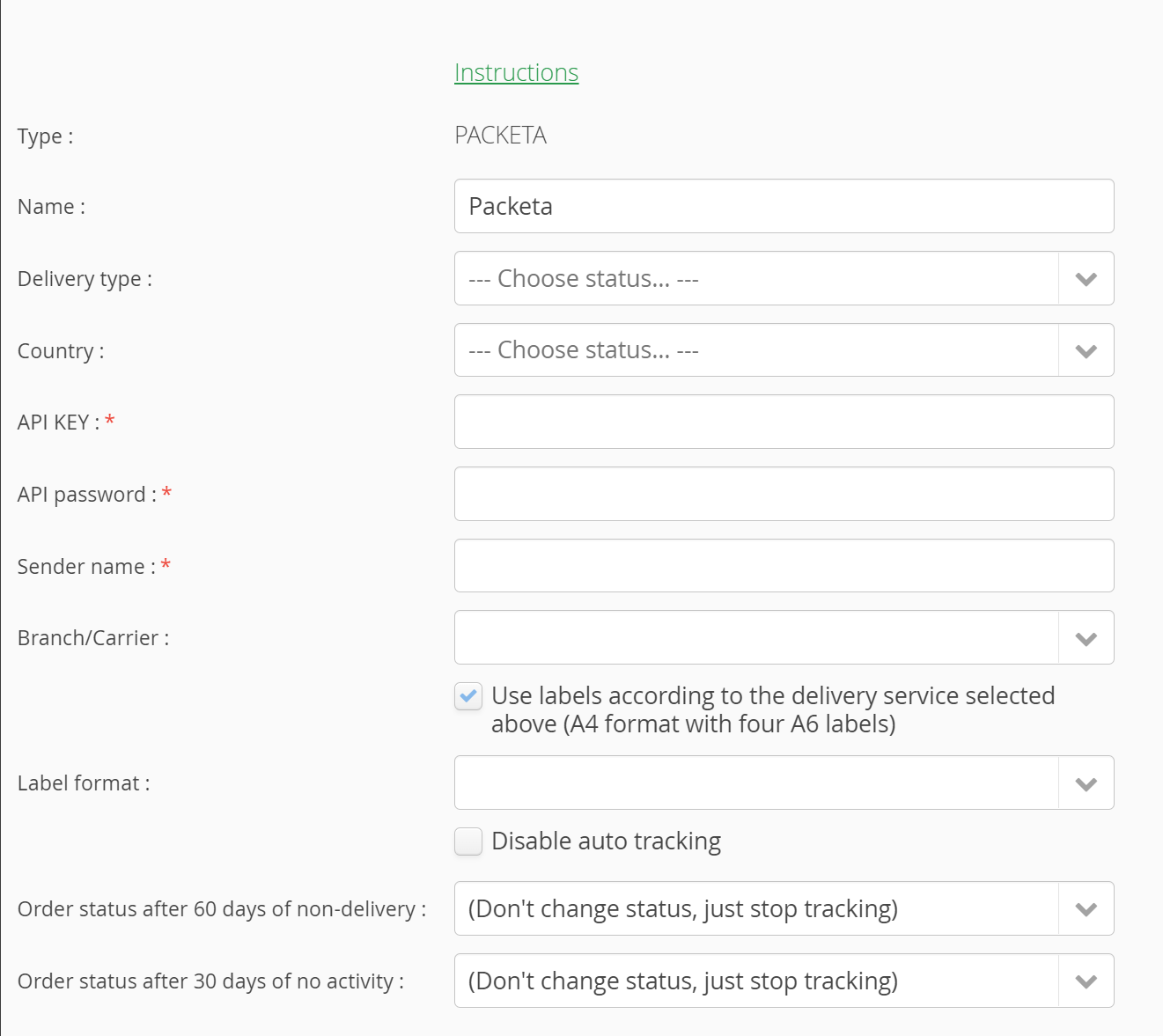
At MK, we suggest using the ''Use labels according to the delivery service selected'' setting, because before the label is created, the selected delivery service verifies the correctness of data and returns appropriate labels. Otherwise, Packeta must fix the errors in its warehouse.
The desired label format and method should also be selected:
The method of choosing the label format depends on whether the function ''Use labels according to the delivery service selected above'' is activated or not
1) If the function is not activated, the yellow marked selection of label format is present - stands for the basic Packeta labels
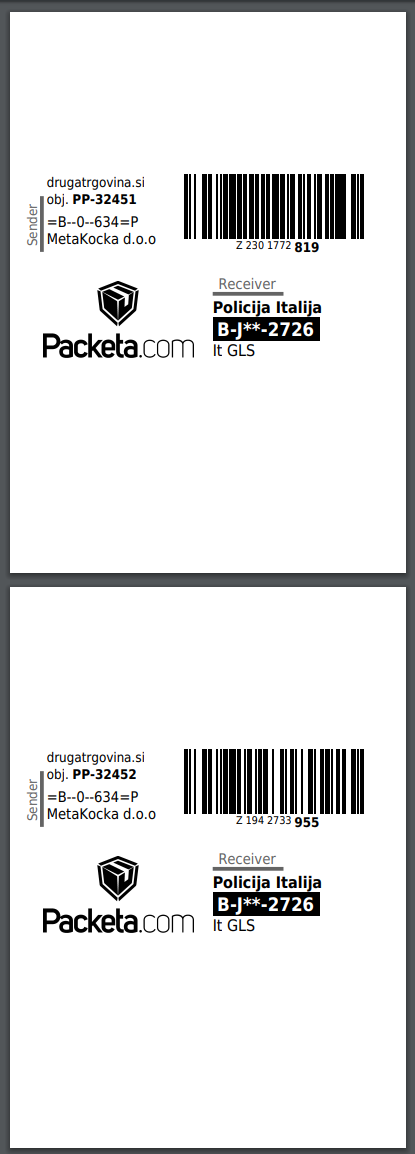
Example of A6 Packeta labels (disabled option - ''Use labels according to the delivery service selected above''):
 By entering the appropriate value for ''Sender name'' (appropriate among Senders in the Packeta control panel) it is also possible to send
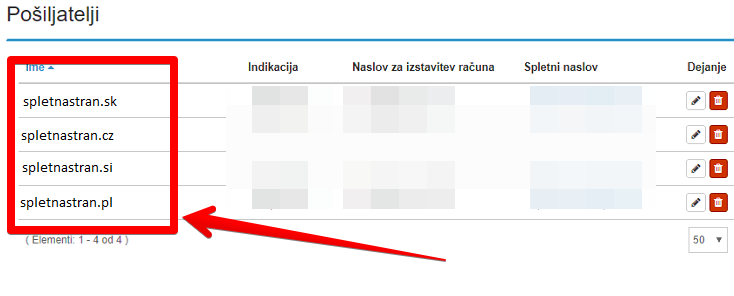
If the value is not the same as the value in MK, the following error will be displayed upon printing the label "Není zadán odesilatel zásilky. Prosíme vyberte je".
5. Then, selecting "Branch/Carrier" is needed, which represents the delivery service through which Packeta will forward the shipments in the selected country. Be careful and select the appropriate delivery service for the respective country.
4. Save and test:
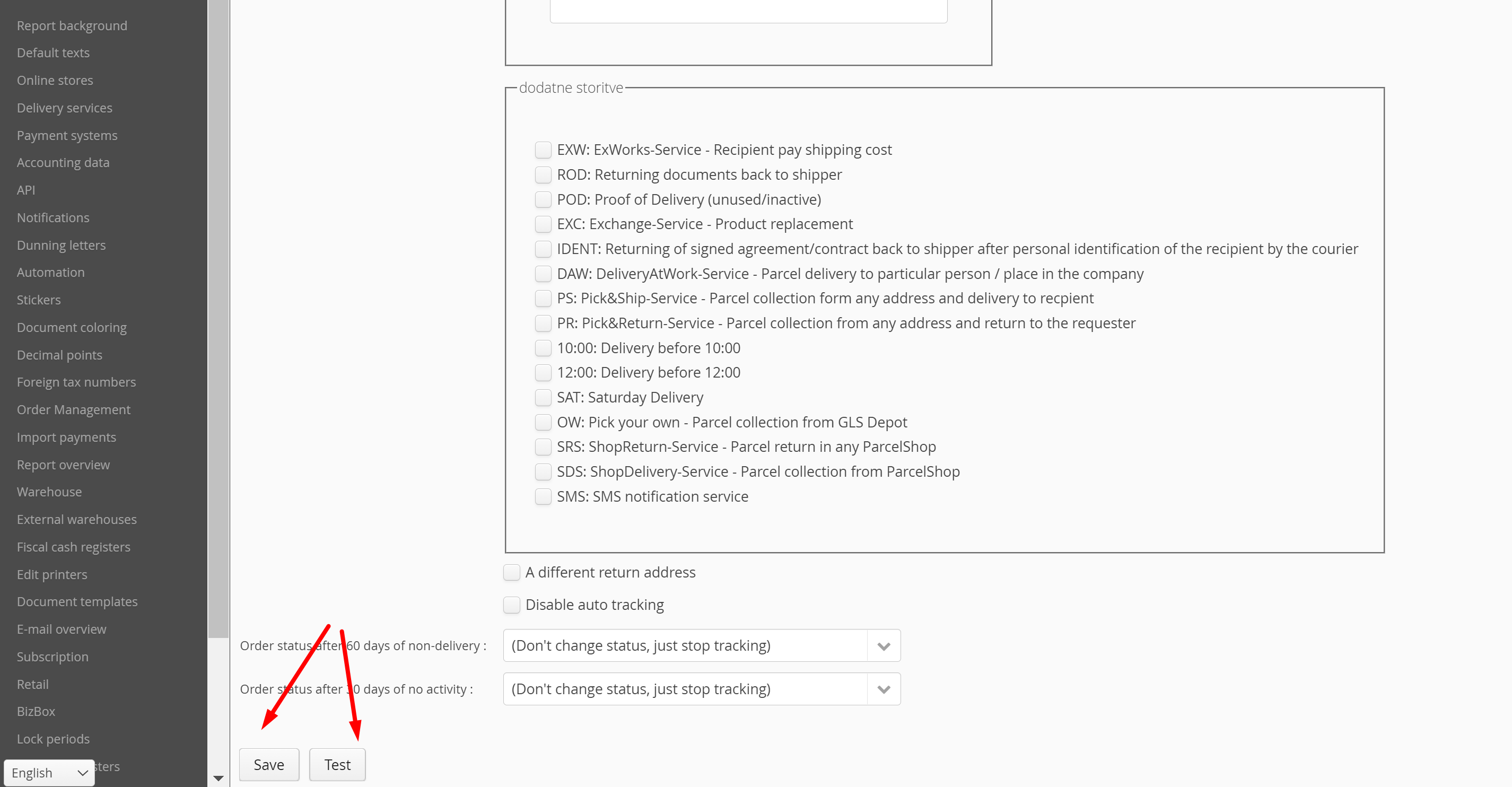
Save the entered data and click ''Test'' to check its validity.
Specifics
- Different address for package return
Delivery service Packeta as for now does not enable setting ''Different address for package return'' via MetaKocka. If you want to define the address or DEPOT to which the rejected/unclaimed parcels will be returned, we suggest contacting your Packeta seller, who should handle this. - Limitations for Cash On Delivery
COD service also imposes certain limitations:- Supported currencies: CZK, EUR, HUF, PLN, RON
- HUF: order value must be divisible by 5 (example: 5 HUF, 45 HUF, 100 HUF,...)
- CZK: order value must be an integer, without decimal value (example: 77,00 CZK, 30,00 CZK)
- Limitations based on the maximum possible value and the COD amount
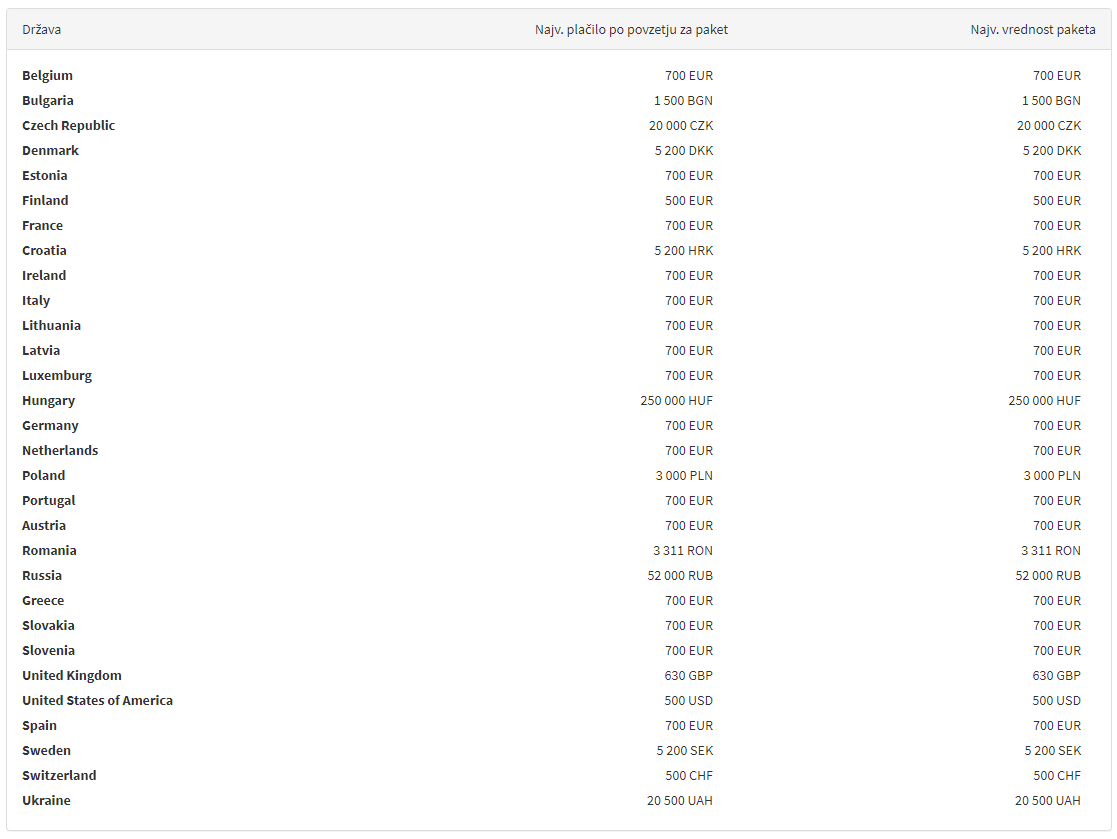
- Other limitations based on the Branch/Carrier delivery service
https://docs.packetery.com/03-creating-packets/07-direct-label-printing.html#toc-carrier- PARCEL LOCKERS
- The existing Packeta link DOES NOT support parcel lockers
- To use parcel lockers for the individual carrier, a separate link is required
- parcel locker carrier is selected from the list:
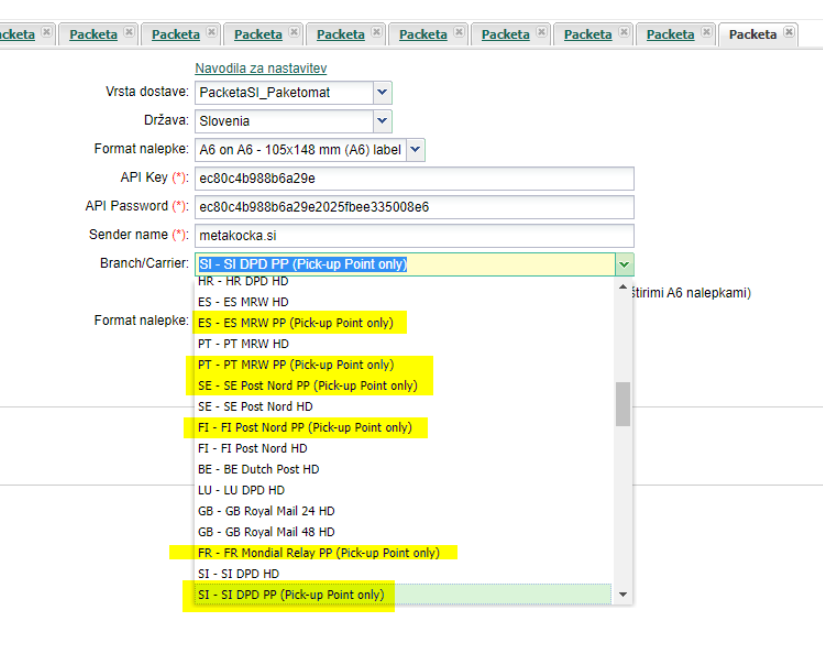 An appropriate delivery type must be specified for each order, which will determine whether the delivery is to the pick-up point or it is a home delivery. Otherwise, the following error will be displayed: Selected Packeta carrier requires orders to have Pick-Up Point set
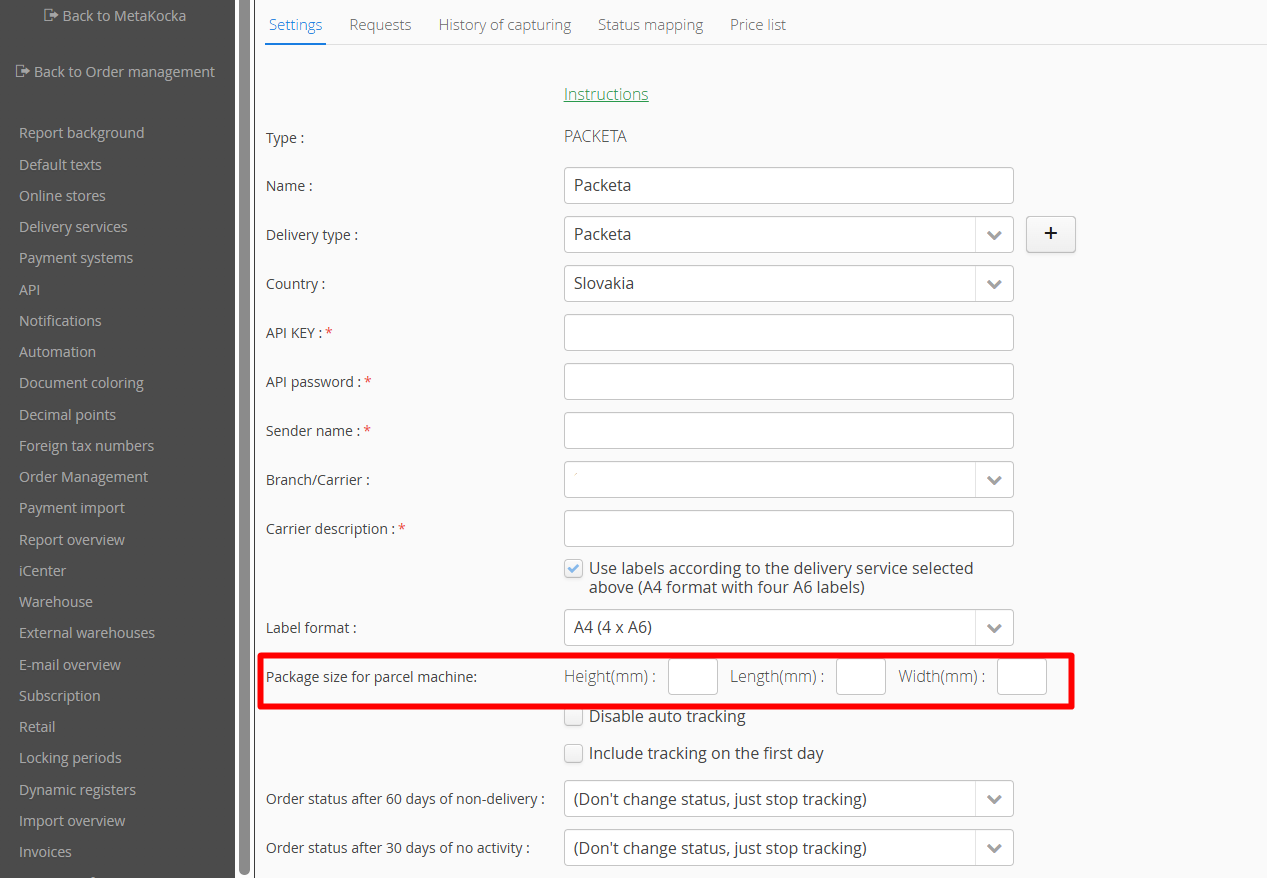
- Certain carriers require that package dimensions are also provided. You should enter these dimensions under "Package size for parcel machine:".
Was this article helpful?
That’s Great!
Thank you for your feedback
Sorry! We couldn't be helpful
Thank you for your feedback
Feedback sent
We appreciate your effort and will try to fix the article