
Fulfillment - Analytics
Analytics is intended for tracking orders inside the Fulfillment application
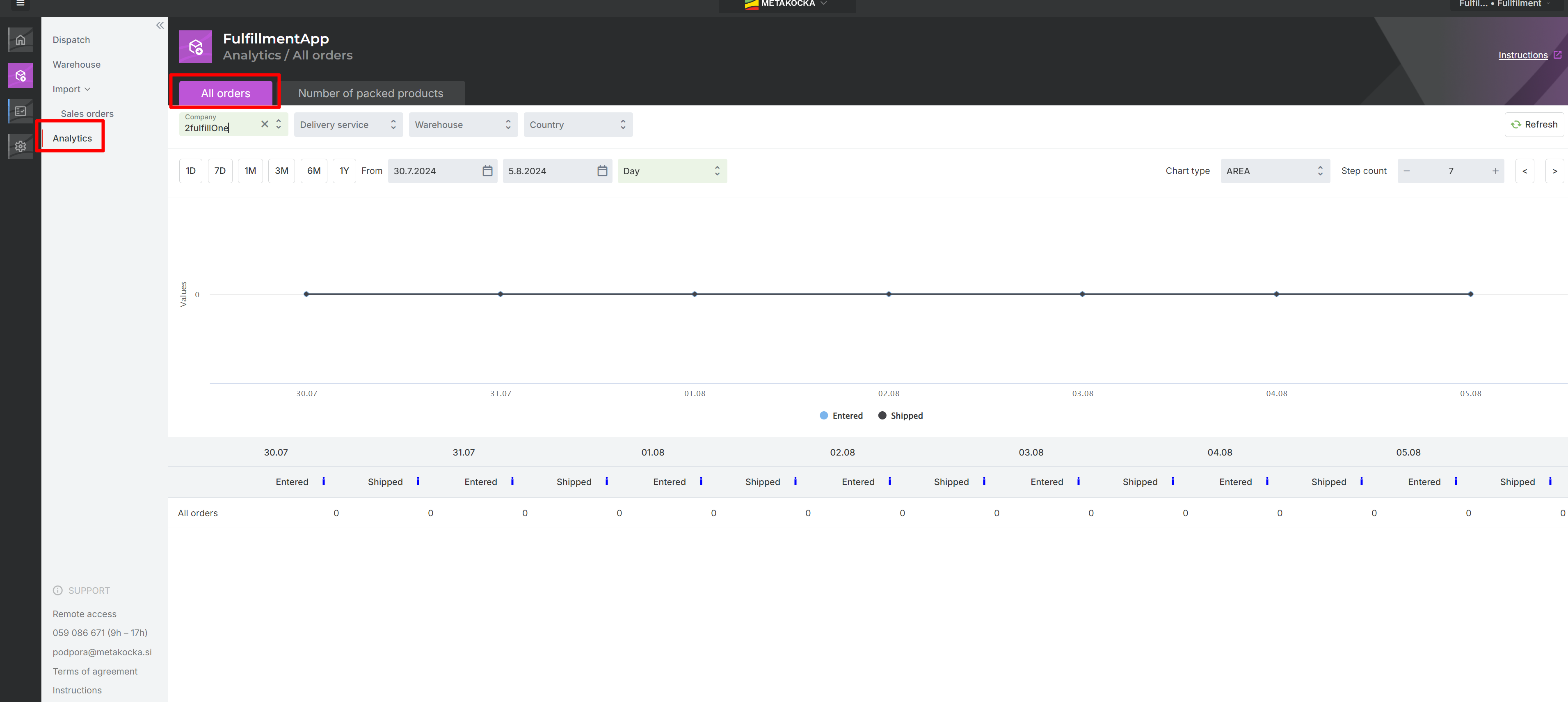
1. Graph All orders
The graph displays all orders added to the Fulfillment company for the selected period. ''All orders'' data displays all orders added to the fulfillment on the selected day/for the selected period. Moreover, the data is further broken down into information for individual companies within the fulfillment process
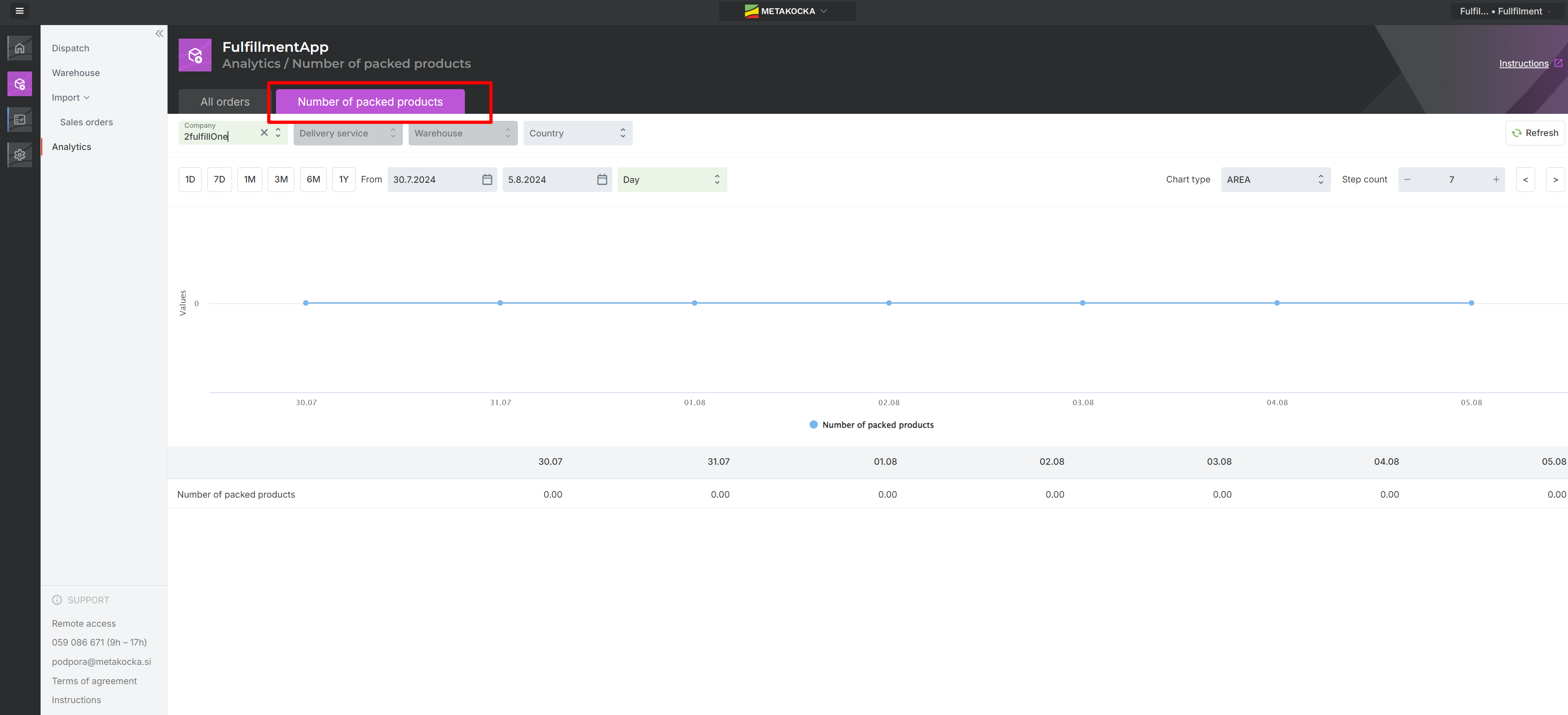
2. Number of packaged products graph
Displays all products shipped in the Fulfillment company. The filtering by days/companies is also supported here.
3. Number of packaged orders by packer
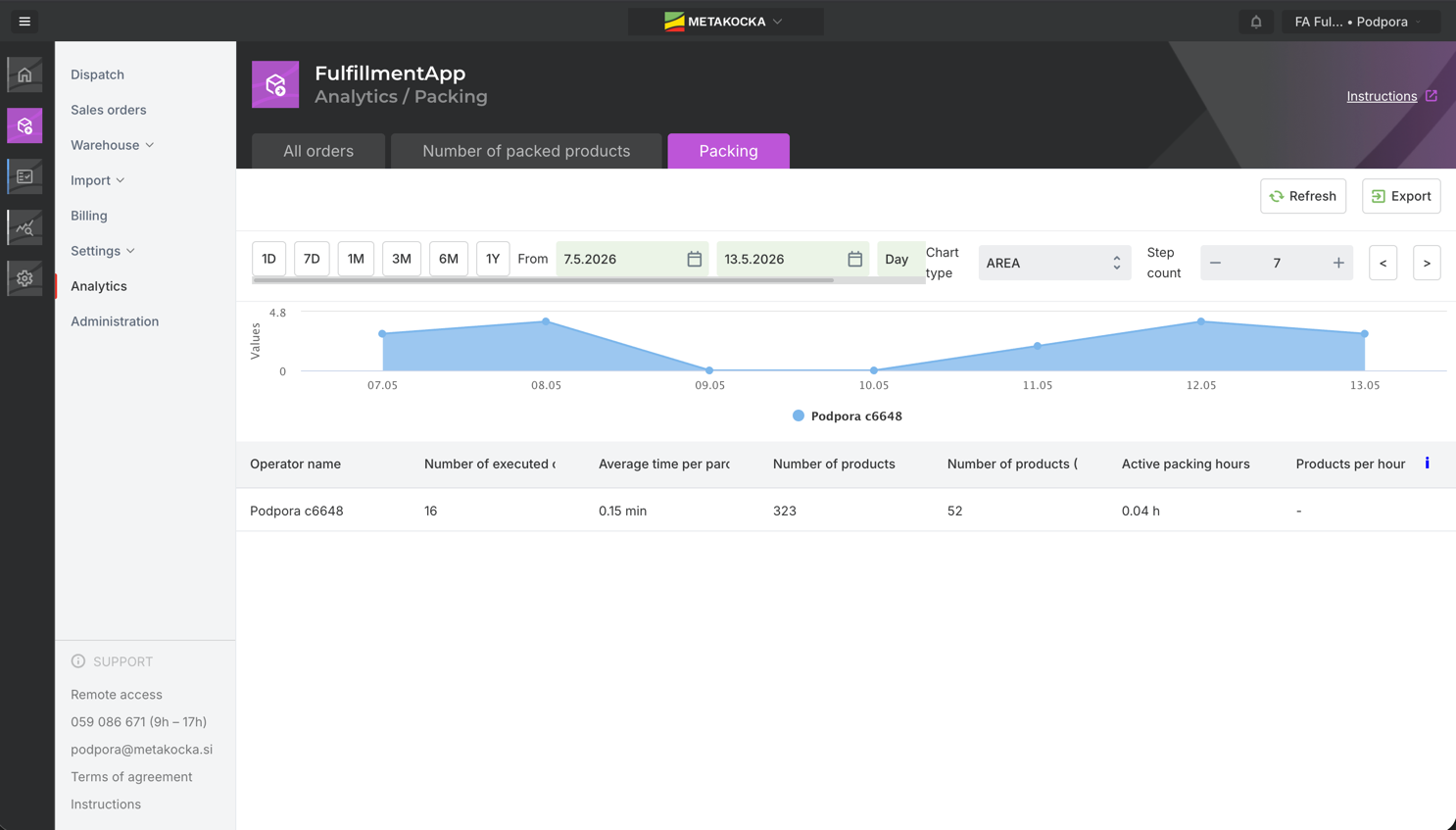
Displays all packers in the Fulfillment company, how many orders packed each, average time, added products, how many active hours he/she packed.
Was this article helpful?
That’s Great!
Thank you for your feedback
Sorry! We couldn't be helpful
Thank you for your feedback
Feedback sent
We appreciate your effort and will try to fix the article