
Order processing and automation
Additional text on the invoice linked to products
Este artículo no está disponible en Spanish. Consúltalo en Slovenian.
Order Management users can add any additional text linked to a product to domestic or foreign invoices.
Click the Edit button: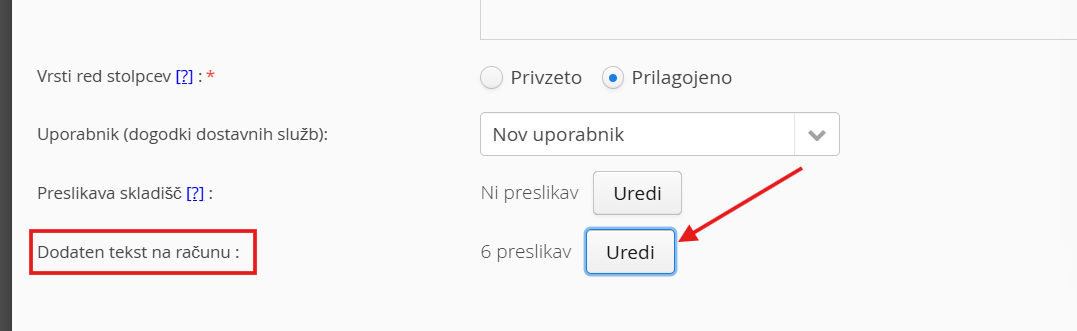
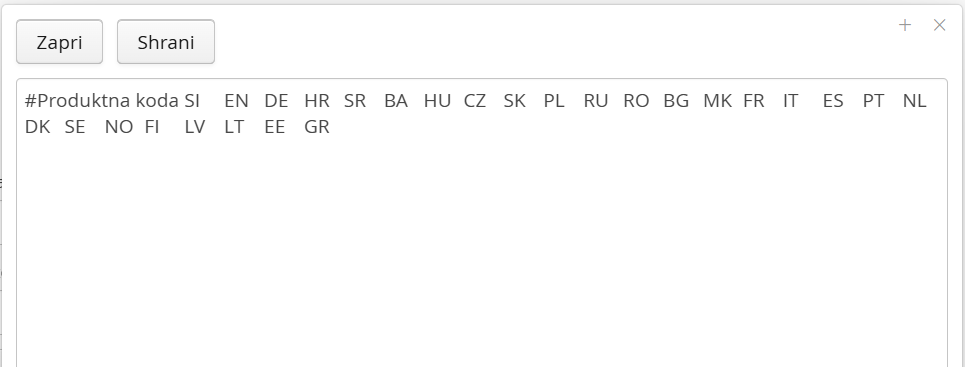
This gives you a form; copy it into XLS and edit it:
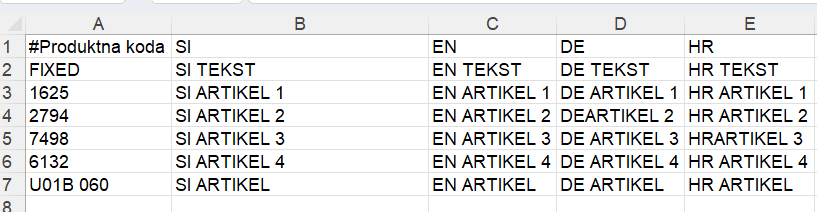
The first row with the code FIXED is for a fixed value that is always printed; all the following rows are product SKUs, printed depending on the products on the invoice:
Copy the edited data back into the form and save: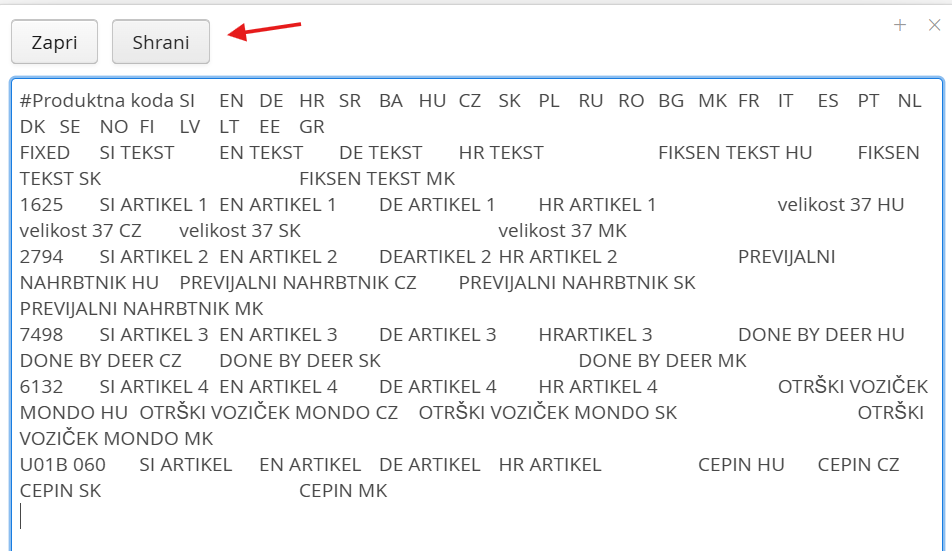
The text will be printed on the invoice: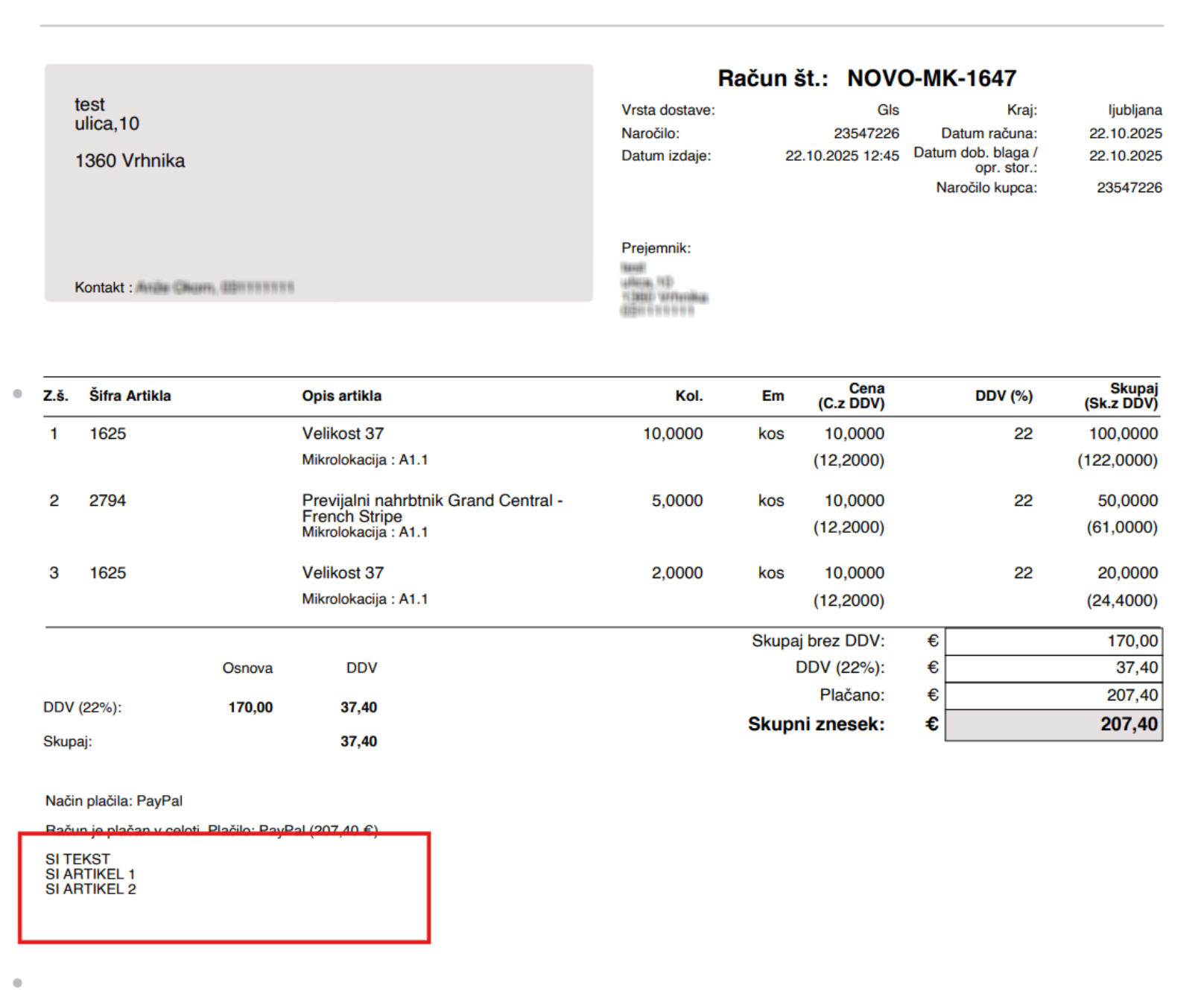
Was this article helpful?
That’s Great!
Thank you for your feedback
Sorry! We couldn't be helpful
Thank you for your feedback
Feedback sent
We appreciate your effort and will try to fix the article