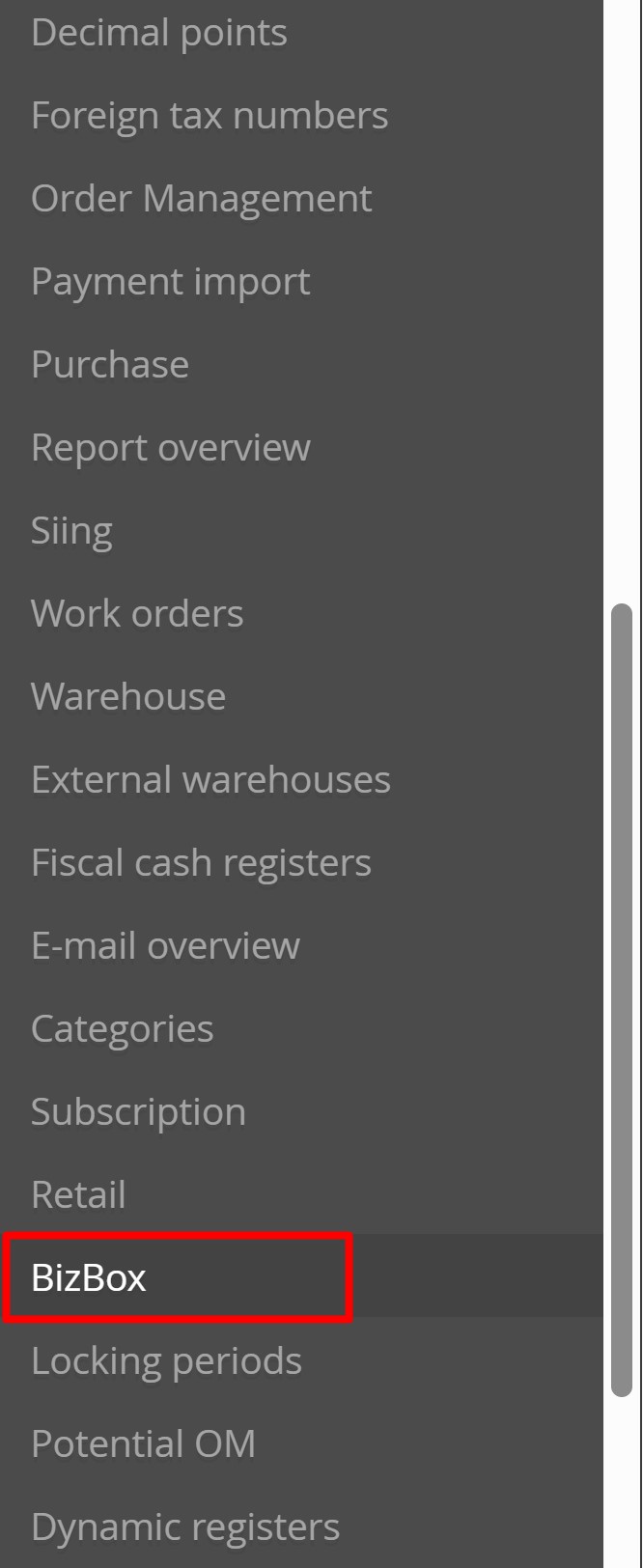
To transfer orders with a selected status from BizBox to Metakocka, go to Additional settings -> BizBox
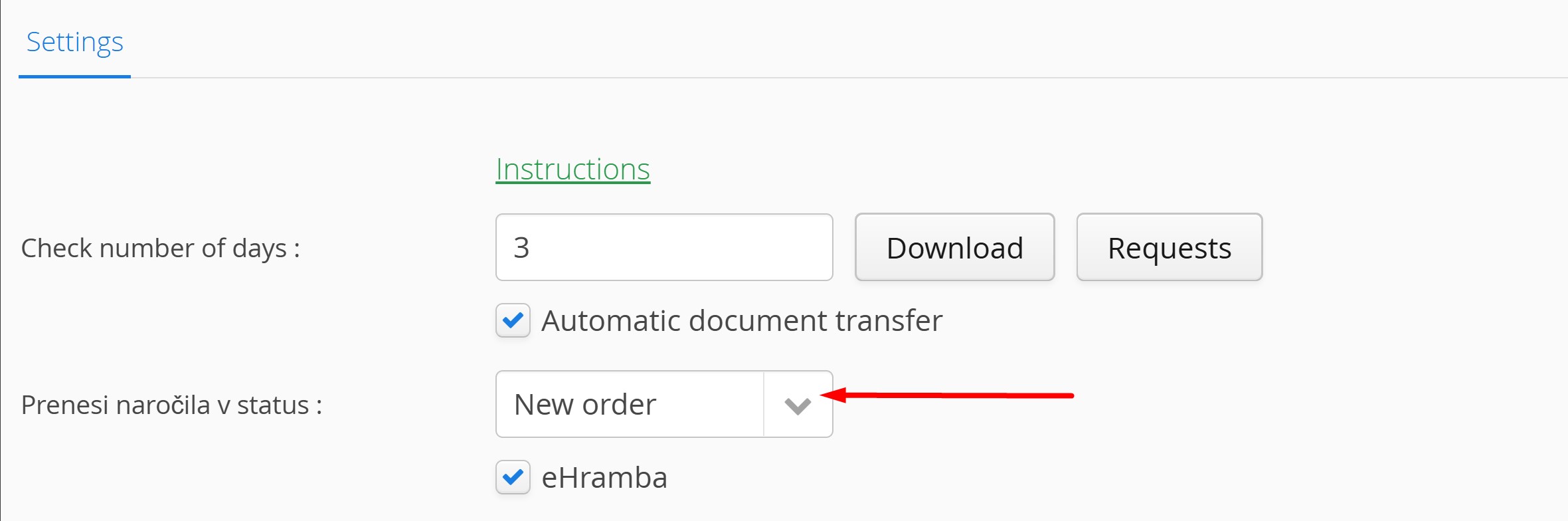
Select the status in which you want the orders to be transferred to Metakocka, and save the changes.
Was this article helpful?
That’s Great!
Thank you for your feedback
Sorry! We couldn't be helpful
Thank you for your feedback
Feedback sent
We appreciate your effort and will try to fix the article