Este artículo no está disponible en Spanish. Consúltalo en Slovenian.
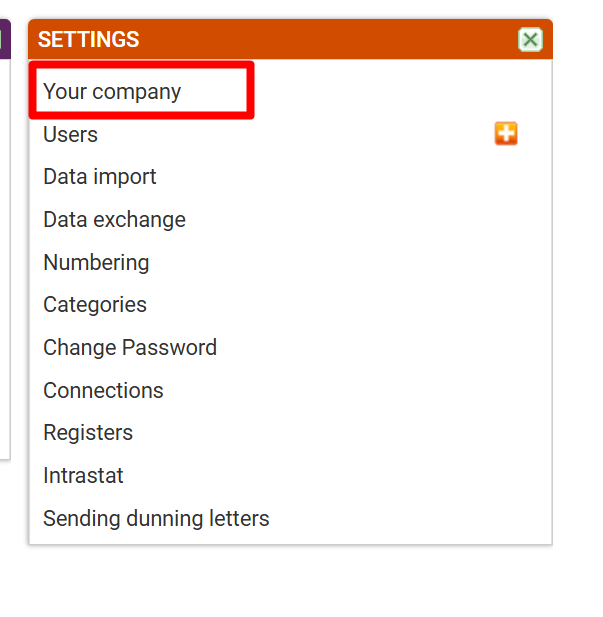
1. SETTINGS - Your company
In ''Settings'' select ''Your company''
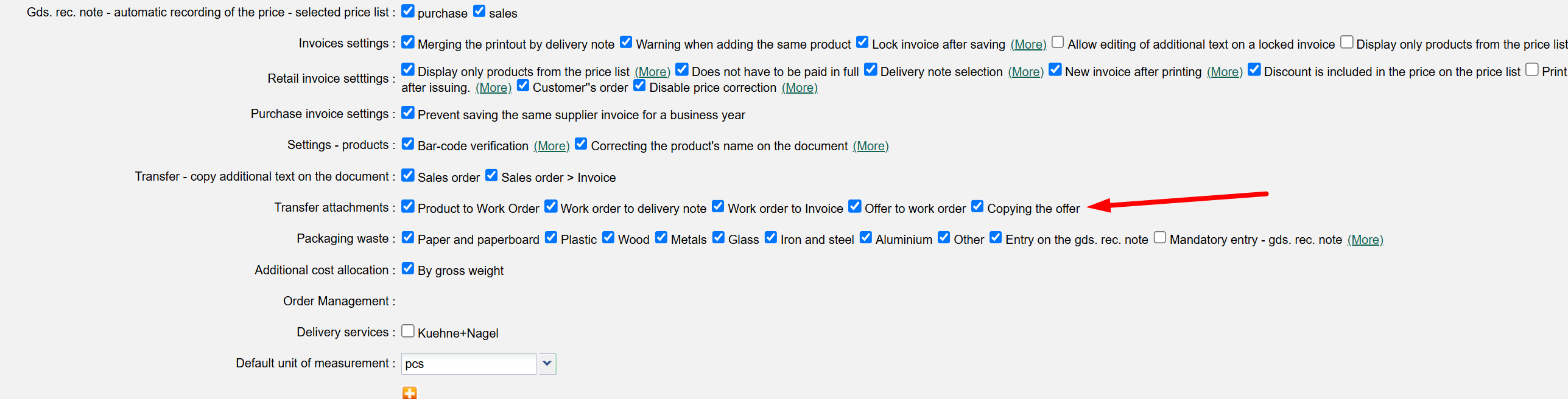
2. Download attachment - Copying the offer
In company settings, search for the ''Download attachment'' option and tick ''Copying the offer''.
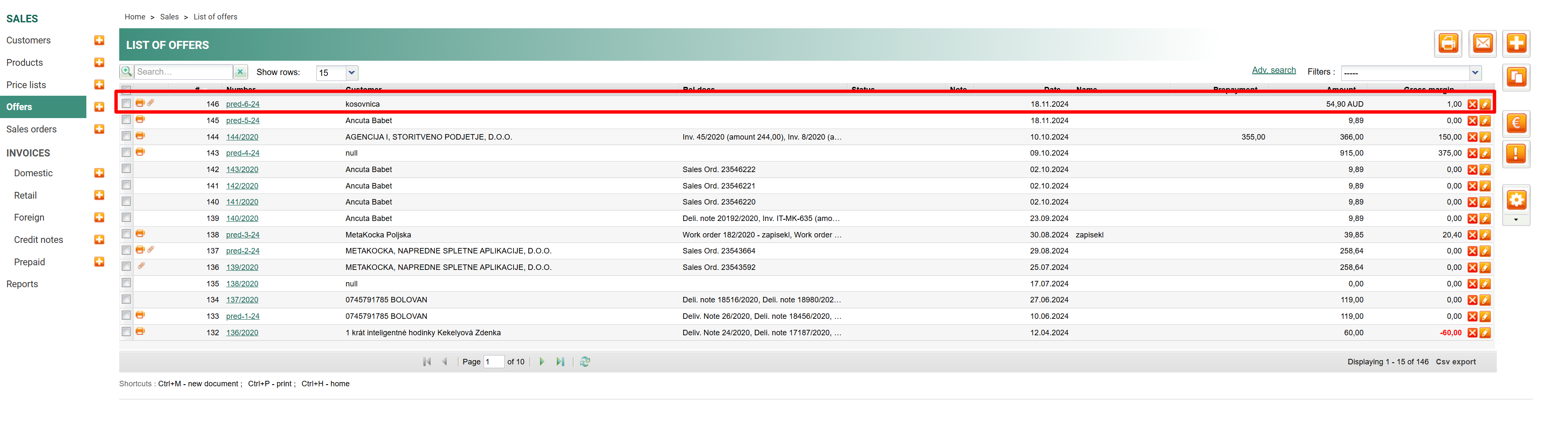
3. EXAMPLE
Select an offer that should be copied.
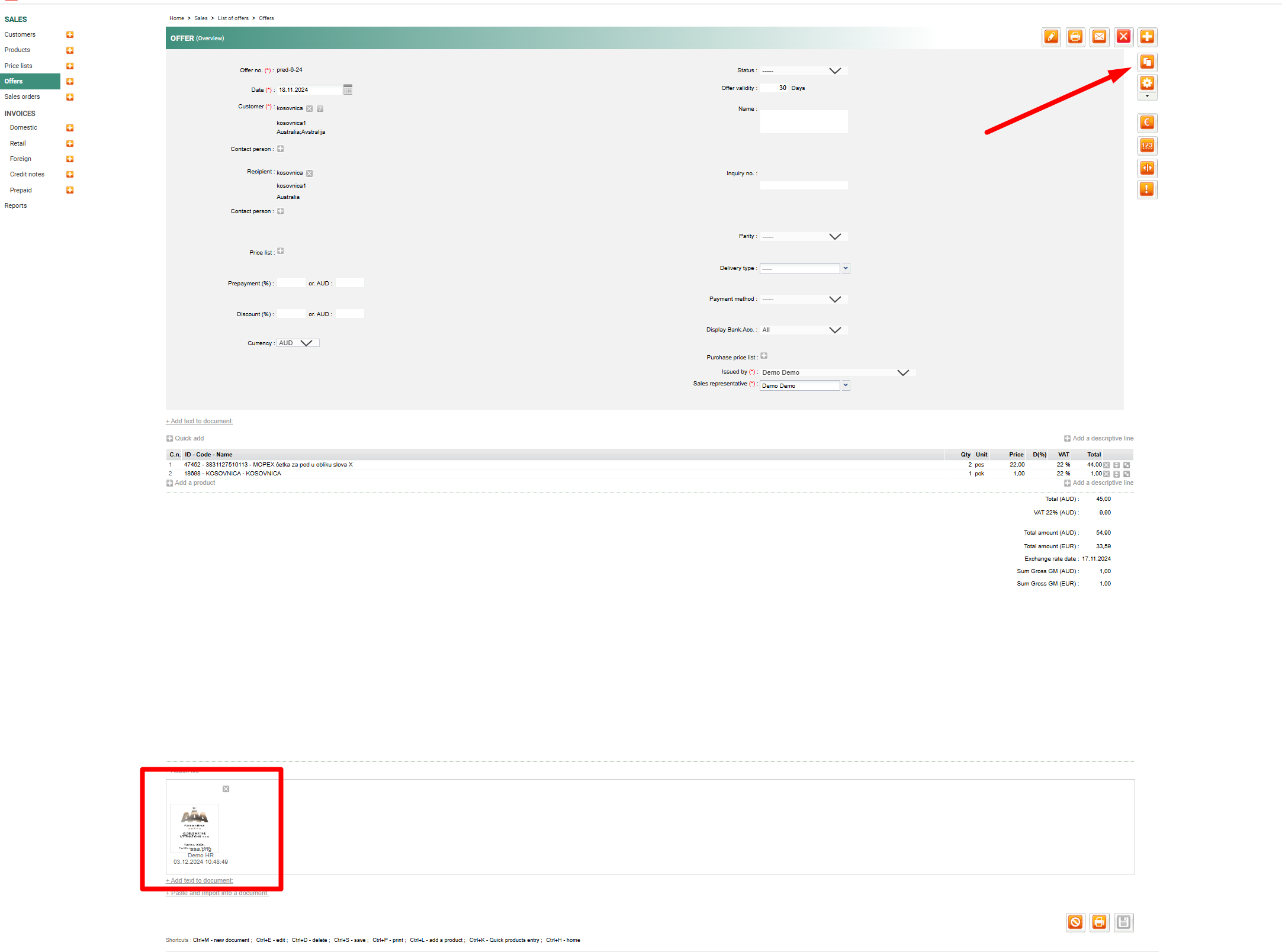
By copying the offer, the attachment will be copied as well.
Was this article helpful?
That’s Great!
Thank you for your feedback
Sorry! We couldn't be helpful
Thank you for your feedback
Feedback sent
We appreciate your effort and will try to fix the article