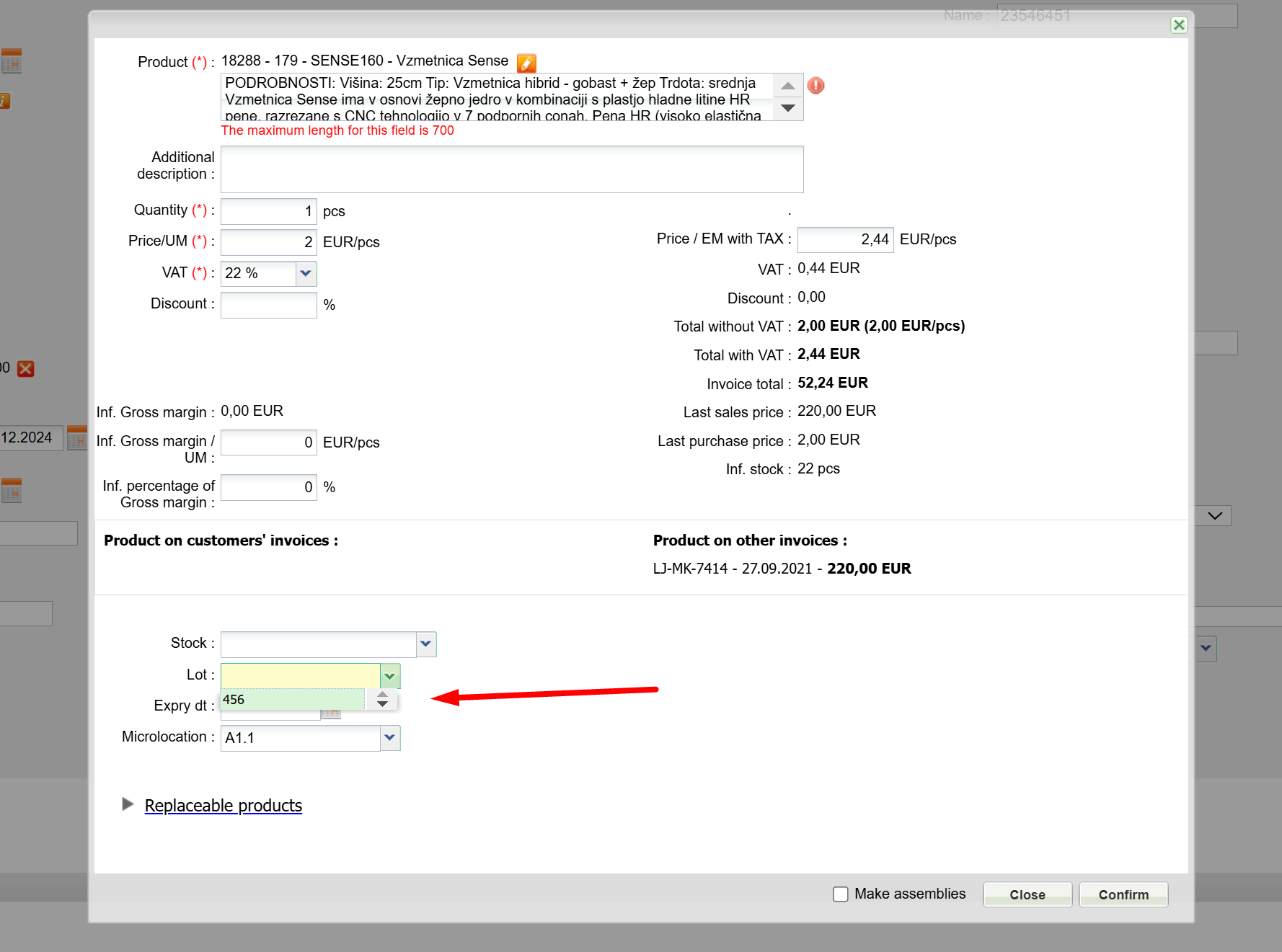
In case of LOT and expiry date usage on the product, you can select this info when adding the product to the invoice.
Example:
Artikel A ima več lotov in več datumov veljavnosti Product A has multiple LOT and multiple expiry dates.
LOT 3569 with expiry date 31.12.2023 has 5 pcs in stock
LOT 3569 with expiry date 30.9.2023 has 3 pcs in stock.
When adding a product on the invoice, the stock of the product is shown when choosing a LOT and expiry date.
Was this article helpful?
That’s Great!
Thank you for your feedback
Sorry! We couldn't be helpful
Thank you for your feedback
Feedback sent
We appreciate your effort and will try to fix the article