
Work orders
Normativ import
1. In settings/data import, you can find the import normativ document
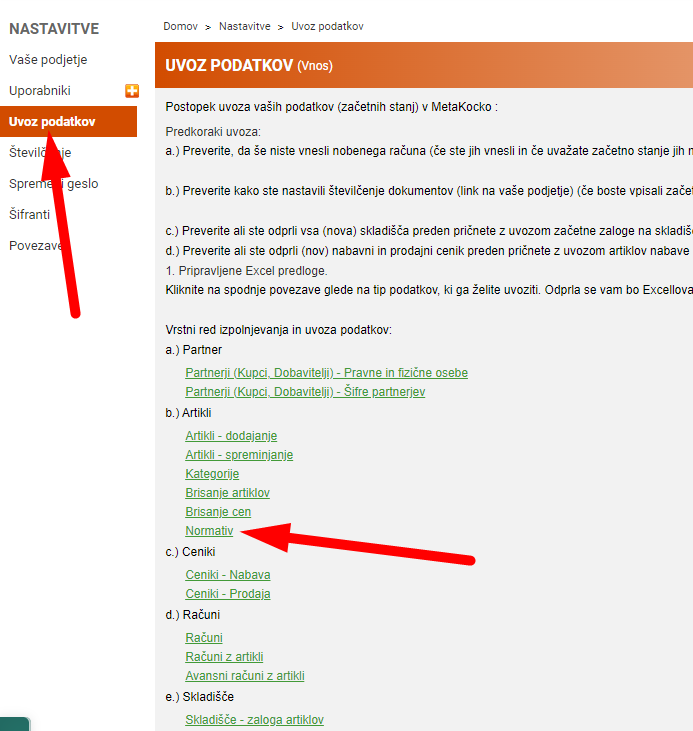
2. fill out the document
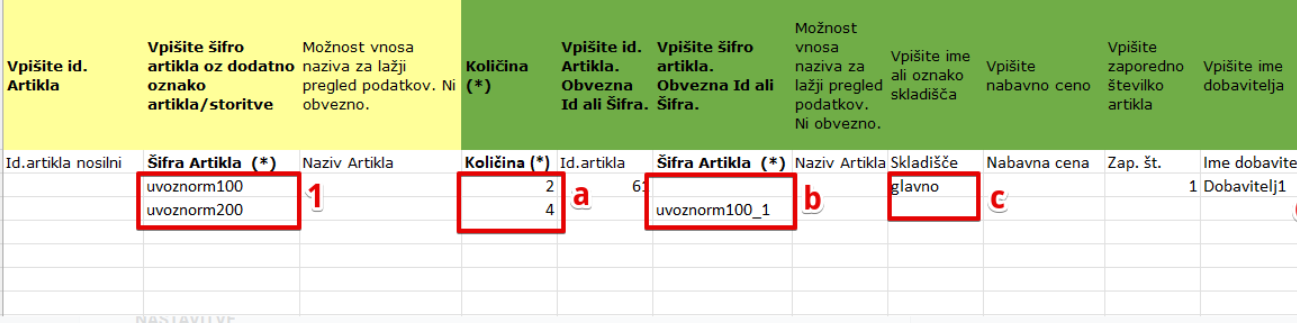
1. In the first half (color yellow), fill the main product information, a must info is product code.
2. Then fill the info in the green area
a.) quantity that will me set in the normativ
b.) product code (normativ)
c.) warehouse, from which the normativ will be subtractive
Save and import the data
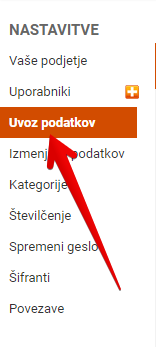
3. Settings/data import
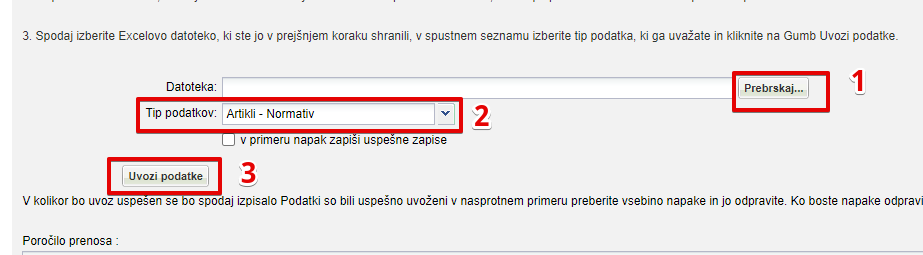
1. Choose the file from your computer
2. Data type - select product - normativ
3 Press import data
Was this article helpful?
That’s Great!
Thank you for your feedback
Sorry! We couldn't be helpful
Thank you for your feedback
Feedback sent
We appreciate your effort and will try to fix the article