
Order Management 2 – Shipped
In the Shipped status are orders that you have already prepared for courier pickup and that are already on their way to the customer.
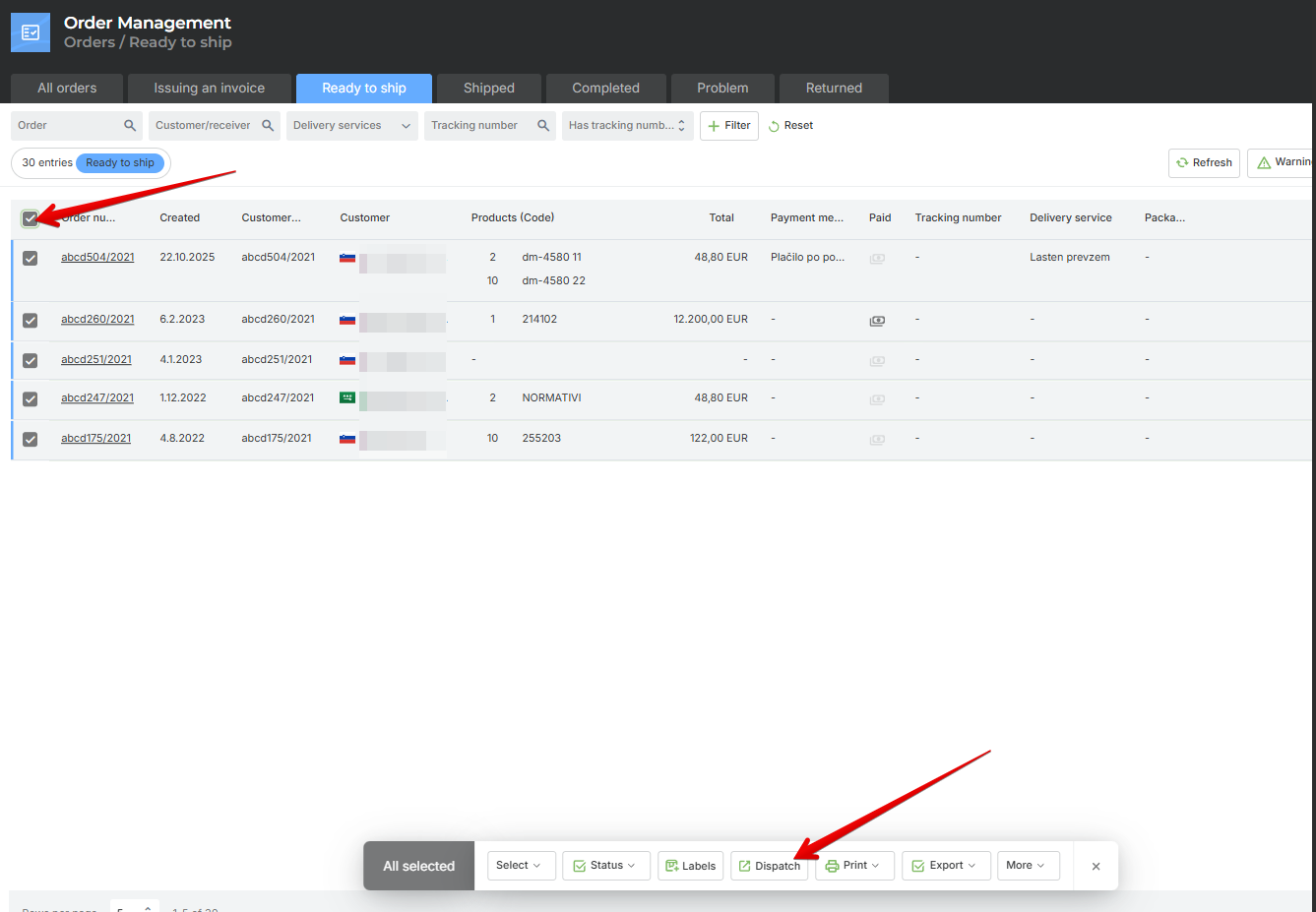
Orders are moved to this status when you mark orders in the Ready to Ship status and click on Dispach.
The order remains in the Shipped status until the delivery service delivers the package. At that point, the delivery service notifies us that the package has been delivered, and based on this information, the status in Metakocka is automatically changed to Completed.
If the package is refused, the delivery service also notifies us, and the status is then changed to Package Return.
Was this article helpful?
That’s Great!
Thank you for your feedback
Sorry! We couldn't be helpful
Thank you for your feedback
Feedback sent
We appreciate your effort and will try to fix the article