
Order Management 2 – All Orders
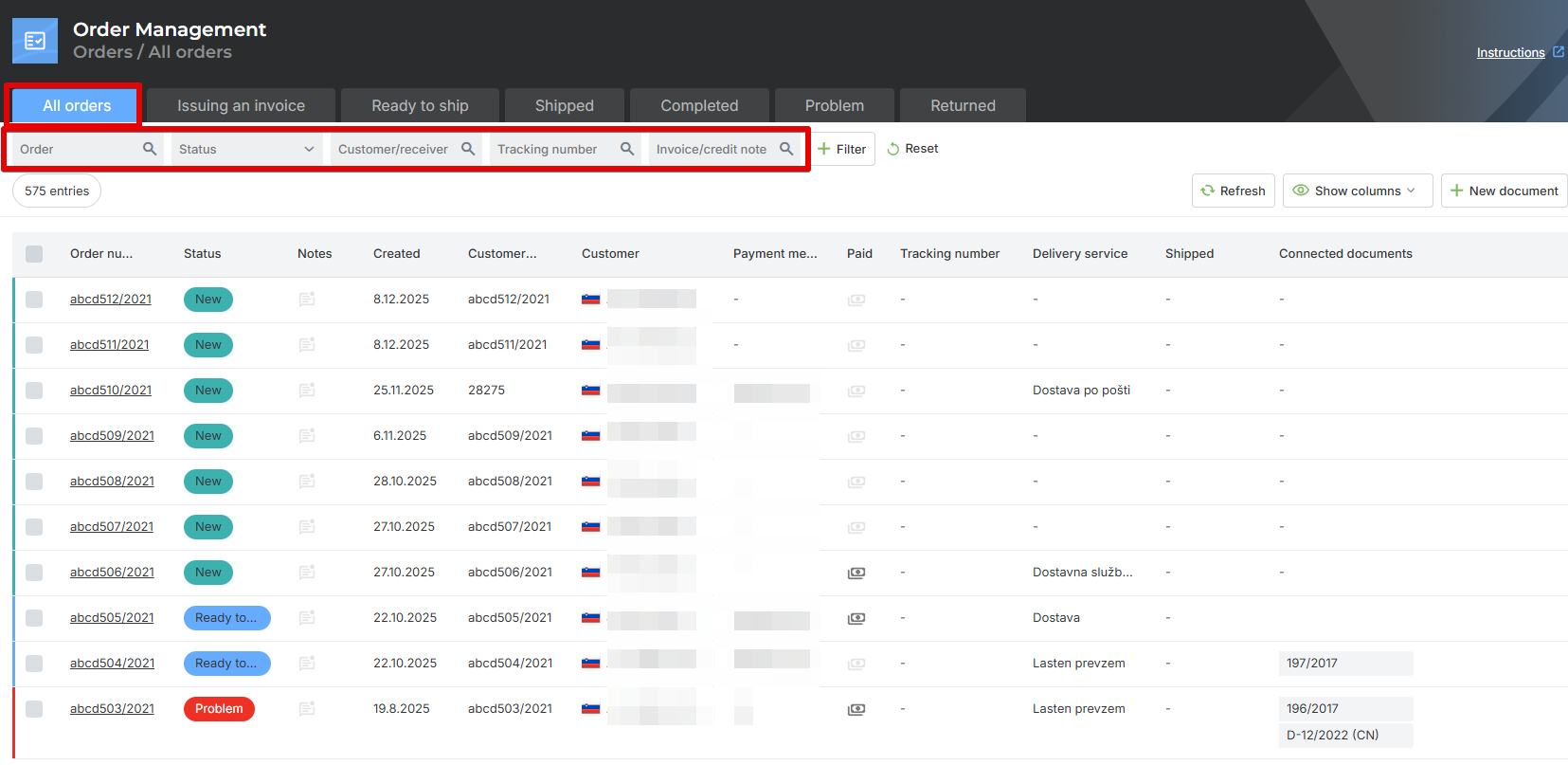
In the “All Orders” tab, all orders that have been transferred to Metakocka are listed. The list of all orders is shown without filters so that you can see all orders—new ones, delivered ones, as well as those with the status problem or in shipping.
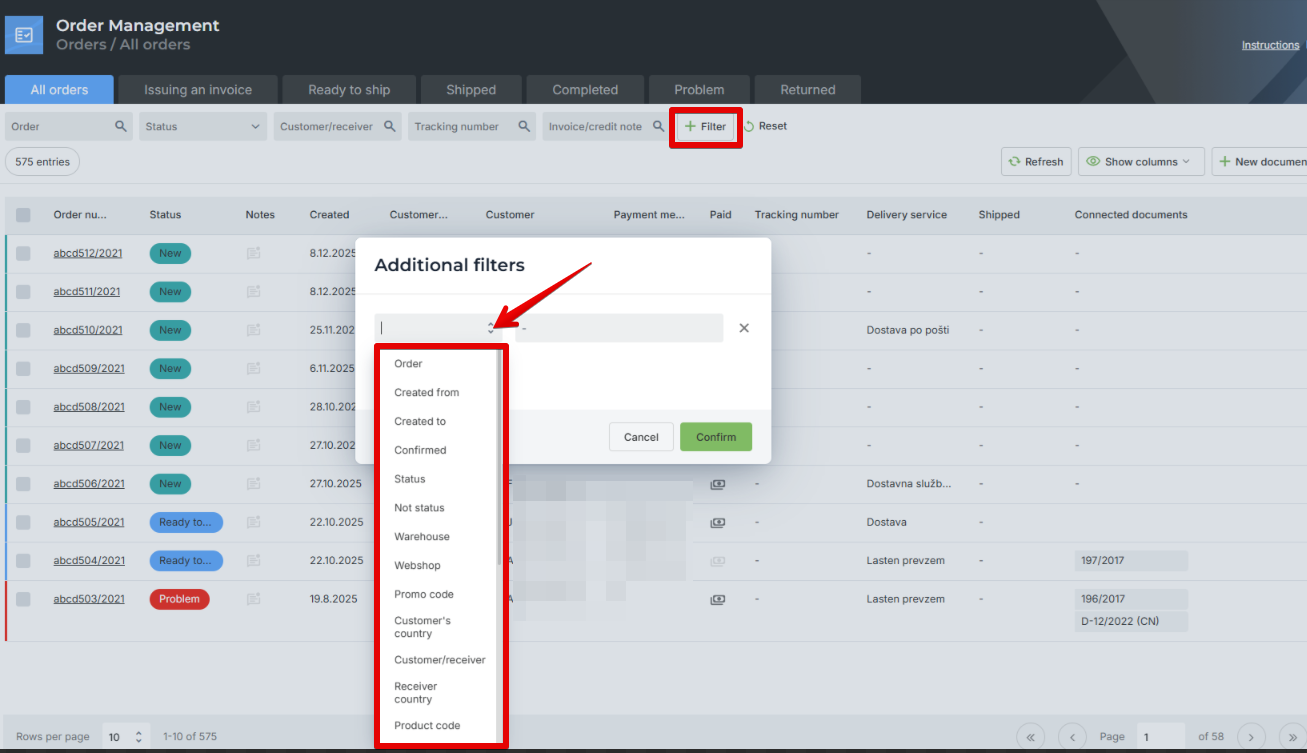
You can search for orders using the following criteria:
Order: Here you can search by sales order number or by the customer’s order number. Priority is given to the customer’s order number, which means that if an exact match with the customer’s order number is found, the system does not continue searching by the sales order number.
Status: Here you can search by the status of the sales order.
Customer/Recipient: Here you can search by the first and last name of the customer and the recipient.
Tracking Number: Here you can search by the tracking numbers of the delivery services.
Invoice/Credit Note: Here you can search by invoice and credit note numbers.
Was this article helpful?
That’s Great!
Thank you for your feedback
Sorry! We couldn't be helpful
Thank you for your feedback
Feedback sent
We appreciate your effort and will try to fix the article